How to Access Phone Camera from Another Phone: Easy Guide
Imagine being able to capture moments without physically holding your phone. Whether you want to keep an eye on your home while you’re away or simply snap a picture from a different perspective, accessing your phone camera from another device opens up a world of possibilities.
You might be wondering how this can be done and if it’s as complex as it sounds. The good news is, it’s easier than you think. With the right tools and a few simple steps, you can unlock this handy feature.
Dive into this guide and discover how you can gain control over your phone’s camera remotely, giving you more freedom and flexibility in capturing and sharing life’s moments. Are you ready to explore how you can make this magic happen? Let’s get started!
Tools And Apps
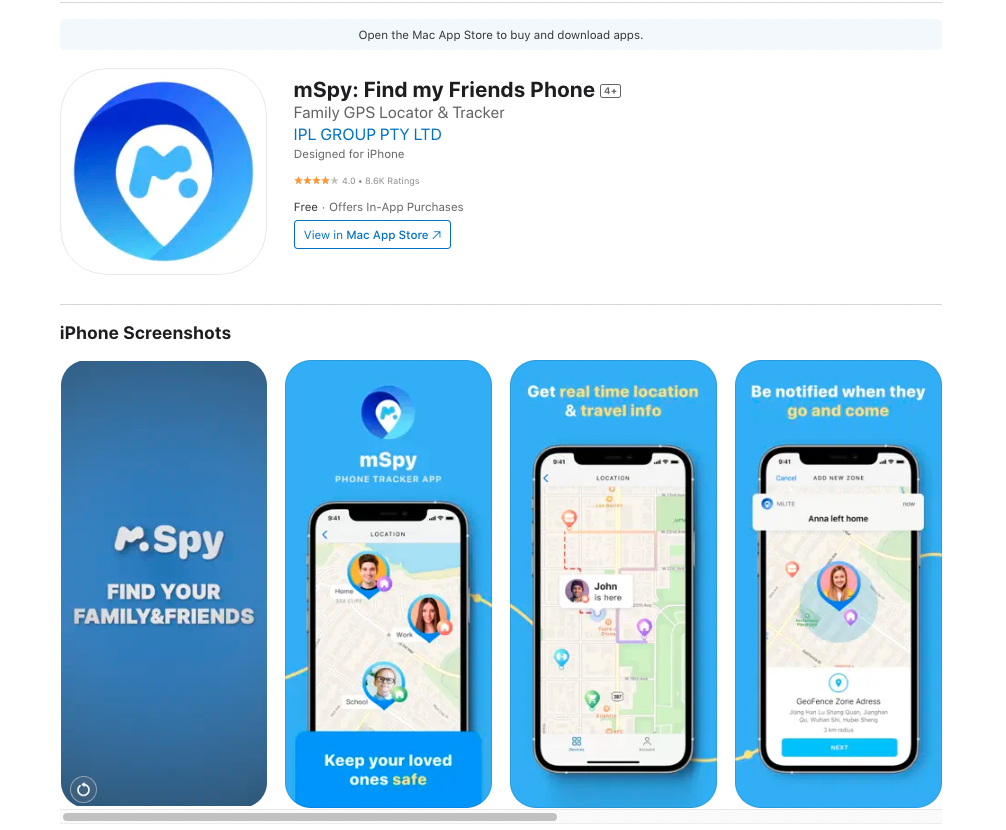
Many apps help you use another phone’s camera. Alfred is popular. It lets you view live feeds easily. Manything is another choice. It records video and saves it. Presence offers both video and audio. You can also try AtHome Camera. It has motion detection features.
Think about what you need. Live streaming or motion alerts? Each app is different. Alfred is good for live feeds. Manything helps with recording. Presence is useful for sound alerts. AtHome Camera is great for motion detection.
Credit: www.airdroid.com
Setting Up Your Devices
Start by ensuring the host phone is ready. Download a reliable camera-sharing app. Install it properly. Check if the camera is working well. Enable camera access in the app settings. Keep the phone charged. Connect to a strong Wi-Fi network. This helps in smooth streaming. Grant necessary permissions for the app. Check privacy settings. Make sure the app can access the camera. Set up a secure password. This protects the phone from unauthorized access.
Install the same app on the remote phone. Ensure it is compatible. Connect to the same Wi-Fi network. This ensures stable connection. Log in using the same account. Verify the connection between phones. Check for any app updates. Keep the remote phone charged. Verify camera access permissions. Adjust settings for optimal viewing. Ensure privacy settings are correct. Test the connection before use.
Connecting Devices
Sharing your phone camera needs a secure connection. First, download a trusted app. This app helps in connecting both phones safely. Next, make sure both devices are on the same Wi-Fi network. This keeps the connection smooth and fast. Then, open the app and follow the steps. It will ask for some permissions. Allow these for the app to work well.
Sometimes, connections face problems. Try restarting both phones. This often fixes small bugs. Check if your Wi-Fi is working well. Weak signals can cause trouble. Ensure both apps are up to date. Updates fix many issues. If problems persist, consider reinstalling the app. This gives it a fresh start.
Credit: mliteapp.com
Using The Remote Camera
You can take pictures with a remote camera app. First, install the app on both phones. Open the app on the phone with the camera. Connect the phones through Wi-Fi or Bluetooth. Then, use the second phone to control the camera. Press the capture button to take photos. Record videos by selecting the video option. Everything is easy and fun.
Change camera settings easily with your phone. Adjust brightness for better images. Change focus to make pictures clear. Try different filters for fun effects. Zoom in or out to get the best shot. All settings help make photos look nice. Remember to save your changes. Enjoy taking great pictures.
Privacy And Security
Accessing another phone’s camera raises privacy and security concerns. Always ensure consent and use trusted apps. Protect personal information by avoiding unknown or suspicious applications.
Ensuring Data Protection
Accessing another phone’s camera raises privacyconcerns. Protect your data by using secure apps. Always check app permissions before installing. Verify the authenticityof the app. Keep your phone’s software updatedfor better security. Avoid sharing sensitive information over insecure apps. Use apps with end-to-end encryptionfor data safety. Make sure your connection is securewhen accessing cameras. Be cautious with unfamiliar apps. Regularly review your phone’s security settings.
Best Practices For Safe Usage
Use a trusted appfor camera access. Read app reviews before downloading. Ask friends for app recommendations. Check app ratings on the app store. Set strong passwords for your apps. Do not share passwords with others. Enable two-factor authenticationif available. Keep your phone’s software up-to-date. Regularly update your apps for better protection. Use a secure internet connection when accessing cameras. Do not access cameras in public Wi-Fi. Always log out after using apps.
Credit: www.airdroid.com
Advanced Features
Some apps offer cool features. These include remote zoom and flash control. You can even switch between cameras. All from another phone. This makes it easy to capture great pictures. It’s like having a magic touch. You can also save photos directly to your cloud. This keeps your memories safe.
Many apps can connect with other devices. This includes tablets and computers. You can see the camera view on these devices. It feels like you are there. Some apps let you use smart watches too. This makes it handy to take pictures. All without holding your phone. It’s simple and fun.
Frequently Asked Questions
How Can I Access Another Phone’s Camera?
You can access another phone’s camera using remote access apps. Apps like TeamViewer, AirDroid, and AnyDesk allow this feature. Ensure both phones are connected to the internet. Install the app on both devices and follow the setup instructions. Always get permission before accessing another person’s phone camera.
Is It Safe To Use Remote Camera Access Apps?
Yes, it is generally safe if you use reputable apps. Always download apps from trusted sources like Google Play Store or Apple App Store. Avoid sharing your login credentials. Regularly update the app for security patches. Ensure you have permission to access the other phone’s camera.
What Are The Best Apps For Remote Camera Access?
Popular apps for remote camera access include TeamViewer, AirDroid, and AnyDesk. These apps offer secure connections and user-friendly interfaces. They are available on both Android and iOS platforms. Always choose apps with good reviews and ratings. Ensure the app supports your device and operating system.
Do I Need Internet For Remote Camera Access?
Yes, internet access is required for remote camera access. Both phones must be connected to a stable internet connection. Wi-Fi is recommended for a more reliable and faster connection. Check your data usage if you’re using mobile data. Ensure both devices have adequate data plans.
Conclusion
Accessing a phone camera from another phone is now simple. With the right app, you can view and control another device’s camera. Always prioritize security and privacy. Ensure you have permission from the device owner. Some apps offer more features than others.
Compare options and choose wisely. Keep software updated to prevent security risks. Be mindful of data usage, especially on mobile networks. Practice responsible usage to maintain trust. This tech can be helpful in many situations. Explore it with care and consideration.

Callen Ridgeway is a senior writer at ElectroDoz, where he shares his expertise on the latest in drones, webcams, cameras, and a wide range of cutting-edge electronic devices. With a passion for exploring emerging tech and breaking it down into practical insights, Callen helps readers make smarter choices when it comes to gadgets and gear. When he’s not testing the newest electronics, he’s busy keeping up with the innovations shaping the future of consumer technology.