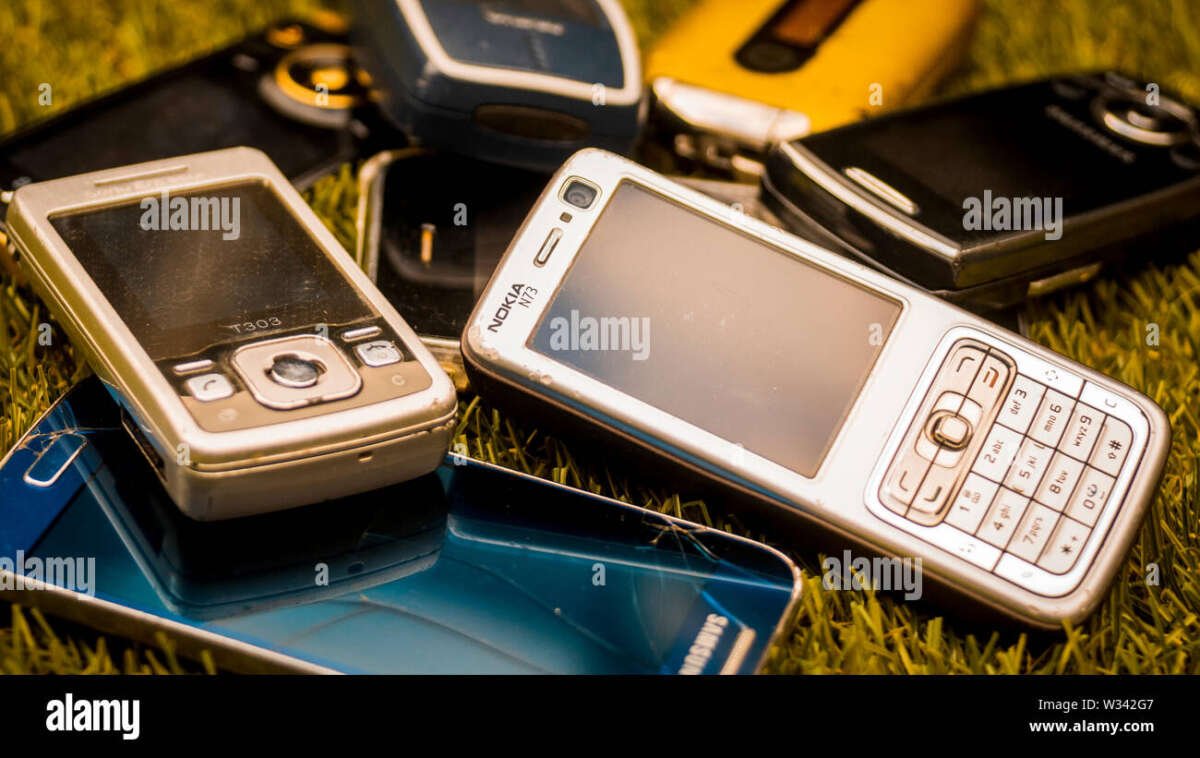
Can I Use An Old Smartphone With WiFi Only: Easy Guide
Introduction
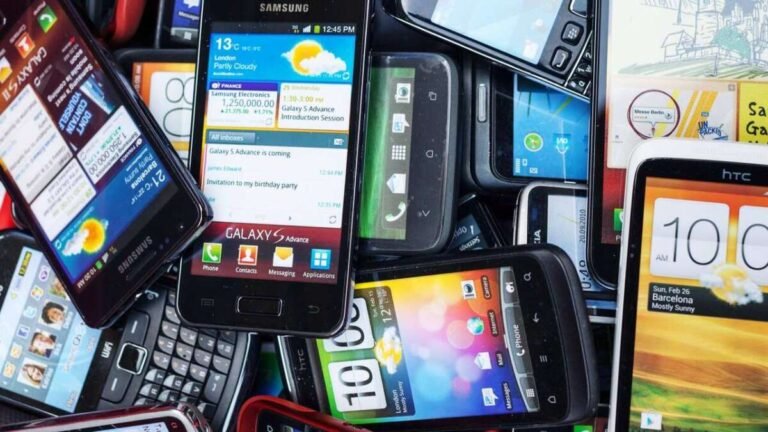
Yes. In the United States, you can use many old smartphones with Wi-Fi only, even if they no longer have an active cellular plan or SIM card. When connected to a home, school, work, or public Wi-Fi network, the phone can still browse the web, run apps, stream media, send messages, make internet calls, and use services such as email and maps.
An old phone can also work as a media player, security camera, child-friendly device, travel device, e-reader, or backup phone. The main limits are its battery, operating system, app support, storage, camera, and access to cellular services.

What Does “Wi-Fi Only” Mean on an Old Phone?
A Wi-Fi-only phone connects to the internet through a wireless network instead of a cellular network. It does not need an active mobile plan for most internet-based tasks.
The phone may still have cellular hardware, but you can use it without:
- A SIM card
- An eSIM
- A monthly phone plan
- A mobile data connection
- Cellular voice service
Wi-Fi and cellular service are separate connections. Wi-Fi works through a local wireless router or hotspot. Cellular service comes from a carrier such as Verizon, AT&T, or T-Mobile.
A phone without cellular service can still connect to Wi-Fi and use online apps. However, it will not normally receive standard carrier calls or SMS text messages sent to a mobile number.
What still works over Wi-Fi?
Most of these functions can work:
- Web browsing
- YouTube and other streaming services
- Wi-Fi messaging apps
- Video calls
- Social media
- Music and podcasts
- Cloud storage
- Online games
- Maps downloaded for offline use
- App downloads, if the operating system supports them
- Internet calling through supported apps
- Wi-Fi calling, if the phone and carrier support it
What usually does not work without cellular service?
These functions may stop working or require extra setup:
- Regular phone calls to your mobile number
- Standard SMS and MMS messages
- Mobile data outside Wi-Fi range
- Carrier voicemail
- Carrier account features
- Some location features that depend on cellular assistance
- Two-factor codes sent by SMS to an inactive number
A Wi-Fi-only setup is best viewed as an internet device, not a full replacement for an active mobile phone.

How to Set Up an Old Smartphone for Wi-Fi Use
You can usually prepare the phone in a few minutes. The exact menu names vary by Android version and iPhone model.
1. Charge the phone and turn it on
Leave the phone connected to its charger if the battery is weak. An old lithium-ion battery may lose power quickly or show an incorrect charge level.
Do not use a phone if its battery is swollen, cracked, leaking, unusually hot, or pushing the screen away from the frame. A damaged battery can be a fire risk. Recycle the phone through a certified electronics or battery recycling service.
2. Connect to Wi-Fi
Open the wireless settings:
- iPhone: Settings > Wi-Fi
- Android: Settings > Network & internet > Internet, or Settings > Connections > Wi-Fi
Choose your network and enter the password. If the network does not appear, move closer to the router and confirm that the router is broadcasting its network name.
Public Wi-Fi may require a sign-in page. Avoid entering banking or other sensitive information on an unfamiliar public network unless you trust the connection and use secure websites or a reputable VPN.
3. Test the internet connection
Open a browser and visit a few trusted websites. Then test the apps you plan to use.
If the phone says it is connected to Wi-Fi but websites do not load, restart both the phone and router. Also check whether the network requires you to accept terms on a sign-in page.
4. Update the phone if updates are available
Install supported system and security updates before using the phone for personal information. On an iPhone, check Settings > General > Software Update. On Android, check Settings > System > Software update, though the path may differ.
An old phone may no longer receive security updates. That does not make it useless, but it changes what the phone should do. Avoid using an unsupported phone for banking, password management, work accounts, or other high-risk tasks.
5. Remove unnecessary accounts and apps
Delete apps you do not need. This frees storage and reduces background activity.
If you are giving the phone to someone else, erase it first:
- iPhone: Settings > General > Transfer or Reset iPhone > Erase All Content and Settings
- Android: Settings > System > Reset options > Erase all data, or the equivalent menu
Before resetting an Android phone, remove the Google account if possible. Android devices with Factory Reset Protection may ask for the previous Google account after a reset. On an iPhone, turn off Find My and sign out of the Apple Account to avoid Activation Lock.
6. Install Wi-Fi-compatible apps
Use apps that support internet messaging and calls, such as services used by your family, school, or workplace. The other person usually needs the same service, or the service must support calls to regular phone numbers.
Examples include:
- Video calling apps
- Internet calling apps
- Web-based messaging
- Social media messaging
- Collaboration apps
App availability depends on the phone’s operating system and version. A very old iPhone or Android phone may not be able to install the latest version of an app.

Can You Make Calls and Send Texts With Wi-Fi Only?
Yes, but the method matters. Wi-Fi-only calling is not the same as regular cellular calling.
Internet calling apps
Apps can make voice or video calls over Wi-Fi. Both people may need the same app, depending on the service.
This option works well for:
- Family calls
- Video chats
- Calls between people who use the same platform
- Calls from a tablet-like device
The call quality depends on your Wi-Fi speed and stability. A weak connection can cause delays, dropped calls, or poor audio.
Some internet calling services can call regular U.S. phone numbers. Check the service’s current rules, fees, number requirements, and emergency-call policy before relying on it.
Wi-Fi Calling from a carrier
Wi-Fi Calling lets a supported phone place calls and send texts through Wi-Fi when cellular coverage is weak. It is still a carrier feature, not a completely independent phone service.
You generally need:
- A compatible phone
- An active carrier account
- A supported plan
- Wi-Fi Calling enabled
- Emergency address information in some cases
A deactivated phone usually cannot use carrier Wi-Fi Calling because it is no longer registered to an active mobile line.
Text messaging
Regular SMS and MMS usually require a carrier connection. However, messaging apps can work through Wi-Fi.
Services such as iMessage may work over Wi-Fi between compatible Apple devices. Android messaging apps may support internet chat features, but these features can depend on account setup, the app, and the recipient’s device.
Do not assume that every message app works without a phone number. Some apps require a number during registration, even if later messages travel over Wi-Fi.
Emergency calls
In the United States, a wireless phone may be able to call 911 even without an active service plan, depending on the phone, network compatibility, and available coverage. Federal Communications Commission guidance also warns that such calls may not provide a callback number or reliable location information.
An old Wi-Fi-only phone should not be your only emergency plan. A Wi-Fi app may not connect to 911 at all. Keep a working phone, landline, or other dependable emergency option available.

What Can You Use an Old Wi-Fi-Only Phone For?
An old smartphone can be useful when its battery, screen, storage, and software remain in reasonable condition.
| Use | Wi-Fi required? | Main limitation |
|---|---|---|
| Streaming music or video | Yes | Old apps may stop receiving support |
| Web browsing | Yes | Older browsers may not load some sites |
| Video calls | Yes | Camera and microphone quality may be poor |
| Home security camera | Yes | App support and battery life matter |
| Baby monitor | Yes | The phone may overheat when charging |
| E-reader | Usually | Screen size and battery affect comfort |
| GPS navigation | No, if maps are downloaded | Live traffic needs internet |
| Smart-home controller | Usually | App and operating-system support |
| Portable game device | Often | Some games need constant internet |
| Digital photo frame | No, if photos are stored locally | Limited storage |
| Music player | No, for downloaded files | Streaming needs Wi-Fi |
| Backup authentication device | Sometimes | Security updates are important |
Use it as a media player
Download music, podcasts, videos, or books while connected to Wi-Fi. This can extend the phone’s usefulness even when you are away from a network.
Check storage before downloading large files. Older phones often have limited storage, and some models cannot accept a microSD card.
Use it as a security camera
Some apps turn an old phone into a camera that sends video to another device. Place the phone on a stable surface and keep it ventilated.
Avoid covering the phone with bedding or placing it in direct sun while charging. Continuous video can create heat and drain or wear out the battery.
Use it for navigation
GPS positioning can work without cellular service. GPS is a satellite-based location system, so the phone does not need a mobile plan to determine its position in many outdoor situations.
However, maps and search results may need internet access. Download map areas in advance if the app supports offline maps. Live traffic, current business information, transit updates, and rerouting may not work without Wi-Fi.
Use it as a child’s Wi-Fi device
A Wi-Fi-only phone can provide games, books, music, educational apps, and video calls without giving the child a cellular plan.
Use parental controls, screen-time limits, app restrictions, and a separate account when available. Review privacy settings before handing over the device.
What Problems Might You Encounter?
The most common problems involve software support, battery condition, Wi-Fi compatibility, and account locks.
The phone connects to Wi-Fi but apps will not install
The app may require a newer operating system. Developers often stop supporting older versions because of security, performance, or platform changes.
Try these steps:
- Check for a system update.
- Confirm that the phone has free storage.
- Restart the phone.
- Update the app store.
- Check whether the app offers a web version.
- Use a lighter alternative that supports the phone’s operating system.
Avoid downloading apps from unknown websites just to bypass the app store. Modified or unofficial app packages can contain malware.
The phone cannot connect to the router
Older phones may support only older Wi-Fi standards or security modes. A modern router may be configured in a way the phone does not understand.
Try:
- Moving closer to the router
- Restarting the phone and router
- Forgetting and reconnecting to the network
- Connecting to a 2.4 GHz network if available
- Checking whether the router allows older security settings
- Testing the phone on another Wi-Fi network
Do not weaken your entire home network’s security just to support one obsolete phone. If changing router settings, use a current security mode whenever possible and check the router maker’s guidance.
The battery drains quickly
Old batteries lose capacity over time. Streaming, gaming, GPS, cameras, and video calls increase power use.
You can reduce drain by:
- Lowering screen brightness
- Turning off Bluetooth when unused
- Closing or limiting background apps
- Downloading media for offline use
- Replacing the battery through a qualified repair provider, if practical
A battery replacement may cost more than the phone is worth. Compare the repair cost with the price of a newer used device.
The phone is locked to someone else’s account
A reset does not always remove account protection. An iPhone with Activation Lock or an Android device with Factory Reset Protection may remain tied to the previous owner.
Ask the previous owner to remove the device from their Apple or Google account before you accept it. Do not buy a used phone that cannot reach its setup screen without another person’s password.
The phone is slow
Freeing storage can help, but it cannot fix every hardware limit. Old processors and small amounts of memory may struggle with current apps.
A simple task is the best match. Reading, music playback, downloaded videos, and basic browsing are often easier than modern 3D games or high-resolution video calls.

Is It Safe to Use an Old Smartphone Without Service?
It can be safe for low-risk tasks if the device is in good physical condition and receives security updates. The lack of a cellular plan does not protect the phone from malware, account theft, or unsafe apps.
Use a screen lock and a strong account password. Enable two-factor authentication where practical, but do not rely on SMS codes sent to a number that the phone cannot receive.
Be careful with phones that no longer receive security updates. Do not use them for banking, medical portals, tax accounts, work systems, or password storage unless you understand and accept the security risk.
If the phone is rooted, jailbroken, modified, or running unofficial software, treat it as less trustworthy. A factory reset does not always repair every security problem.

Should You Use an Old Phone With Wi-Fi or Buy a New One?
Use the old phone if it meets your needs, connects reliably, and has a safe battery. Consider replacing it when the device cannot receive important apps, crashes often, overheats, or has a battery that is damaged or nearly unusable.
| Your need | Wi-Fi-only old phone | Better option |
|---|---|---|
| Music and downloaded videos | Usually suitable | Old phone may be enough |
| Video calls with current apps | Depends on software | Newer phone or tablet |
| Banking and sensitive accounts | Not ideal if unsupported | Current, updated device |
| Emergency backup | Limited | Active phone or reliable landline |
| Navigation on trips | Suitable with offline maps | Newer device for live updates |
| Regular calls and SMS | Not suitable alone | Active cellular plan |
| Smart-home control | Depends on app support | Device with current software |
The practical trade-off is simple: an old phone can save money, but it may require more work and offer less security and app support.

Frequently Asked Questions
Can I use an old iPhone with Wi-Fi but no SIM card?
Yes. An iPhone can connect to Wi-Fi and run many apps without a SIM card. You can browse, stream, use iMessage over Wi-Fi, and make internet calls through supported apps. Some setup, account, and security features may still require a phone number.
Can I use an old Android phone without a SIM card?
Yes. Android phones can use Wi-Fi without a SIM card. You can install supported apps, browse the internet, stream media, and use online messaging. The available features depend on the Android version and the phone manufacturer.
Can I use a Wi-Fi-only phone to call 911?
Do not assume it will work like a normal phone. A wireless phone may be able to reach 911 without an active plan, but it may not provide reliable location or callback information. Wi-Fi calling apps may not support 911. Keep a dependable emergency option available.
Can I use my old phone as a hotspot without service?
Usually not. A mobile hotspot normally shares a cellular data connection, so it requires an active carrier plan. Some phones can share a Wi-Fi connection in limited situations, but this feature is not available on every model.
Can I use an old phone for GPS without cellular service?
Yes, GPS positioning can work without cellular service. Download maps before leaving Wi-Fi range if you need navigation. Live traffic, online searches, and current route updates may require an internet connection.
Can I receive verification codes on a Wi-Fi-only phone?
Only if the code arrives through an internet-based app, email, or another supported method. An inactive phone cannot receive SMS codes sent to its former mobile number. Update account recovery methods before canceling a cellular line.
Conclusion
You can use an old smartphone with Wi-Fi only for browsing, streaming, messaging apps, video calls, navigation, games, music, and many other tasks. Remove the SIM card if you want; Wi-Fi will still work as long as the phone supports the network and can run the needed software.
Before relying on it, connect it to Wi-Fi, install available updates, test the apps you need, check the battery, and remove any previous owner’s account lock. Treat an unsupported or damaged phone as a low-risk media device rather than a secure replacement for a current phone.
The best next step is to connect the old phone to your Wi-Fi network and test one essential app. If it connects, stays cool, holds a charge, and supports that app, it can likely serve as a useful Wi-Fi-only device.

Everett Calloway is a consumer electronics writer and technology enthusiast at ElectroDoz. He enjoys exploring the latest gadgets, electronic devices, and innovative technologies that make everyday life easier. Everett focuses on creating helpful product reviews, detailed buying guides, practical how-to articles, and troubleshooting tips. His goal is to simplify complex technical information and help readers understand product features, compare their options, and make informed purchasing decisions. When he isn’t researching new electronics, he enjoys exploring emerging technology trends and discovering useful gadgets.