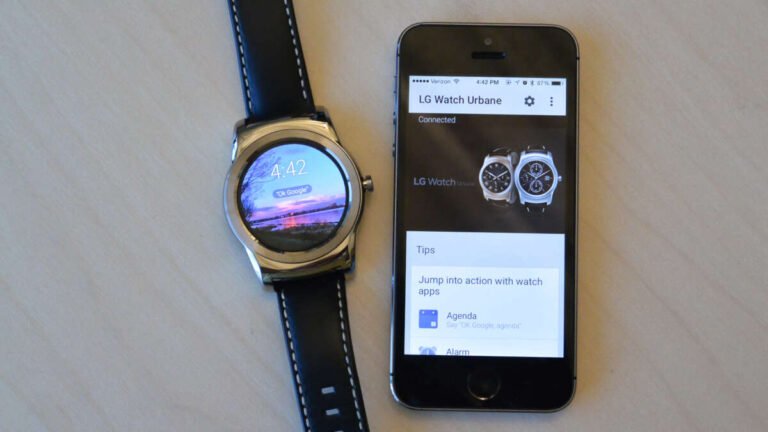
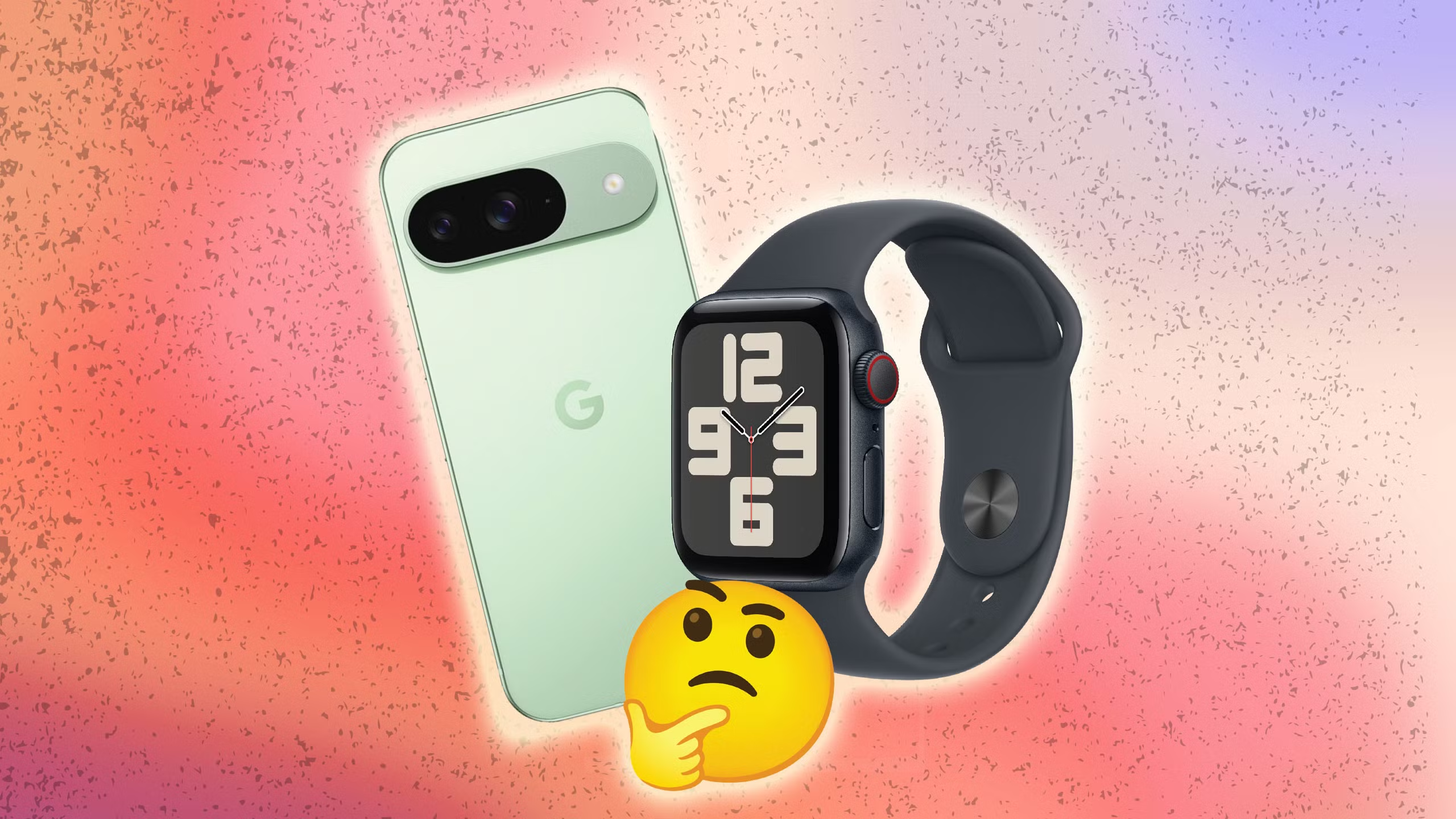
Can An Apple Smartwatch Be Used With An Android Phone: No
For people in the United States, the short answer is no—not as a fully paired smartwatch. An Apple Watch cannot be set up, paired, or managed directly with an Android phone. Apple Watch requires an iPhone for activation, software updates, app installation, and most communication features.
A cellular Apple Watch may still work away from its paired iPhone after setup. However, the setup must be completed with an iPhone, and the watch does not become an Android-compatible smartwatch.
This guide explains what works, what does not, and which alternatives make sense for Android users in the US.
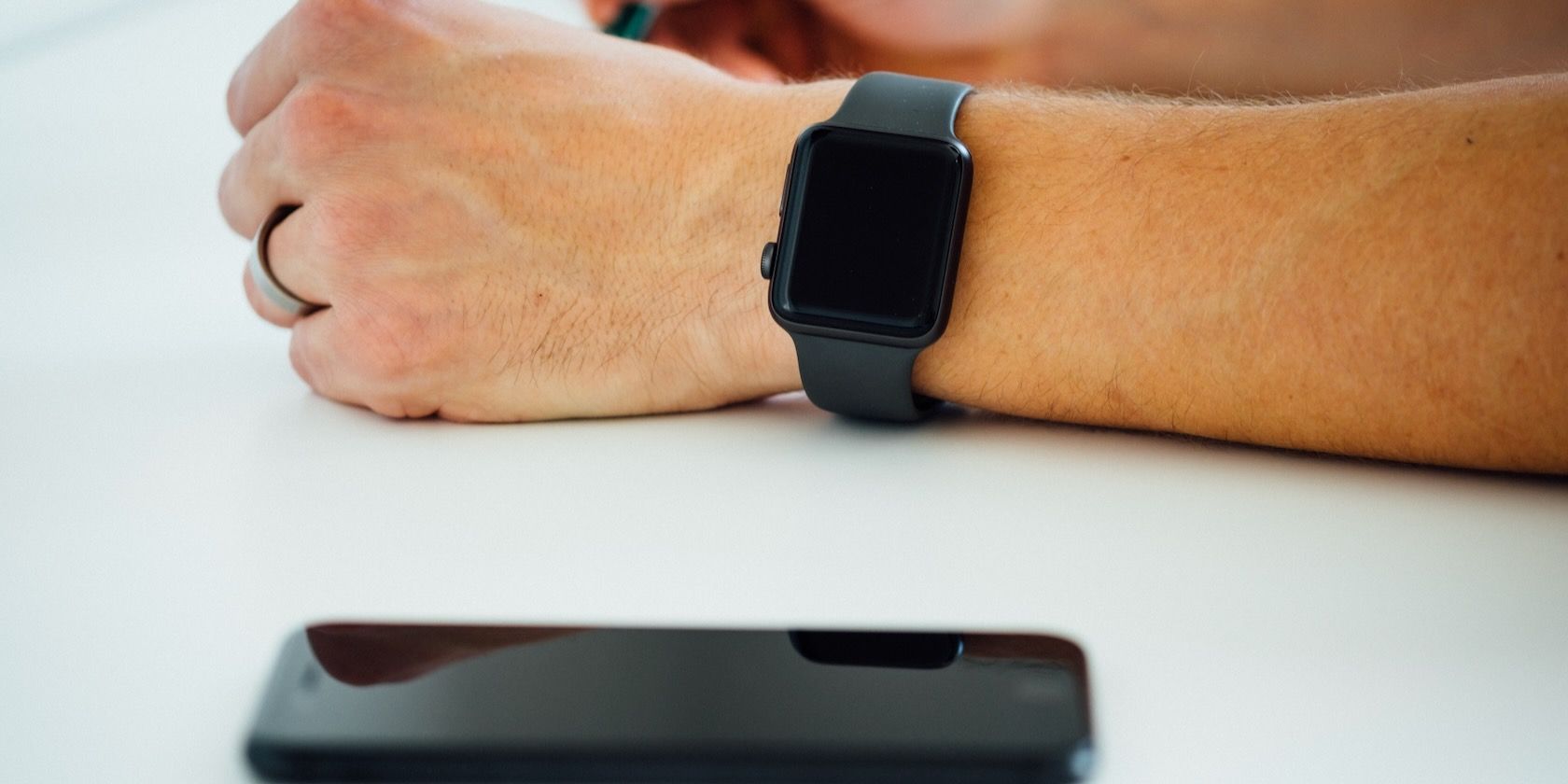
Why an Apple Watch Does Not Pair With Android
Apple Watch depends on Apple’s Watch app and iPhone services. Android phones cannot install the Apple Watch app, complete the pairing process, or manage the watch through Apple’s supported system.
During setup, Apple Watch must connect to an iPhone through the Watch app. That process links the watch to an Apple Account, activates services, installs watchOS updates, and applies settings such as notifications, apps, health data, and cellular service.
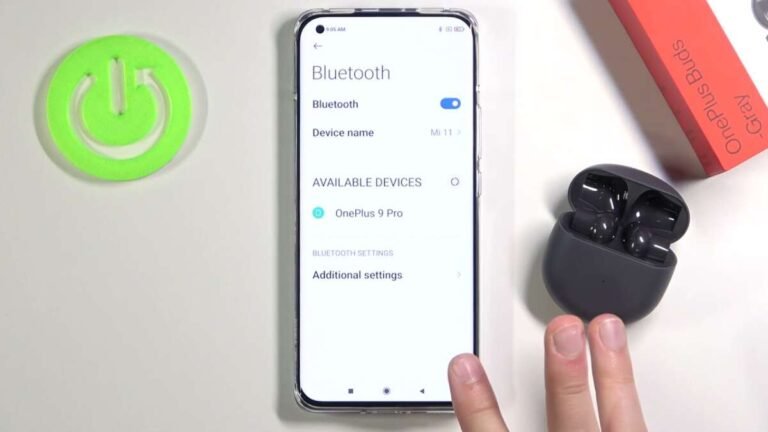
Bluetooth alone does not solve the problem. Although an Apple Watch uses Bluetooth, Wi-Fi, and cellular connections, those connections do not create an open pairing system like standard Bluetooth headphones. Apple controls the setup and management process through the iPhone.
Apple’s official Apple Watch requirements and Apple Watch user guide describe iPhone use as part of the supported setup process.
What happens if you try to pair one with Android?
An Android phone will not normally:
- Detect Apple Watch as a supported smartwatch
- Install the Apple Watch setup software
- Activate a new Apple Watch
- Restore an Apple Watch backup
- Install watchOS updates
- Manage Apple Watch apps and settings
- Sync Apple Health data
- Display Android phone notifications on the watch through Apple’s official tools
You may see the watch during a Bluetooth scan in some situations, but that does not mean the two devices can complete setup. Pairing is more than finding a nearby Bluetooth device.

Can a Cellular Apple Watch Work Without an iPhone?
A cellular Apple Watch can perform some tasks without being near its paired iPhone, but it still needs an iPhone for setup and management.
With an active cellular plan, a supported Apple Watch may be able to:
- Make and receive calls
- Send messages
- Use cellular data
- Stream music
- Receive notifications from supported services
- Use maps and location services
- Make emergency calls where supported
These features do not turn the watch into an Android accessory. The watch remains paired to an iPhone in Apple’s system.
Think of the iPhone as the watch’s control center. A cellular connection can help the watch operate on its own for a while, but it does not replace that control center.
What if the iPhone is left at home?
If the Apple Watch has cellular service, it may continue to work when the paired iPhone is not nearby. If it has Wi-Fi access, some online features may also work.
The exact experience depends on:
- Apple Watch model
- Cellular support
- Carrier compatibility
- Active service plan
- Available Wi-Fi
- App support
- Apple Account settings
- Whether the watch has completed setup with an iPhone
The watch still needs its paired iPhone for many tasks, including software updates, deeper settings, backups, and some app functions.

Can You Set Up an Apple Watch With Someone Else’s iPhone?
Yes, but this is usually a temporary workaround rather than a true Android solution.
A family member, friend, or coworker with a compatible iPhone may be able to set up the Apple Watch. After setup, the watch can perform some functions on its own, especially if it has cellular service.
However, the watch will still be connected to that iPhone and its Apple Account setup. You will not gain normal Android phone integration.
You may also face problems with:
- Notifications from your Android phone
- Changing watch settings
- Installing or removing apps
- Updating watchOS
- Restoring the watch
- Managing Apple Pay
- Syncing health records
- Removing Activation Lock
- Transferring ownership later
This option makes the most sense only if you already use an iPhone part of the time or have a trusted iPhone user who will manage the watch.
What is Family Setup?
Apple’s Apple Watch For Your Kids, also called Family Setup, lets a family member set up an Apple Watch for another person who does not have their own iPhone.
The organizer still needs an iPhone. Family Setup is not Android pairing.
It can support features such as calls, messages, location sharing, emergency services, and some health tools. But Apple lists limitations compared with a watch paired directly to the wearer’s iPhone. Some features and apps may not be available.
Family Setup may also require:
- A compatible Apple Watch
- A compatible iPhone for the organizer
- An Apple Account
- A supported carrier
- Cellular service for some features
- Family Sharing
- Appropriate age and account settings
Check Apple’s current requirements before buying a watch for this purpose.
What Apple Watch Features Work With Android?
The safest answer is that no Apple Watch feature is officially supported as an Android-paired feature. Some functions may work independently after an iPhone completes setup, but that is different from Android compatibility.
| Apple Watch function | Android compatibility |
|---|---|
| Initial setup | No |
| Pairing through the Apple Watch app | No |
| Android phone notifications | No official support |
| Phone calls through an Android phone | No direct pairing |
| Text messages from an Android phone | No direct pairing |
| Fitness tracking on the watch | Partly, but setup and data management still need Apple support |
| Cellular calls and data | May work after iPhone setup |
| Apple Pay on the watch | May work after supported setup |
| watchOS updates | Requires an iPhone |
| App installation and management | Requires Apple-supported setup |
| Apple Health synchronization | Requires Apple devices and services |
Some apps or services may provide a limited account-based experience through cellular data. That does not create a full link between the Apple Watch and an Android phone.
Can an Apple Watch receive Android notifications?
Not through Apple’s supported tools. Notifications are normally relayed through the paired iPhone or delivered through supported watch services.
An Android phone cannot use the Apple Watch app to select which alerts should appear on the watch. That means calls, texts, email, and app alerts from the Android phone will not work as they do with an iPhone.
Can you answer Android calls on an Apple Watch?
No, not through a normal Android-to-Apple Watch connection. A cellular Apple Watch may handle calls through its own cellular service after setup, but that is not the same as answering calls placed to an Android phone.
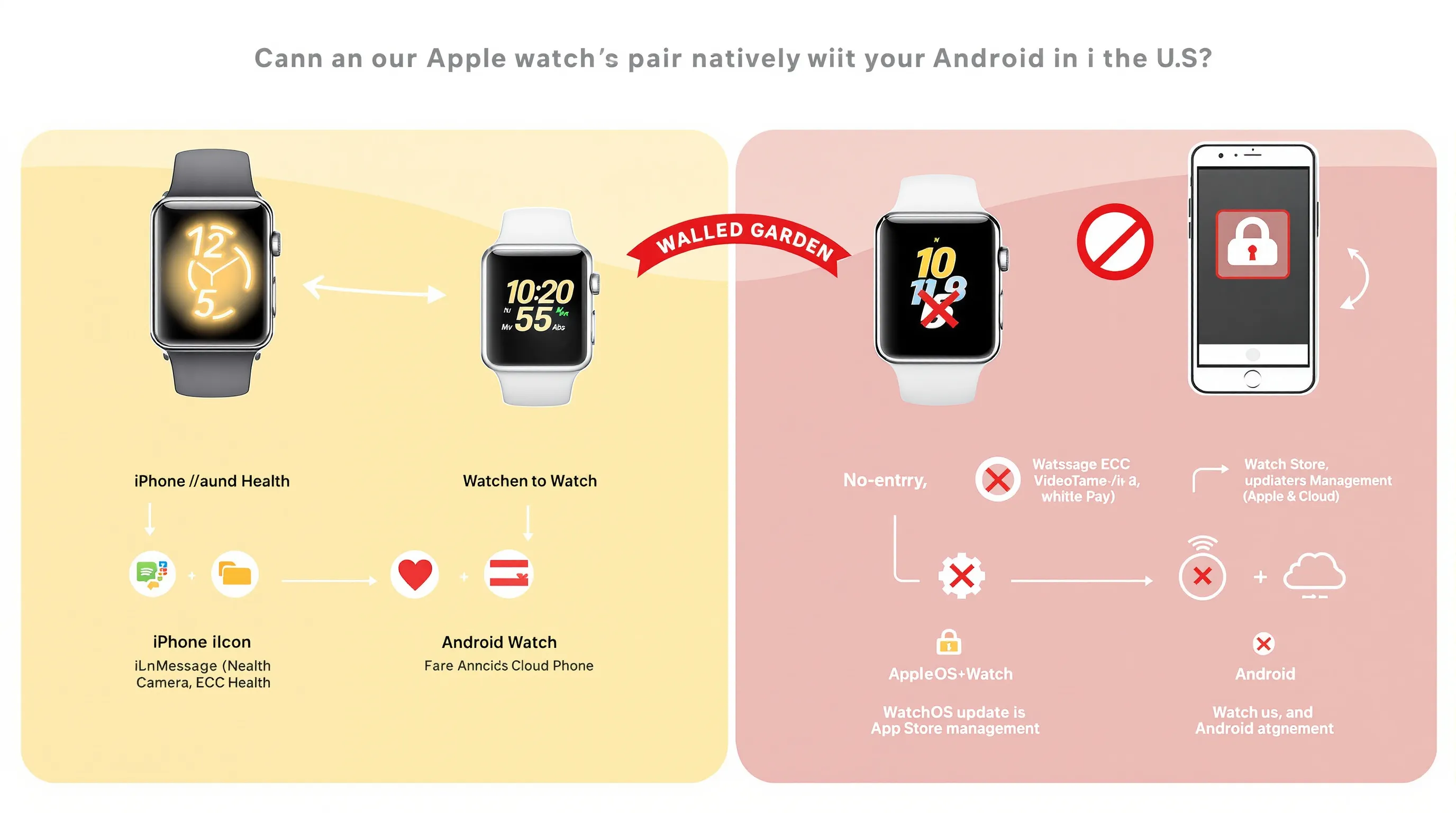
Do Unofficial Apps or Workarounds Make Apple Watch Compatible?
Unofficial workarounds do not provide reliable, complete Android support. Some services have claimed to bridge Apple Watch and Android phones, but they may depend on limited features, remote servers, an iPhone, or unsupported software.
Risks include:
- Loss of important notifications
- Broken features after an update
- Account or privacy concerns
- Poor battery life
- Unclear handling of health data
- No official Apple support
- Activation Lock problems
- Payment or subscription fees
- Possible loss of warranty support for modified devices
Jailbreaking or modifying Apple devices is especially risky for a watch that handles health data, location data, messages, and payments. It may also prevent normal updates or recovery.
For most Android users, an unofficial bridge costs more time than it saves. A smartwatch designed for Android will provide better setup, support, and long-term reliability.
What Should Android Users Buy Instead?
Android users should choose a watch that supports their phone’s operating system. The best choice depends on the Android phone brand, desired health tools, budget, and need for cellular service.
Wear OS watches
Wear OS watches are the closest general alternative to Apple Watch for Android phones. They can provide:
- Android notifications
- Calls on supported models
- Google Wallet
- Google Maps
- Google Assistant or other supported assistants
- Fitness and health tracking
- Play Store apps
- Wi-Fi and cellular options on some models
Compatibility can vary by manufacturer and phone. Some watches work best with specific Android brands, while others may require certain Android versions or apps.
Samsung Galaxy Watch
Samsung Galaxy Watch models are designed primarily for Android phones. They can offer strong integration with Samsung phones, although some health features may require a Samsung device or Samsung Health settings.
Before buying, check:
- Android version requirements
- Phone brand restrictions
- ECG or blood-pressure feature requirements
- Cellular carrier support
- Whether the model supports your US carrier
- Whether your phone supports Google Mobile Services
Fitbit watches and trackers
Fitbit devices generally support Android phones through the Fitbit app. They focus on health, activity, sleep, and fitness tracking rather than acting as a full smartphone replacement.
A Fitbit may be a better fit if you want:
- Long battery life
- Basic notifications
- Sleep tracking
- Step and workout data
- A simpler interface
- Less frequent charging
Garmin watches
Garmin watches support many Android phones and are often chosen for running, cycling, hiking, golf, and outdoor use. Their smart features vary by model, but many provide Android notifications, fitness tools, navigation, and long battery life.
The key trade-off is simple: Wear OS often provides deeper phone and app integration, while Garmin often emphasizes training tools and battery life.
How to Check Compatibility Before Buying
Check compatibility before opening the box or activating a cellular plan. A few minutes of research can prevent a costly return.
Use this checklist
-
Confirm the phone operating system.
Check the Android version installed on the phone. -
Visit the watch maker’s support page.
Look for exact phone and operating system requirements. -
Check the required app.
Make sure the app is available in the US Google Play Store. -
Check health feature limits.
ECG, blood pressure, body composition, and other tools may require a certain phone brand or separate approval. -
Check carrier support.
Cellular watches may need a compatible US carrier and a specific plan. -
Review return terms.
Cellular activation, opened packaging, and personalized devices may affect returns. -
Confirm account requirements.
Some features may require a Google, Samsung, Fitbit, Garmin, or other account.
A simple buying rule
If the product page says “requires iPhone,” it is not an Android-compatible watch. If it says “Android 10 or later,” check the exact phone model and required app before buying.

Common Mistakes to Avoid
The most common mistake is assuming that Bluetooth makes all smartwatches interchangeable. Bluetooth connects many types of devices, but smartwatch setup often depends on software, accounts, and operating system support.
Avoid these mistakes:
- Buying an Apple Watch because it is labeled “GPS” rather than “cellular”
- Assuming cellular service removes the need for an iPhone
- Confusing a standalone feature with Android compatibility
- Buying a used Apple Watch without checking Activation Lock
- Assuming an Android phone can install Apple’s Watch app
- Paying for an unofficial connection service without checking its limits
- Ignoring carrier requirements for a cellular model
- Assuming every health feature works on every Android phone
Check Activation Lock on a used Apple Watch
If you are considering a used Apple Watch, the prior owner must remove it from their Apple Account. Apple explains that Activation Lock helps prevent unauthorized use.
Do not buy a used watch if the seller cannot erase it and remove Activation Lock in front of you. A reset watch may still remain linked to the previous owner.
Frequently Asked Questions
Can an Apple Watch connect to a Samsung phone?
No. An Apple Watch cannot officially pair with a Samsung Galaxy phone. A compatible iPhone is required for setup and management.
Can I use an Apple Watch with Android after setting it up on an iPhone?
Only in a limited, indirect way. Some watch functions may work through Wi-Fi or cellular service, but the watch will not mirror Android notifications or act as an Android companion.
Can I use an Apple Watch without owning an iPhone?
Not for normal setup. You may use Family Setup through another person’s iPhone, but that still requires an iPhone organizer and has feature limits.
Will an Apple Watch work with an Android phone if it has cellular service?
Cellular service may let the watch make calls or use data after setup. It does not allow direct Android pairing or replace the iPhone required to manage the watch.
Is an Apple Watch better than a Wear OS watch for Android?
No. For an Android phone, a compatible Wear OS, Samsung Galaxy Watch, Fitbit, or Garmin device will usually provide better support. The right choice depends on whether you value apps, health tracking, sports tools, or long battery life.
Final Answer
An Apple Watch cannot be used as a fully compatible smartwatch with an Android phone. Apple requires an iPhone for setup, pairing, updates, and management.
A cellular Apple Watch can work independently for selected tasks after iPhone setup, but it will not show normal Android notifications or connect directly to Android calls and texts. If Android is your main phone, choose a Wear OS, Samsung Galaxy Watch, Fitbit, or Garmin model that lists your phone as supported.
Before buying, verify the exact Android version, phone model, required app, health features, and US carrier support.

Everett Calloway is a consumer electronics writer and technology enthusiast at ElectroDoz. He enjoys exploring the latest gadgets, electronic devices, and innovative technologies that make everyday life easier. Everett focuses on creating helpful product reviews, detailed buying guides, practical how-to articles, and troubleshooting tips. His goal is to simplify complex technical information and help readers understand product features, compare their options, and make informed purchasing decisions. When he isn’t researching new electronics, he enjoys exploring emerging technology trends and discovering useful gadgets.