How Long Can You Use A Smartphone: Phone Lifespan Guide
In the United States, you can usually use a smartphone for four to six years. Some phones last longer, especially if they still receive security updates and have a healthy battery. The real limit is not the age of the phone. It is usually the battery, software support, damage, storage, or slow performance.
A well-kept iPhone may remain useful for six years or more. Newer Google Pixel and Samsung Galaxy phones may also receive security updates for up to seven years, depending on the model. Budget phones and older models may reach their practical limit much sooner.
The best time to replace a phone is when it no longer meets your needs, not simply when it looks old.
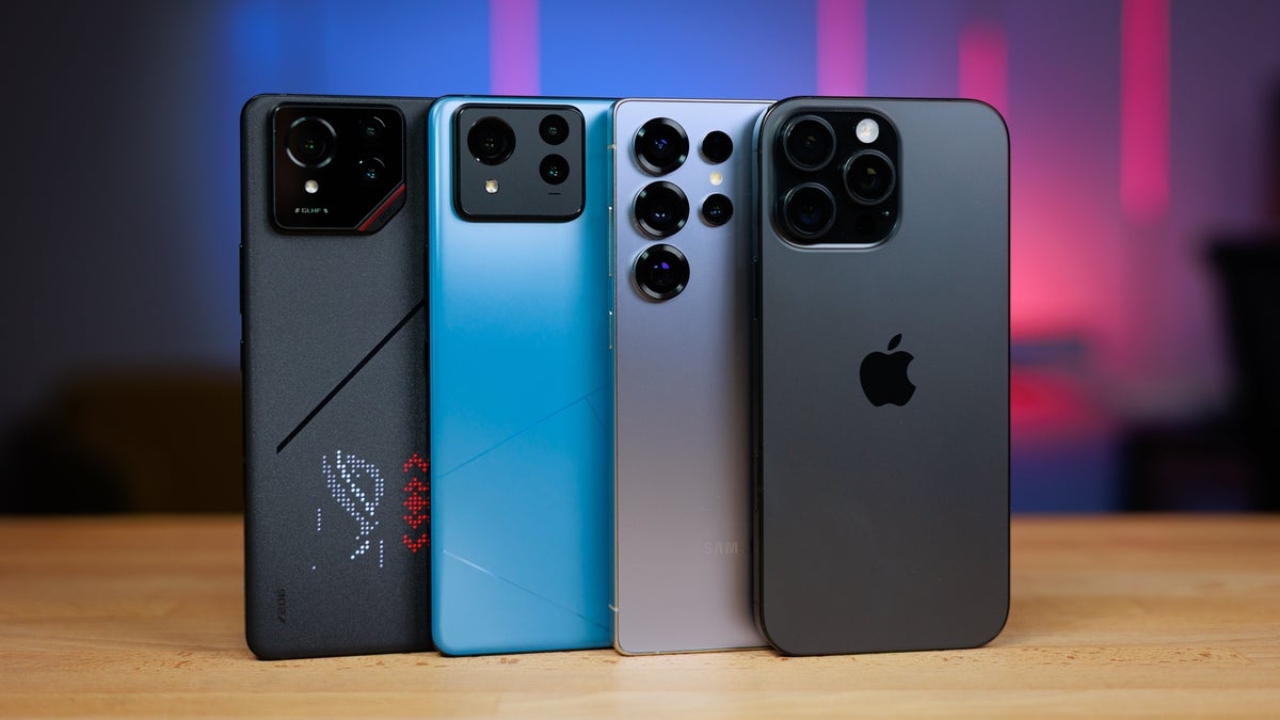
What determines a smartphone’s useful life?
A smartphone has more than one “lifespan.” Its parts, software, battery, and daily performance can all age at different speeds.
Physical lifespan
The physical lifespan is how long the phone works after normal use. A phone may keep turning on for many years, but that does not mean it remains safe or useful.
Common physical problems include:
- A cracked screen
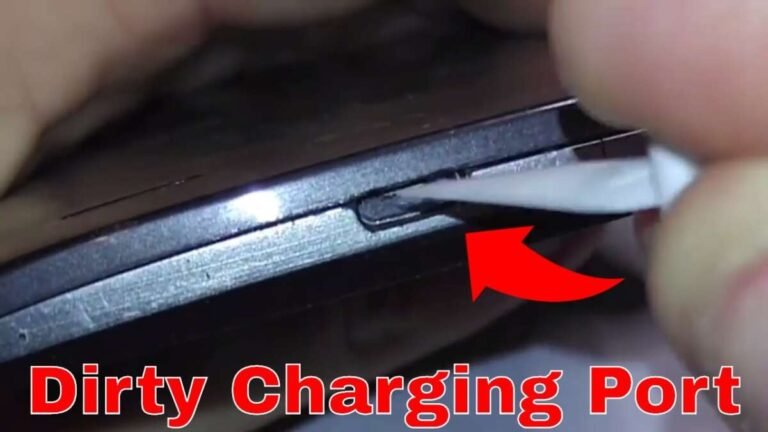
- A damaged charging port
- Weak speakers or microphones
- Faulty buttons
- Water damage
- A swollen battery
- A camera that no longer focuses
A protective case and screen protector can reduce damage. They cannot prevent all failures, though. Heat, moisture, drops, and poor repairs can shorten the phone’s life.
Software lifespan
The software lifespan is how long the phone receives operating system updates and security patches.
Security updates help protect against known flaws. Operating system updates may add features and improve app support. Once a phone stops receiving updates, it can still work, but the risks and limits grow over time.
The update promise depends on the exact model:
- Apple: Apple does not publish one simple update rule for every iPhone. In practice, many iPhones receive several years of iOS updates, but support varies by model.
- Google Pixel: Google lists up to seven years of operating system and security updates for newer Pixel models such as the Pixel 8 series and later models covered by its current policy.
- Samsung Galaxy: Samsung lists up to seven years of updates for certain newer Galaxy models, including the Galaxy S24 series. Coverage varies by device and region.
- Other Android phones: Update support can range from a short period to several years. Check the maker’s page for the exact model.
The date of first sale matters. A phone released in 2024 may have a different support period from a phone released in 2021, even if both come from the same brand.
Battery lifespan
Most phone batteries use lithium-ion technology. These batteries slowly lose capacity as they age.
A new phone may last all day on one charge. After several years, the same phone may need a top-up by afternoon. Heavy gaming, navigation, video recording, and weak cell signals can make battery drain seem worse.
Apple says iPhone batteries are designed to retain up to 80% of their original capacity after a set number of full charge cycles under ideal conditions. The exact result varies with use and charging habits. Android makers use different designs and health tools, so battery results are not directly comparable across brands.
Battery wear is often the first reason people replace an otherwise working phone. A battery replacement may cost less than a new phone, but repair value depends on the phone’s age, condition, update support, and repair price.
Performance lifespan
Performance depends on the processor, memory, storage, software, and app demands.
A phone can feel slow when:
- Apps require more memory than the phone has
- Storage is nearly full
- The battery has aged and power management limits performance
- The phone runs hot
- Background apps use too many resources
- New software is less suited to older hardware
A slow phone is not always a dead phone. Freeing storage, updating apps, replacing the battery, or resetting the device may help. These steps will not turn an old entry-level phone into a modern flagship, but they can improve basic tasks.
How long do different smartphones usually last?
For most people in the US, a smartphone lasts about four to six years of useful daily service. This is a practical estimate, not a promise from every manufacturer.
| Phone type | Common useful period | Main limit |
|---|---|---|
| Premium iPhone | 5–7 years or more | Battery, damage, or lost support |
| New premium Android phone | 5–7 years | Battery, storage, or update end |
| Midrange phone | 3–5 years | Shorter support or slower hardware |
| Budget phone | 2–4 years | Performance and update limits |
| Heavily used work phone | 2–4 years | Battery wear and physical damage |
These ranges assume normal care. A phone used outdoors, in a hot car, on a construction site, or for many hours of gaming may wear out sooner.
A lightly used phone may last longer. A phone used as a work tool may need replacement sooner, even if it still works. For example, a delivery driver may need reliable battery life, GPS, camera access, and mobile data. A basic user may only need calls, messages, email, and web browsing.
Why newer phones may last longer
Newer phones often have:
- Longer update commitments
- Faster processors
- More storage
- Better water resistance
- Stronger glass
- Improved battery management
- Longer access to modern cellular networks
These features can raise the starting price. They may also lower the cost per year when you keep the phone for a long time.
For example, a $900 phone used for six years costs about $150 per year before repairs and service. A $400 phone used for two years costs about $200 per year. This is only a simple comparison. The cheaper phone may still be the better choice if it meets your needs.

What are the signs that you should replace your phone?
You should consider replacement when the phone creates a regular problem that a simple repair cannot solve.
Look for these signs:
-
The phone no longer receives security updates.
This is one of the strongest reasons to replace an old phone. Check the phone maker’s support page, not only the phone’s age. -
The battery cannot last through your normal day.
If the phone shuts down, drains quickly, or needs several charges each day, check battery health and replacement cost. -
The phone has a swollen battery.
Stop using and charging it. Do not press the screen back into place or puncture the battery. Contact the manufacturer or a qualified repair service. -
Important apps no longer work.
Banking, health, work, and authentication apps may require newer operating systems. Do not keep an unsupported phone for sensitive tasks if the required apps cannot update. -
The phone lacks needed network support.
US carriers have retired older network technologies. A phone that lacks the bands or services used by your carrier may have poor service or no service. Check compatibility before buying a used phone. -
Storage is always full.
Remove old videos and unused apps first. If the phone has very little built-in storage and cannot use a memory card, replacement may be the practical answer. -
Repair costs approach the value of the phone.
Compare the repair price with the cost of a replacement phone that has equal or better update support.
A cracked back glass alone does not always mean replacement. A cracked screen near the battery, camera, or charging port deserves faster attention.

Should you replace the battery or buy a new phone?
Replace the battery when the phone still receives updates, performs well, and has no major damage.
Buying a new phone may make more sense when the phone has several problems at once. For example, an old phone with a weak battery, full storage, poor camera quality, and no security support may not be worth repairing.
Use this simple check:
| Question | Battery replacement may fit | New phone may fit |
|---|---|---|
| Does it receive security updates? | Yes | No or unclear |
| Is the phone fast enough for you? | Yes | No |
| Is the screen and body in good shape? | Yes | No |
| Is the repair price reasonable? | Yes | No |
| Do you need new camera, network, or accessibility features? | No | Yes |
Before a battery repair, ask whether the shop uses a genuine or compatible battery, provides a repair warranty, and seals the phone correctly. Water resistance may not be restored after a repair.
Back up the phone before service. Remove payment cards and sensitive data when appropriate. Use a reputable repair provider, especially if the battery is damaged.

How can you make a smartphone last longer?
You can extend a phone’s life with a few simple habits.
Protect it from heat
Heat speeds up battery aging. Avoid leaving the phone in a hot car, under a pillow while charging, or in direct sun for long periods.
If the phone becomes very hot, stop demanding tasks such as gaming or video recording. Remove thick insulation around the phone and let it cool in a safe place. Do not place it in a freezer.
Use a case and screen protector
A case can protect the corners and back. A screen protector can reduce scratches and some impact damage. Neither one makes a phone unbreakable.
Replace a damaged case if it no longer holds the phone firmly. Clean dirt from the case and charging area with safe tools. Do not push metal objects into the charging port.
Keep free storage available
A phone needs working space for temporary files and updates. There is no universal storage percentage that guarantees good performance, but a nearly full phone often creates problems.
Delete:
- Large videos
- Duplicate photos
- Downloaded movies and music
- Old message attachments
- Apps you no longer use
Back up important files before deleting them. Cloud storage may have limits or fees, so check that the backup is complete.
Install updates
Turn on automatic updates when practical. Install security updates from the phone maker and app updates from the official app store.
Do not install unknown system files or “speed booster” apps that promise dramatic results. They may create privacy and security risks.
Charge with safe equipment
Use a charger and cable that meet the phone maker’s requirements. Cheap, damaged, or counterfeit accessories can overheat or fail.
Fast charging is usually convenient and supported by modern phones. It can also create more heat in some conditions. Keep the phone cool while charging, especially during demanding use.
Replace worn parts
A new battery, charging port, or screen may extend the phone’s life. Ask for an estimate first. The repair should make financial sense and leave you with a phone that still has useful software support.
How often should you replace a smartphone?
There is no correct replacement schedule for every US consumer. Many people can plan for a replacement every four to six years, then adjust based on battery health and update support.
A yearly upgrade may make sense for someone who depends on the newest camera, works from a phone, or receives a strong trade-in offer. It is often wasteful for someone whose current phone meets their needs.
A two-year replacement can make sense when:
- The phone has a weak battery
- The phone has short update support
- You use demanding apps
- You bought a low-cost model
- Your work depends on reliable performance
A six-year replacement can make sense when:
- The phone still receives security updates
- A battery replacement is affordable
- The phone handles your apps
- The body and screen are in good shape
- You do not need new features
Do not confuse a carrier upgrade offer with a need to replace the phone. Review the full cost, including monthly payments, taxes, activation fees, trade-in conditions, and required service plans.
What should you check before buying a phone for long-term use?
If you want to keep a phone for many years, check support before price.
Look for:
-
The promised update period
Find the official support policy for the exact model. Check both operating system updates and security updates. -
Battery replacement options
Confirm whether the manufacturer or a qualified shop can replace the battery in your area. -
Storage capacity
Choose enough storage for photos, video, apps, and system files. Storage cannot always be expanded later. -
US network compatibility
Check the phone’s support for your carrier’s current network. A phone made for another market may not support all US bands or features. -
Repair parts and service
A phone is easier to keep when parts, manuals, and repair services are available. -
Water and dust resistance
A rating is not a guarantee against all water damage. Seals can weaken after drops, wear, or repair. -
Accessibility features
Check screen size, hearing support, voice tools, font controls, and emergency features if they matter to you.
A phone with a longer update policy may cost more at first. If you keep it longer, the added support can be more valuable than a small discount at checkout.
What should you do with an old smartphone?
Back up the phone, sign out of your accounts, remove the SIM card, and perform a factory reset before giving it away or selling it.
If the phone has a swollen or damaged battery, do not mail it or place it in a regular trash bin. Contact the manufacturer, a certified electronics recycler, or your local waste program for safe instructions.
In the United States, the Environmental Protection Agency points consumers toward electronics recycling resources. Many manufacturers, retailers, and local programs accept old phones.
Keep proof that the device was erased. Also remove the phone from account tools such as Apple Find My or Google device management. A locked phone may be difficult for the next owner to activate.
Frequently asked questions
Can a smartphone last 10 years?
A phone may physically last 10 years, but few remain fully useful for that long. Battery wear, missing security updates, app requirements, and network changes usually become problems first.
Is a five-year-old phone still safe?
It can be safe if it still receives security updates, has no battery damage, and runs the apps you need. Check the exact model’s update status. Age alone does not prove that a phone is unsafe.
How long does an iPhone last?
Many iPhones remain useful for five to seven years or more. The exact period depends on the model, battery condition, repair history, and current iOS support.
How long does an Android phone last?
Android phone life varies widely by brand and model. Some newer premium phones receive updates for up to seven years. Older and low-cost models may receive support for much less time.
Does charging overnight damage a phone?
Modern phones manage charging and usually reduce risk when left connected. Heat and poor-quality chargers are larger concerns. Keep the phone cool and use safe charging equipment.
Key takeaways
- A smartphone usually provides four to six years of useful service in the United States.
- Security update support is more important than the phone’s age.
- The battery often needs replacement before the phone itself does.
- Newer Pixel and Samsung models may offer up to seven years of updates, depending on the model.
- Replace the phone when it is no longer secure, reliable, repairable, or fast enough for your needs.
- Before buying, check update support, battery service, storage, repair options, and US carrier compatibility.
Conclusion
You can use a smartphone for as long as it remains secure, reliable, and useful. For many people, that means four to six years. A battery replacement and careful maintenance may extend that period, while poor update support or a damaged battery may end it sooner.
Check the phone’s official update page and battery condition first. If both are acceptable, keeping your current phone is often the simplest and least costly choice.

Everett Calloway is a consumer electronics writer and technology enthusiast at ElectroDoz. He enjoys exploring the latest gadgets, electronic devices, and innovative technologies that make everyday life easier. Everett focuses on creating helpful product reviews, detailed buying guides, practical how-to articles, and troubleshooting tips. His goal is to simplify complex technical information and help readers understand product features, compare their options, and make informed purchasing decisions. When he isn’t researching new electronics, he enjoys exploring emerging technology trends and discovering useful gadgets.