
How to Change Battery in Emerson Thermostat: Easy Guide
You’re feeling a chill in the air, or maybe it’s a tad too warm, and your trusty Emerson thermostat isn’t responding as it should. It might be time for a simple fix: changing the battery.
But where do you start? Don’t worry, you’re not alone, and this task is easier than you think. By learning how to change the battery in your Emerson thermostat, you can ensure your home stays comfortable year-round. Imagine the peace of mind knowing that your thermostat is running smoothly without any unexpected hiccups.
In this guide, we’ll walk you through the straightforward process, step-by-step. You’ll discover how easy it is to regain control over your home’s temperature settings and save yourself the hassle of malfunctioning equipment. Keep reading to empower yourself with the confidence to tackle this simple yet crucial task.
Tools Needed
Changing the battery in an Emerson thermostat is simple. First, gather the right tools. You will need a Phillips screwdriver. Also, keep a pair of new AA batteries handy. These are the basic tools required.
Having a small flashlight can help too. It makes it easier to see inside the thermostat. A soft cloth is useful for cleaning. It removes dust and dirt from the device.
Ensure you have a steady hand. This helps in safely removing and inserting the batteries. With these tools, you are ready to change the battery.
Safety Precautions
Safety is very important. Always turn off the power first. Use a screwdriver carefully. Avoid touching wires. Wires can be dangerous. Keep children away from the thermostat. Hands should be dry. Wet hands can cause shocks. Gloves are good for extra safety.
Read the manual before starting. Follow each step. Do not rush. Take your time. Check tools are safe. Screwdriver and batteries should be in good condition. Dispose of old batteries properly. They can harm the environment. Call a professional for help if unsure.
Locating The Battery Compartment
The battery compartment is usually found behind the thermostat. First, gently pull the thermostat away from the wall. Look for small tabs or clips on the side. These will help you open it. Press the tabs and remove the cover. Inside, you will see the battery compartment. It should have a clear label. Make sure to read any instructions. This will guide you on how to replace the battery. Once you find the compartment, check the battery type. You may need AA or AAA batteries. It’s important to use the correct type. If you use the wrong battery, it may not work. Always handle batteries with care. They should not be exposed to heat or water.

Credit: www.facebook.com
Removing The Old Battery
Take off the thermostat cover. This reveals the battery compartment. Check for any visible screws. Use a screwdriver if needed. Slide the battery holder out. Remove the old battery carefully. Dispose of it properly. Ensure no debris is in the compartment. Keep the area clean. Handle batteries with care. Remember, batteries can leak. Wash hands after handling. Prepare for the new battery. Check size and type before inserting. Use correct battery type. Follow instructions on the package. Never force a battery in. Safety is important here.
Installing The New Battery
Start by finding the battery compartment. It is often at the back. Open it carefully. Remove the old battery. Place the new battery in the slot. Ensure the positive and negative ends are correct.
Close the battery compartment securely. Make sure it clicks into place. This prevents any loose connections. Check the thermostat display. It should turn on if installed correctly.
If the display is still off, double-check the battery. It might need to be repositioned. Follow these steps to ensure everything works well.
Resetting The Thermostat
After changing the battery, the thermostat might need a reset. Locate the reset buttonon the device. It’s often behind a small cover. Use a paperclip or pento press it. Hold for about five seconds. Release the button gently.
The screen should turn off and then back on. This means the reset is successful. Check if the current settings are correct. Adjust them if needed. The thermostat is now ready to use. Always ensure the cover is securely in place. This protects the device and keeps it working well.
Checking Functionality
First, ensure the thermostat is off. This keeps you safe. Next, take a look at the display. Is it clear? If not, the battery might be dead. Remove the cover gently. Don’t break it. Look inside the battery compartment. Check the battery type. It usually uses AA or AAA batteries. Replace old batteries with new ones. Ensure they face the right direction. Put the cover back on. Turn the thermostat on again. Check if the display is clear now. Does it respond to settings? If yes, the battery change is successful.
Troubleshooting Common Issues
Sometimes, the screen might be blank. This can mean the battery is low. Try replacing the battery. A new battery can fix many problems. Make sure the battery is placed correctly. If it’s not, the thermostat won’t work. Always check for dirt in the battery slot. Dirt can stop the battery from working. Clean it gently with a soft cloth.
If the thermostat does not turn on, check the power. Ensure the power switch is on. A tripped breaker could be the issue. Reset the breaker if needed. Always be safe. If unsure, ask an adult for help.
Maintenance Tips
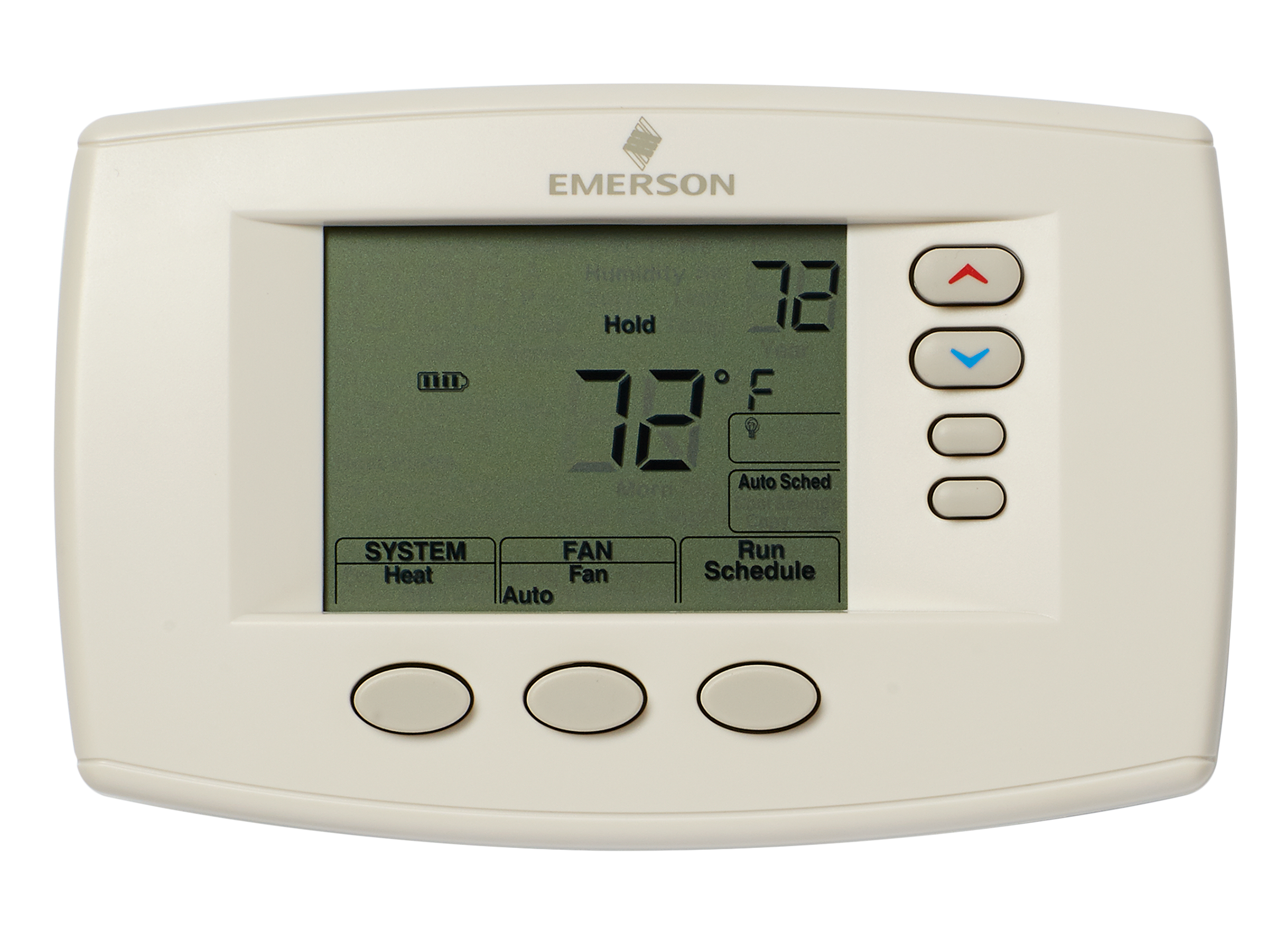
Changing the batteryin your Emerson thermostatis easy. First, turn offthe thermostat. This prevents any problems. Next, find the battery compartment. It is usually at the back. Open the cover slowly. Do not use force. Take out the old batteries. Check the battery type. Use the same type for new ones. Put the new batteries in the slots. Make sure the positiveand negativesides match. Close the cover. Turn the thermostat back on. Check if it works. If not, redo the steps. Regular checks help the thermostat last longer. Remember, batteries are important.
Credit: www.consumerreports.org

Credit: www.youtube.com
Frequently Asked Questions
How Do I Know If My Emerson Thermostat Needs A Battery Change?
If your Emerson thermostat displays a low battery warning or becomes unresponsive, a battery change is needed. You might also notice irregular temperature readings or the device shutting off unexpectedly. Regularly check and replace batteries to ensure optimal performance and avoid any disruptions in your home’s temperature control.
What Type Of Batteries Do Emerson Thermostats Use?
Emerson thermostats typically use AA or AAA alkaline batteries. Always check your specific model’s manual to confirm the required battery type. Using high-quality alkaline batteries can ensure longer life and better performance. Avoid using rechargeable batteries as they may not provide consistent power.
How Often Should I Replace Thermostat Batteries?
Replace Emerson thermostat batteries every 6 to 12 months for optimal performance. Regular replacement prevents unexpected shutdowns and ensures accurate temperature control. If your thermostat shows a low battery alert, replace them immediately to avoid disruptions. Regular maintenance helps in keeping your heating and cooling systems efficient.
Can I Change The Batteries Without Losing Settings?
Yes, you can change the batteries without losing settings. Ensure you change them quickly to prevent any settings loss. Most Emerson thermostats have a short memory retention feature that keeps your settings intact for a brief period during battery replacement.
Conclusion
Changing the battery in an Emerson thermostat is simple and quick. Just follow the steps carefully. First, turn off the power. Then, remove the cover and locate the battery. Replace it with a new one. Make sure it fits properly.
Finally, reattach the cover. Turn the power back on. Your thermostat should now work smoothly. Regular battery checks ensure efficiency. This maintenance keeps your home comfortable. Anyone can do it with these easy steps. Keep your thermostat running efficiently by changing the battery regularly.
Enjoy consistent temperatures without hassle.

Jaxon Wilder is a tech enthusiast and contributor at ElectroDoz, where he dives into the latest trends in electronics and smart gadgets. With a sharp eye for innovation and hands-on testing, Jaxon brings readers practical reviews, tips, and insights on everything from everyday tech accessories to advanced devices. His goal is to make technology simpler, smarter, and more enjoyable for everyone.