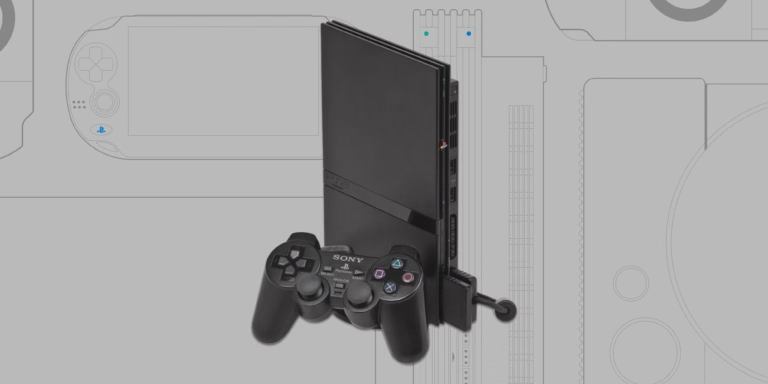
Which PS3 Console Can Play PS2 Games: Compatibility Guide
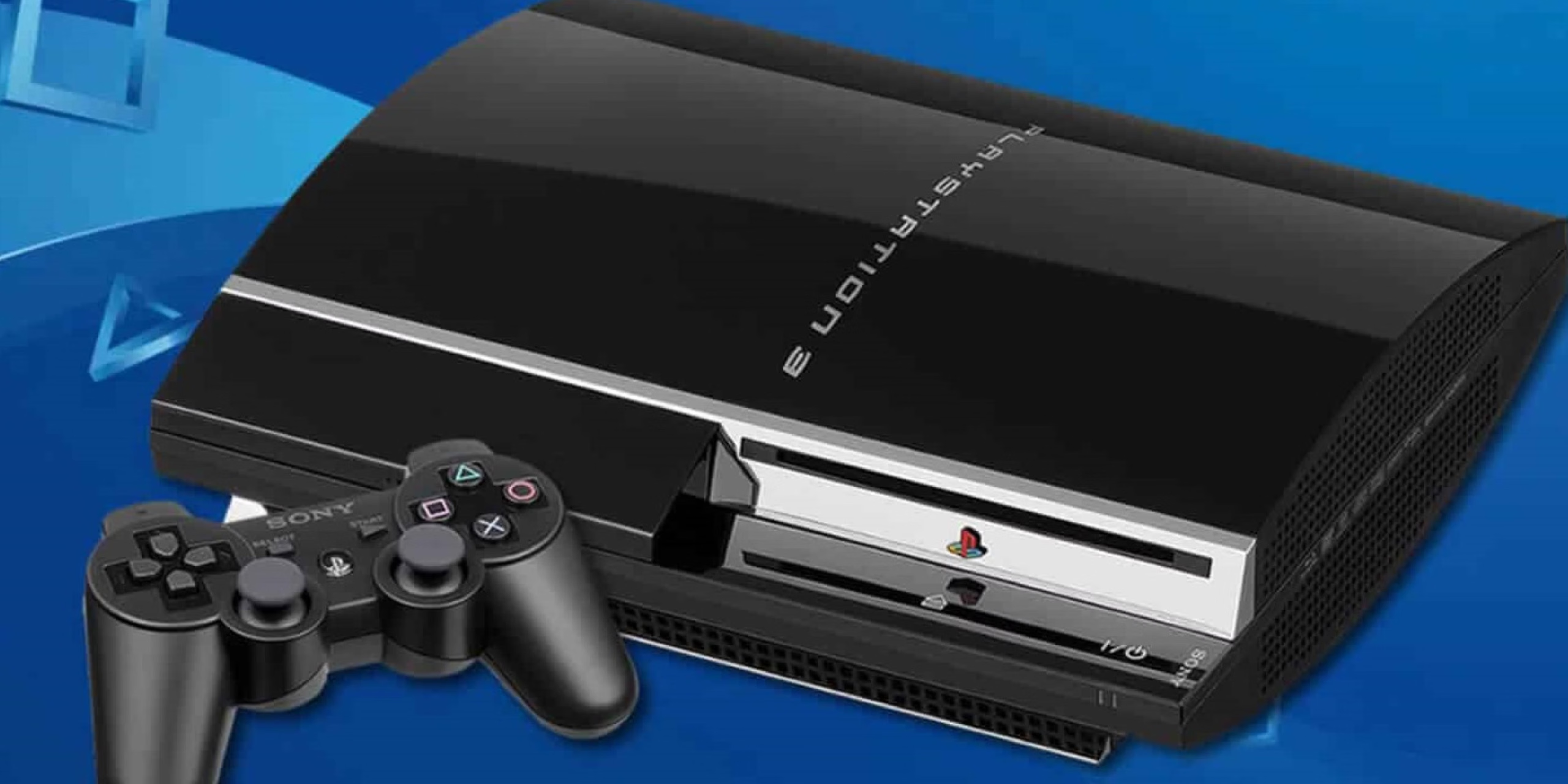
The US PlayStation 3 models that can play original PS2 game discs are the 20GB CECH-B01, 60GB CECH-A01, and some 80GB CECH-E01 consoles.
The CECH-A01 60GB model and CECH-B01 20GB model offer the broadest PS2 compatibility because they include PS2 hardware. The CECH-E01 80GB model uses software emulation and supports fewer PS2 games.
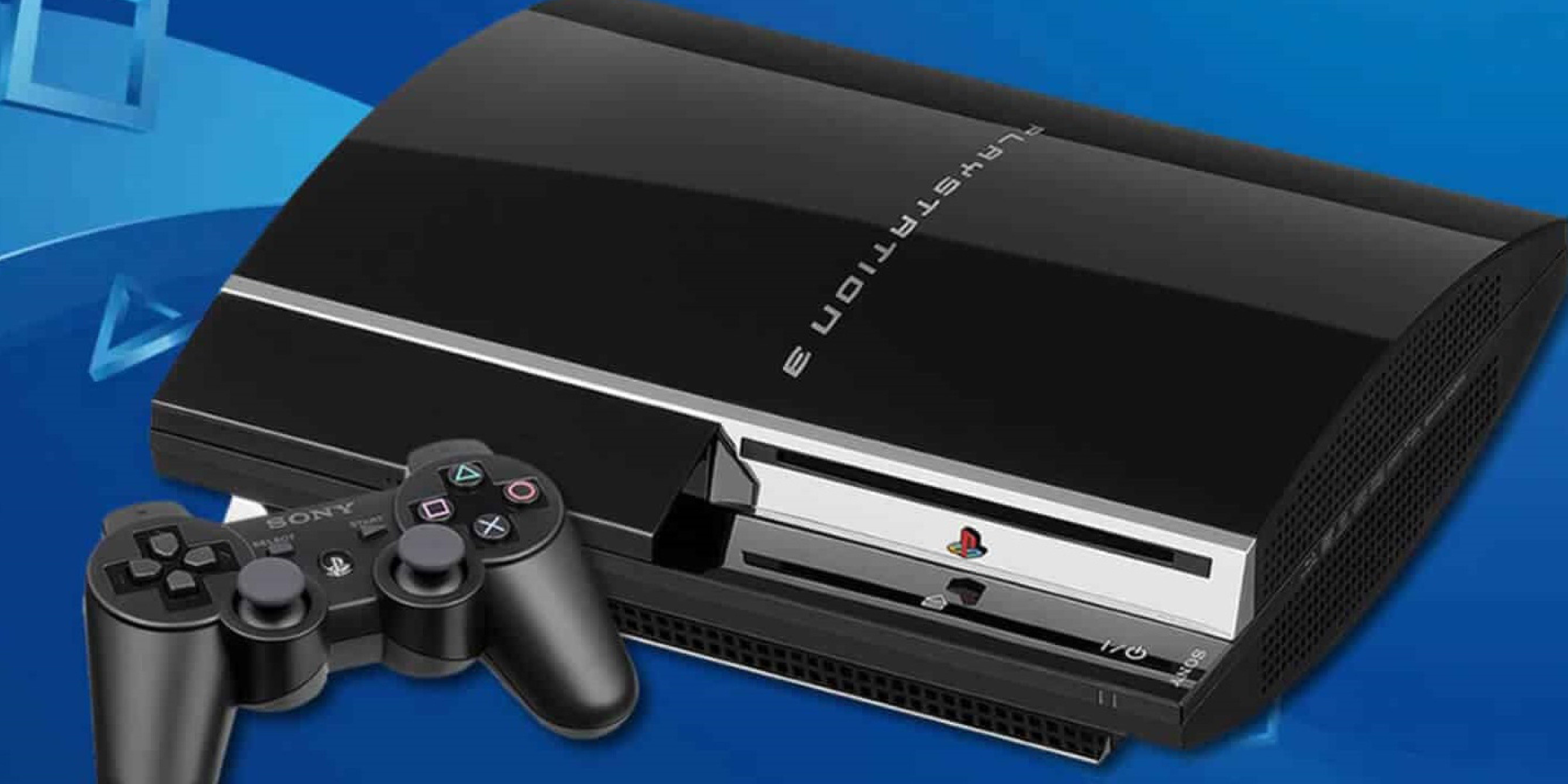
Most later PS3 consoles—including Slim and Super Slim models—cannot play original PS2 discs. They can only play selected digital PS2 Classics titles, where those titles are available.
PS3 Models That Play Original PS2 Discs
Only a small group of early PS3 consoles sold in the United States can read and play most original PS2 game discs.
| US PS3 model | Storage | Original PS2 discs | How it works | Compatibility |
|---|---|---|---|---|
| CECH-B01 | 20GB | Yes | PS2 hardware | Broad |
| CECH-A01 | 60GB | Yes | PS2 hardware | Broadest |
| CECH-E01 | 80GB | Yes, with limits | Software emulation | Partial |
| CECH-G01 | 40GB | No | None | Not compatible |
| CECH-H01 and later 80GB models | 80GB | No | None | Not compatible |
| CECH-2001 and later Slim models | Varies | No | None | Not compatible |
| CECH-4001 and later Super Slim models | Varies | No | None | Not compatible |
The model number appears on a label on the back or bottom of the console. In the United States, the final characters usually include “01.” For example, CECHA01 identifies the US 60GB launch model.
The storage size alone is not enough to identify a compatible PS3. Sony sold multiple 80GB and 160GB PS3 versions, and only some early 80GB units supported PS2 discs.
The Best PS3 for PS2 Games: CECHA01 60GB
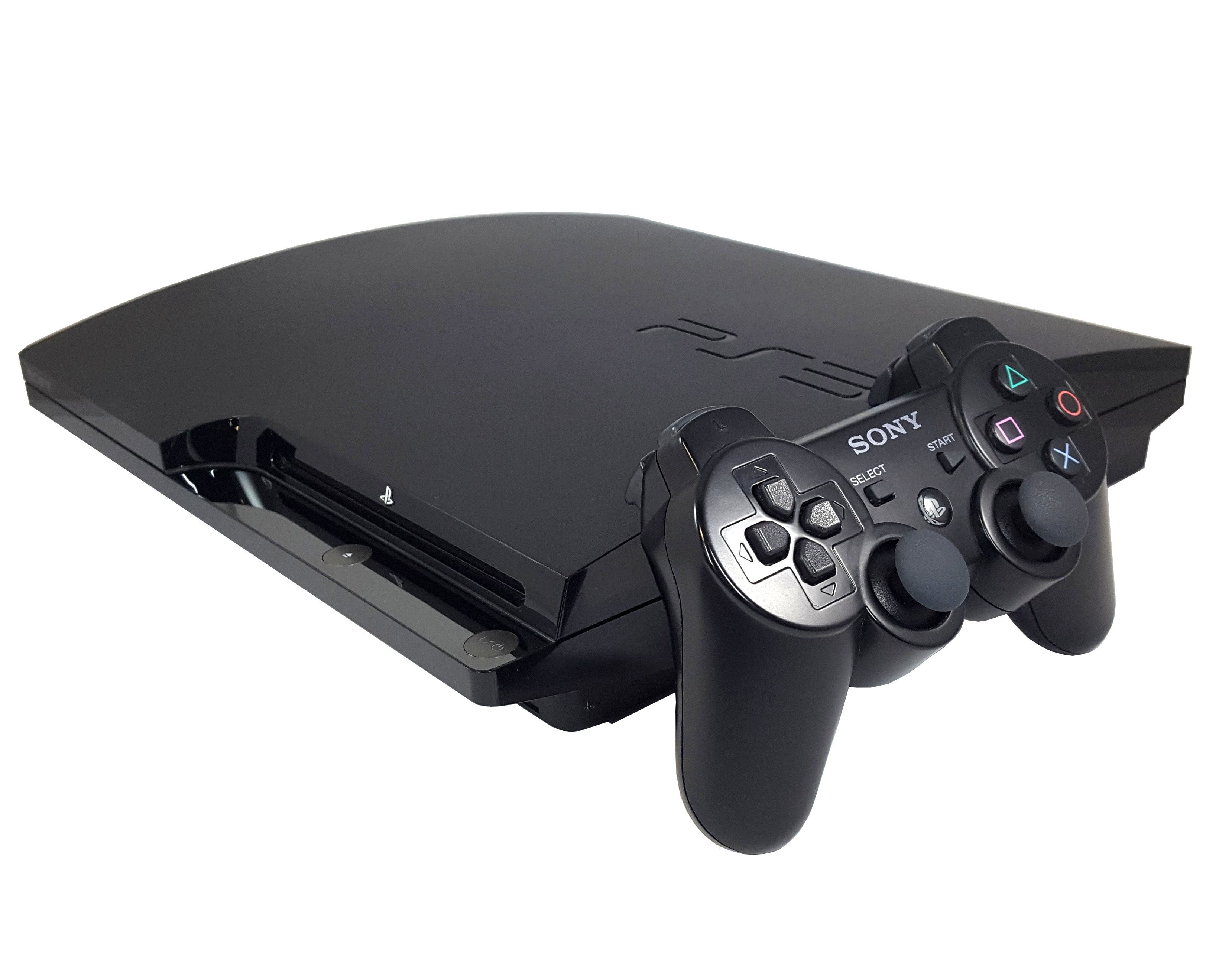
The CECHA01 60GB PS3 is usually the best choice for playing original PS2 games on a PS3.
It contains key PS2 components, including the Emotion Engine and Graphics Synthesizer. These chips allow the console to run many PS2 games through hardware-based backward compatibility.
The CECHA01 also includes:
- Four USB ports
- Built-in Wi-Fi
- Flash memory card slots
- Support for PS1 discs
- Support for PS2 discs
- HDMI output
- A 60GB internal hard drive
The original 60GB model is not perfectly compatible with every PS2 game. Some titles may have visual errors, sound problems, save issues, or other faults. Sony maintained a compatibility database for supported games, but the results varied by title and software version.
The bigger concern is age. Every CECHA01 is now an older used console. Heat, dust, failing disc drives, worn fans, and damaged power components can affect reliability. A working unit may need cleaning or repair, and repairs can cost more than the console itself.
The 20GB CECH-B01 Also Supports PS2 Discs
The CECH-B01 20GB PS3 is another US model with strong PS2 compatibility.
Like the 60GB CECHA01, it uses PS2 hardware. It can play many original PS2 discs and offers the same basic PS2 backward-compatibility feature.
Its main differences are:
- Smaller 20GB hard drive
- No built-in Wi-Fi
- No flash memory card reader
- Four USB ports
- PS2 hardware compatibility
The missing Wi-Fi does not affect PS2 disc playback. However, it can make system updates and online setup less convenient. You may need a wired Ethernet connection.
The 20GB model is also uncommon. Because it was sold in smaller numbers and is now several generations old, condition matters more than storage capacity. Check the console carefully before buying.
The 80GB CECH-E01 Has Limited PS2 Compatibility
The CECH-E01 80GB PS3 can play some original PS2 discs, but it is not as compatible as the CECHA01 or CECH-B01.
This model uses software emulation rather than the full set of PS2 hardware. As a result, some PS2 games work well, while others may not start or may show glitches.
The CECH-E01 is easy to confuse with later 80GB PS3 models. That distinction matters:
- CECHE01 and CECHA01/B01: May play original PS2 discs
- CECHG01 and later 80GB models: Do not play original PS2 discs
Do not buy an 80GB PS3 based only on the capacity printed on the box or hard drive. Confirm the complete model code first.
How to Identify a PS3 That Plays PS2 Games
Follow these steps before buying a used PS3.
1. Find the model number
Look for the model label on the back or bottom of the console. The code starts with CECH and ends with a regional suffix.
A US console normally ends in 01. Examples include:
- CECHA01
- CECHB01
- CE CHE01? No—look for the exact format CECHE01
- CECHG01
The label may be hard to read on a used console. Ask the seller for a clear photo if the listing does not show it.
2. Check the full code, not just the storage size
A PS3 marked “80GB” may or may not play PS2 discs. The model code is the deciding detail.
For original PS2 disc support in the United States, look for:
- CECHA01
- CECHB01
- CECHE01
Avoid assuming that any model with four USB ports is compatible. Four USB ports are common on early PS3 consoles, but they do not prove PS2 support by themselves.
3. Confirm that the disc drive works
A compatible model is not useful if its Blu-ray/DVD drive cannot read discs. Ask the seller whether the console can:
- Read a PS3 game
- Read a DVD
- Read an original PS2 game
- Eject discs normally
A PS3 may read one disc type but fail with another if the optical drive is damaged.
4. Check the region
Original PS2 discs are generally region locked. A US PS3 may not play a PAL or Japanese PS2 disc, even when the console itself is backward compatible.
For the safest match, use:
- A US PS3
- A US PS2 disc
- A game intended for the North American market
PS3 games are often region-free, but that does not mean PS2 discs are region-free.

What PS3 Slim and Super Slim Models Can Do
PS3 Slim and Super Slim consoles cannot play original PS2 game discs.
This includes common models such as:
- CECH-2001A
- CECH-2001B
- CECH-2101A
- CECH-2501A
- CECH-3001A
- CECH-4001A
- CECH-4001B
These systems can play PS3 games and PS1 discs in many cases, but they do not include the hardware or software needed to run physical PS2 discs.
Some Slim and Super Slim consoles can run PS2 Classics purchased digitally for the PS3. These are specially prepared software releases. They are not the same as placing a PS2 disc into the drive.
A digital PS2 Classic:
- Comes from the PlayStation Store
- Runs through Sony’s PS2 software emulator
- May include only selected games
- Does not make the console compatible with physical PS2 discs
- May be unavailable for purchase depending on the game and current store listing
Original PS2 Discs vs. PS2 Classics
These two types of compatibility are often confused.
Original PS2 disc support
This means the PS3 can read a physical PS2 game disc. Only certain early PS3 models provide this feature.
You need a compatible model such as:
- CECHA01
- CECHB01
- CECHE01
PS2 Classics support
This means the PS3 can run a digital PS2 game prepared for that system. The console does not read a physical PS2 disc for this process.
A later PS3 may run a PS2 Classic even though it cannot play the matching disc. For example, a digital version of a PS2 game may work on a Slim model while the original retail disc does not.
This difference is central when choosing a console. If you already own a shelf of PS2 discs, buy a confirmed backward-compatible early PS3. If you only want to play selected digital releases, a later PS3 may be sufficient.
How Well Do Compatible PS3 Consoles Play PS2 Games?
The answer depends on the model and the game.
CECHA01 and CECHB01
These models generally provide the strongest compatibility because they use PS2 hardware. Many popular PS2 games run normally, but no list should promise that every title works perfectly.
Possible issues include:
- Minor graphical faults
- Incorrect textures
- Sound glitches
- Memory card or save problems
- Game-specific crashes
- Problems with certain accessories
CE CHE01? Check the label carefully
The 80GB model must be identified as CECHE01. It uses a different compatibility method and supports fewer games than the 20GB and 60GB launch models.
A game that works on a CECHA01 may fail or behave differently on a CECHE01. Check the exact game against a reliable compatibility list before buying a console for one specific title.
Game accessories can be a separate problem
A PS2 game may run while its accessory does not work correctly. Examples include:
- Guitar controllers
- Dance pads
- USB microphones
- EyeToy cameras
- Multitaps
- Specialized racing wheels
The PS3 may not support the accessory, even if it supports the game itself. If an accessory is essential, verify the complete setup rather than checking only the game title.
PS3 Backward Compatibility Compared With a PS2
A PS3 can be convenient, but a real PS2 is often the simpler option for physical PS2 games.
| Feature | Backward-compatible PS3 | Original PS2 |
|---|---|---|
| Plays PS2 discs | Many titles, model-dependent | Yes |
| Plays PS3 games | Yes | No |
| HDMI output | Yes | Usually needs an adapter or component cable |
| PS2 accessory support | May be limited | Broad PS2 support |
| Repair risk | Older and complex | Also old, but simpler |
| Game compatibility | Varies by PS3 model and title | Usually more direct |
| Memory cards | Uses virtual storage | Uses physical PS2 memory cards |
Choose a backward-compatible PS3 when you want one console for both PS2 and PS3 games. Choose a PS2 when maximum PS2 compatibility and accessory support matter more than HDMI output or PS3 features.
A PS3 can also upscale or smooth some PS2 games, but results vary by title and display. Do not treat image enhancement as proof that a game is fully compatible.

Common Mistakes When Buying a PS3 for PS2 Games
Buying any 80GB PS3
Sony released multiple 80GB models. Only the early CECHE01 version supports original PS2 discs.
Assuming every launch PS3 is compatible
The launch family included different models and regions. Verify the model code rather than relying on the release year.
Confusing PS2 Classics with disc support
A console that runs a digital PS2 Classic may still reject a physical PS2 disc.
Ignoring the US region
A North American PS3 may not play imported PS2 discs because PS2 games use regional protection.
Buying without checking the optical drive
Backward compatibility depends on a working disc drive. Ask for proof that the console reads both PS3 and PS2 discs.
Overlooking system condition
Early backward-compatible PS3 models are valuable because of their compatibility, but they are also old. Look for:
- Sudden shutdowns
- Overheating
- Loud fan noise
- Failure to display video
- Disc-drive problems
- Controller connection issues
- Missing hard-drive covers or screws
Do not assume that a high price means the console has been serviced or tested.
Which PS3 Should You Buy?
The best choice depends on what you need.
- Choose the CECHA01 60GB for the broadest original PS2 compatibility in a US PS3.
- Choose the CECHB01 20GB if you find a well-tested unit and do not need built-in Wi-Fi or card readers.
- Choose the CECHE01 80GB only after checking whether your specific PS2 games are supported.
- Choose a Slim or Super Slim if you only need PS3 games, PS1 games, or selected digital PS2 Classics.
- Choose a real PS2 if you need the highest compatibility with PS2 discs and accessories.
Before purchase, ask for the model number, a photo of the label, and proof that the disc drive works.

Frequently Asked Questions
Can a 40GB PS3 play PS2 games?
No. The US 40GB CECHG01 PS3 does not play original PS2 discs. Its 40GB storage size does not indicate backward compatibility.
Can a PS3 Slim play PS2 discs?
No. PS3 Slim models do not play original PS2 discs. Some can run selected digital PS2 Classics, but that is a separate feature.
Can a PS3 Super Slim play PS2 games?
A Super Slim cannot play original PS2 discs. It may support selected digital PS2 Classics if the title is available for that PS3 system.
Is the 80GB PS3 backward compatible?
Only some early 80GB models are backward compatible. The US CECHE01 can play selected PS2 discs. Later 80GB models, including the CECHG01, do not provide original PS2 disc support.
Can a PS3 play PS2 games from another region?
Usually not. PS2 games are region locked, so a US PS3 may not play a PAL or Japanese PS2 disc. Use a North American console with a North American disc unless you have verified a specific exception.
Does every PS2 game work on a backward-compatible PS3?
No. Compatibility varies by PS3 model and game. The CECHA01 and CECHB01 usually offer the best results, but some PS2 titles and accessories still have problems.
Final Answer
For playing original PS2 discs on a US PS3, look for the CECHA01 60GB or CECHB01 20GB models. They use PS2 hardware and generally provide the widest compatibility.
The CECHE01 80GB can also play selected PS2 discs, but it has more limitations. Later 80GB models, all Slim systems, and all Super Slim systems cannot play original PS2 discs.
Check the full CECH model number, confirm the region, test the disc drive, and verify compatibility for the games you actually plan to play.

Everett Calloway is a consumer electronics writer and technology enthusiast at ElectroDoz. He enjoys exploring the latest gadgets, electronic devices, and innovative technologies that make everyday life easier. Everett focuses on creating helpful product reviews, detailed buying guides, practical how-to articles, and troubleshooting tips. His goal is to simplify complex technical information and help readers understand product features, compare their options, and make informed purchasing decisions. When he isn’t researching new electronics, he enjoys exploring emerging technology trends and discovering useful gadgets.