Why is There White Dots on My Projector Screen: Solved!
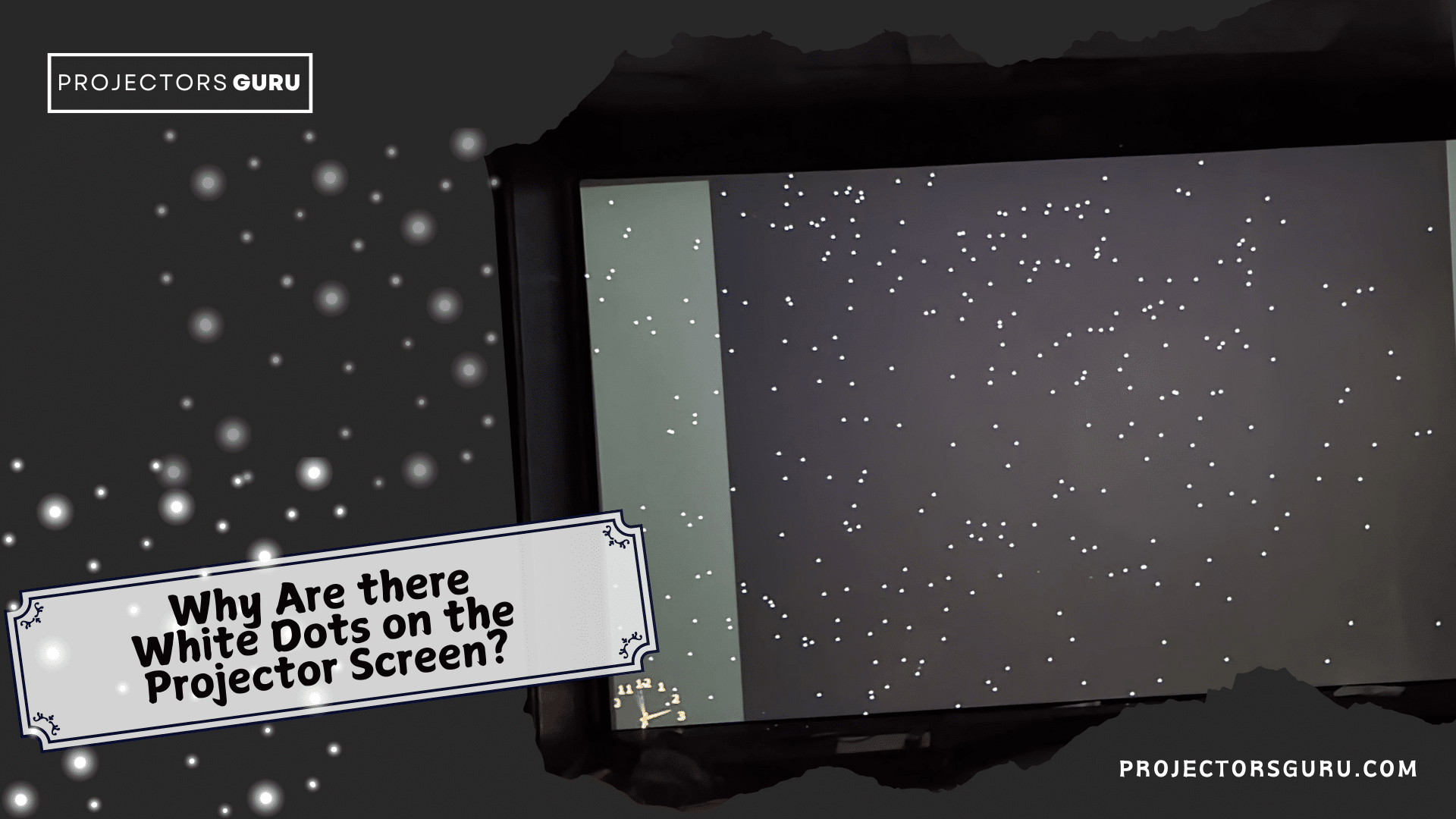
Imagine settling down for a cozy movie night at home, popcorn in hand, only to discover that your projector screen is dotted with annoying white spots. Frustrating, right?
These unexpected blemishes not only disrupt the viewing experience but also leave you puzzled about their origin. You’re not alone—many projector owners face this perplexing issue. So, what’s causing these pesky white dots, and more importantly, how can you fix them?
By understanding the root of the problem, you can restore your screen to its former glory. Stick around as we uncover the mystery behind those white dots and provide you with practical solutions.
Credit: projectorsguru.com
Common Causes Of White Dots
Dead pixelsare small spots on the screen. They appear as white dots. These pixels stop working properly. They do not light up the right way. It can happen due to age. Or poor manufacturing. These dots are annoying when watching a movie.
Dirt and dust particlescan stick to the lens. They block the light. This causes white spots on the screen. Cleaning the lens often helps. Use a soft cloth to wipe away dust. Be gentle to avoid scratches.
The defective DMD chipis a serious issue. This chip controls tiny mirrors inside. If damaged, mirrors misbehave. They reflect light wrong. White dots appear. This often needs professional repair. Sometimes, the whole chip must be replaced.
Identifying The Issue
White dots can appear on a projector screen. These dots are usually caused by faulty pixels. Gently clean the projector lens. Use a soft cloth. Check if dust or dirt is causing the problem. Move closer to the screen. Look for patterns in the dots. Sometimes, the dots form lines or clusters. If so, the problem might be more severe. Identifying the cause helps in fixing the issue.
Some projectors have built-in tools. These tools help find dead pixels. Access the menu settings on the projector. Look for options like “Pixel Checker”. Follow the on-screen instructions. Test different color screens. This helps spot faulty pixels. If the tools don’t help, consider professional repair. Sometimes, the projector needs expert attention. Proper diagnosis ensures a better viewing experience.
Diy Fixes
White dots on a projector screen often result from dead pixels or dust particles. Fixing it might require cleaning the lens or replacing defective parts. Regular maintenance can prevent these issues, ensuring a clear viewing experience.
Cleaning The Projector Lens
White dots may appear if the lens is dirty. Use a soft cloth to clean the lens. Avoid using water directly on the lens. Lens cleaning solution is helpful for stubborn spots. Gently wipe in a circular motion. Keep dust away from the projector area. Regular cleaning helps maintain clear images.
Resetting The Projector
Sometimes, dots appear due to settings. Resetting the projector can help. Find the reset button on your projector. Press and hold for a few seconds. This returns settings to default. Check if the white dots are gone. If they persist, consider professional help. Resetting is easy and can solve many issues.
Professional Repair Options
White dots on screens can be annoying. Sometimes they don’t go away. You might need a professional. If the dots multiply quickly, it’s time. If the screen blinks or flickers, seek help. Experts can fix these issues. They have tools and experience.
Repair costs can vary. Simple fixes are usually cheaper. Complex issues can be expensive. Parts might be needed. Labor adds to the cost. Always ask for an estimate. Compare different repair shops. Choose the one with reasonable rates.
Preventive Measures
Regular maintenancekeeps the projector working well. Clean the lens gently. Use a soft cloth to remove dust. Check filters for dirt. Dirty filters can cause problems. Change filters as needed. Look for any wear or damage. Fix it quickly to avoid bigger issues.
Proper storageis important. Store the projector in a dry place. Avoid humid areas. Humidity can harm the projector. Use a cover to keep dust away. Dust can affect the screen. Keep it away from direct sunlight. Sunlight can damage parts. Safe storage helps extend its life.

Credit: www.reddit.com
Choosing A New Projector
New projectors have many features. It is important to choose wisely. Brightness is key. A projector with high brightness works better in light rooms. Resolution matters too. Higher resolution means clearer images. Look for projectors with at least 1080p. Sound quality is another factor. Many projectors have built-in speakers. But, external speakers can be better. Portability is useful for moving the projector around. Lightweight models are easier to carry. Check for multiple input options. HDMI and USB ports allow for more connections.
Projectors can be expensive. But, there are budget-friendly choices. Some projectors cost less than $300. These can still be good quality. Brands like Epson and BenQ offer affordable models. Refurbished projectors are also cheaper. They work like new ones. Online reviews help in choosing the best budget projector. Look for discounts during sales. Black Friday and holiday sales often have good deals. Buying from trusted stores ensures quality.
Credit: projectorsguru.com
Frequently Asked Questions
What Causes White Dots On Projector Screens?
White dots on projector screens are often caused by dead pixels. These occur when individual pixels fail, resulting in white spots. Another common cause is dust or debris on the projector lens or inside the projector. Regular maintenance and cleaning can help prevent this issue.
Can White Dots On Screens Be Fixed?
Yes, white dots on projector screens can often be fixed. If dead pixels are the cause, replacing the DMD chip might resolve the issue. For dust-related problems, carefully cleaning the projector lens and interior can help. If unsure, consult a professional technician for proper diagnosis and repair.
How Do I Clean My Projector Lens?
To clean your projector lens, first, turn off and unplug the projector. Use a microfiber cloth to gently wipe the lens. Avoid using harsh chemicals or excessive pressure. For stubborn dirt, a lens cleaning solution specifically designed for electronics may be used.
Regular cleaning helps maintain optimal image quality.
Are White Dots A Sign Of Projector Damage?
White dots can indicate minor issues or more serious projector damage. Dead pixels suggest a problem with the DMD chip, while dust indicates maintenance needs. Regular cleaning and prompt repairs can prevent further damage. If the problem persists, consult a professional for a thorough evaluation and solution.
Conclusion
White dots on a projector screen can be frustrating. They often result from stuck pixels or dust. Regular cleaning helps prevent dust-related issues. Check your projector’s manual for pixel repair tips. Some projectors offer built-in solutions for stuck pixels. If problems persist, professional repair might be needed.
Avoid using sharp objects for cleaning. They can cause more damage. Staying informed about projector maintenance ensures better performance. Enjoy a clear viewing experience with proactive care. Remember, a clean projector means a better screen. Keep it dust-free for optimal results.
Your next movie night will be much more enjoyable.

Everett Ashford is an electrical engineer and expert in electronics reviews, tips, and troubleshooting. Specializing in audio and sound devices, including earbuds, AirPods, and headphones, he brings in-depth knowledge and practical advice to help consumers make informed decisions.