Can I Use A Power Bank To Charge My Switch: Safe Guide
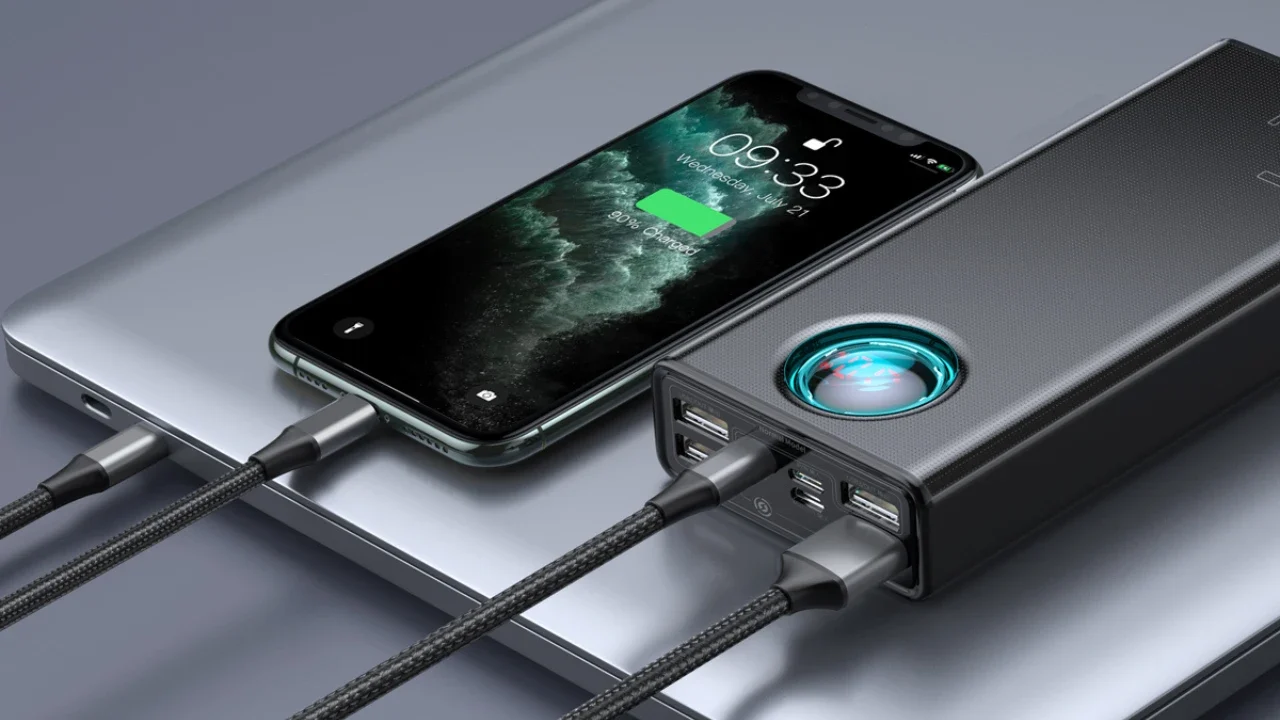
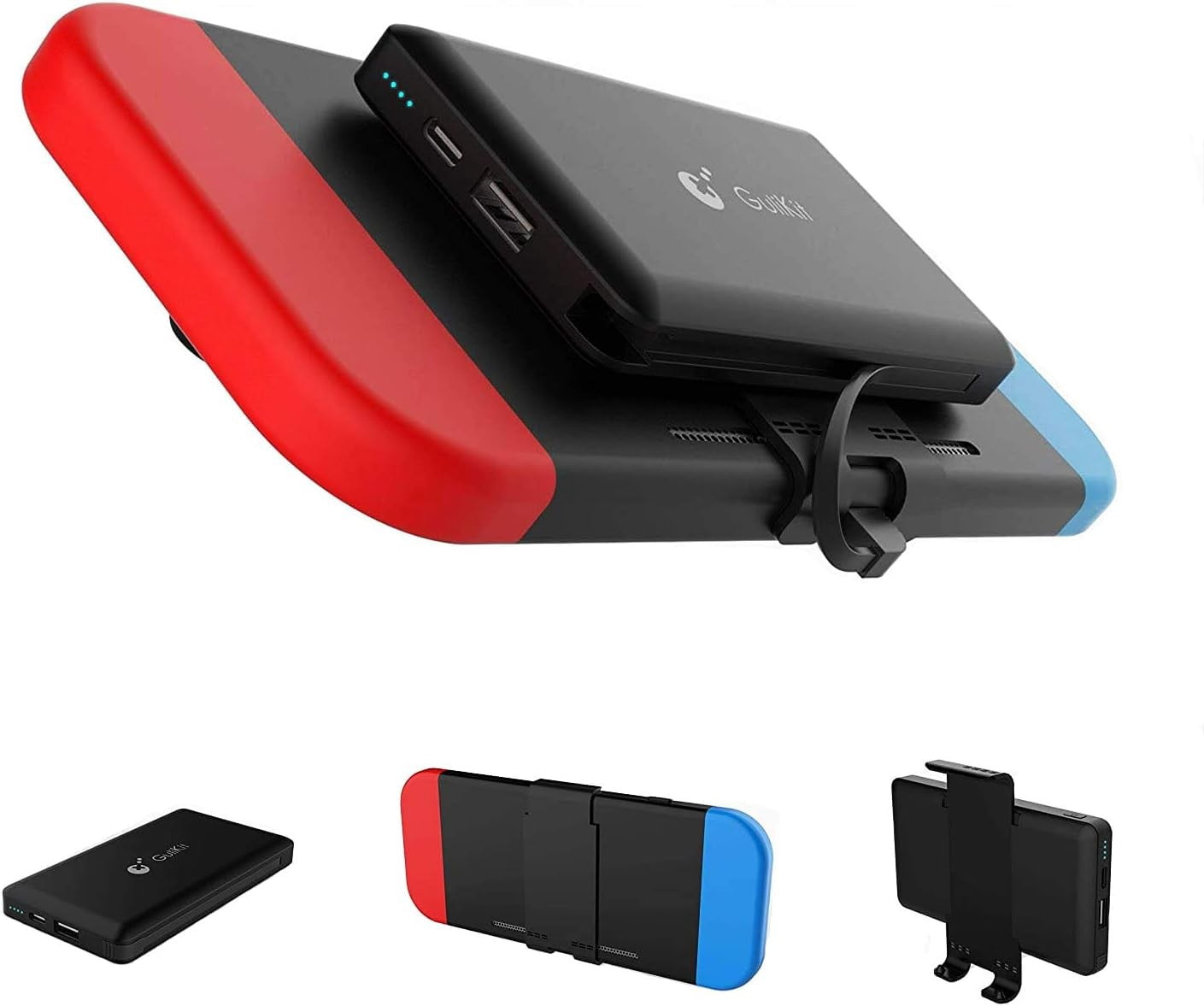
Yes. You can use a power bank to charge a Nintendo Switch, Nintendo Switch Lite, or Nintendo Switch – OLED Model in the United States. For the best results, use a power bank with USB-C Power Delivery (USB-C PD) and a USB-C cable that supports charging.
A basic power bank may charge the Switch slowly. A weak power bank may only keep the battery level steady while you play, or it may not charge the console at all. The power bank must also have enough energy left to provide useful charge.

What Kind of Power Bank Does a Nintendo Switch Need?
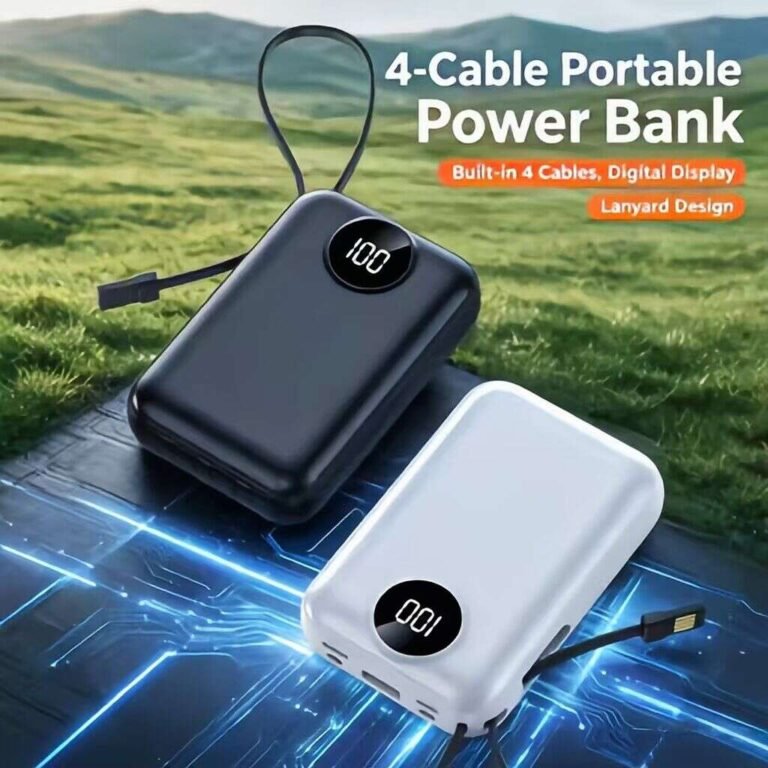
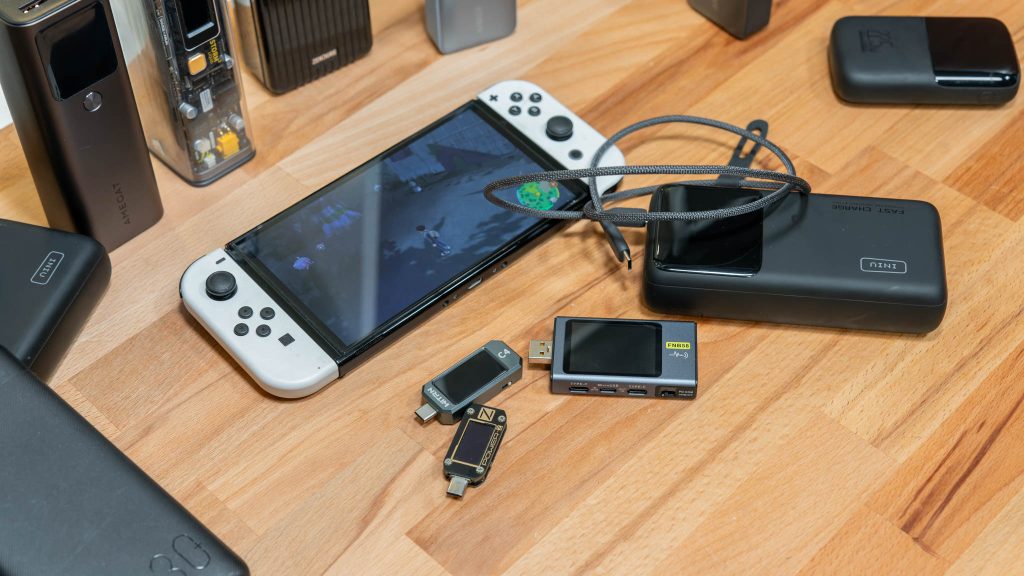
A USB-C power bank with USB-C PD is the best choice for a Nintendo Switch. Look for these features:
- USB-C output
- USB-C PD support
- At least 18 watts of output for basic charging
- Around 30 watts or more for better charging while playing
- A capacity of about 10,000 mAh or more for practical travel use
- A reliable USB-C to USB-C cable
USB-C PD is a charging system that lets the power bank and Switch agree on a safe voltage and current. The Switch does not simply receive the highest power that a charger can produce. It asks for a supported power level.
A power bank rated at 65W will not force 65W into the Switch. The console draws only the power it needs. However, a high-wattage power bank is not automatically better. Its USB-C port still needs to support the right charging profiles.
Nintendo lists the official Switch AC adapter as model HAC-002. The adapter is designed for both regular console charging and dock use. A portable power bank does not always match the official adapter’s output, so it may work well for handheld charging but fail to power the dock.

Can I Charge Every Nintendo Switch Model With a Power Bank?
Yes, the main Nintendo Switch models use USB-C for charging:
| Switch model | Power bank charging | Main limitation |
|---|---|---|
| Nintendo Switch | Yes | A weak bank may charge slowly |
| Nintendo Switch Lite | Yes | It cannot connect to a TV |
| Nintendo Switch – OLED Model | Yes | Dock and TV use need more power |
| Nintendo Switch 2 | Check its current manual | Do not assume older Switch accessories are suitable |
The original Nintendo Switch, Switch Lite, and Switch OLED use a USB-C charging port. Use the port on the bottom of the console.
Do not confuse the console’s USB-C port with the USB-A ports on a Switch dock. A dock’s USB-A ports are not designed to charge the handheld console directly.
For Nintendo Switch 2, check the model-specific Nintendo support page and charger requirements. Its power needs and accessory compatibility may differ from earlier Switch models.
How to Charge a Switch With a Power Bank
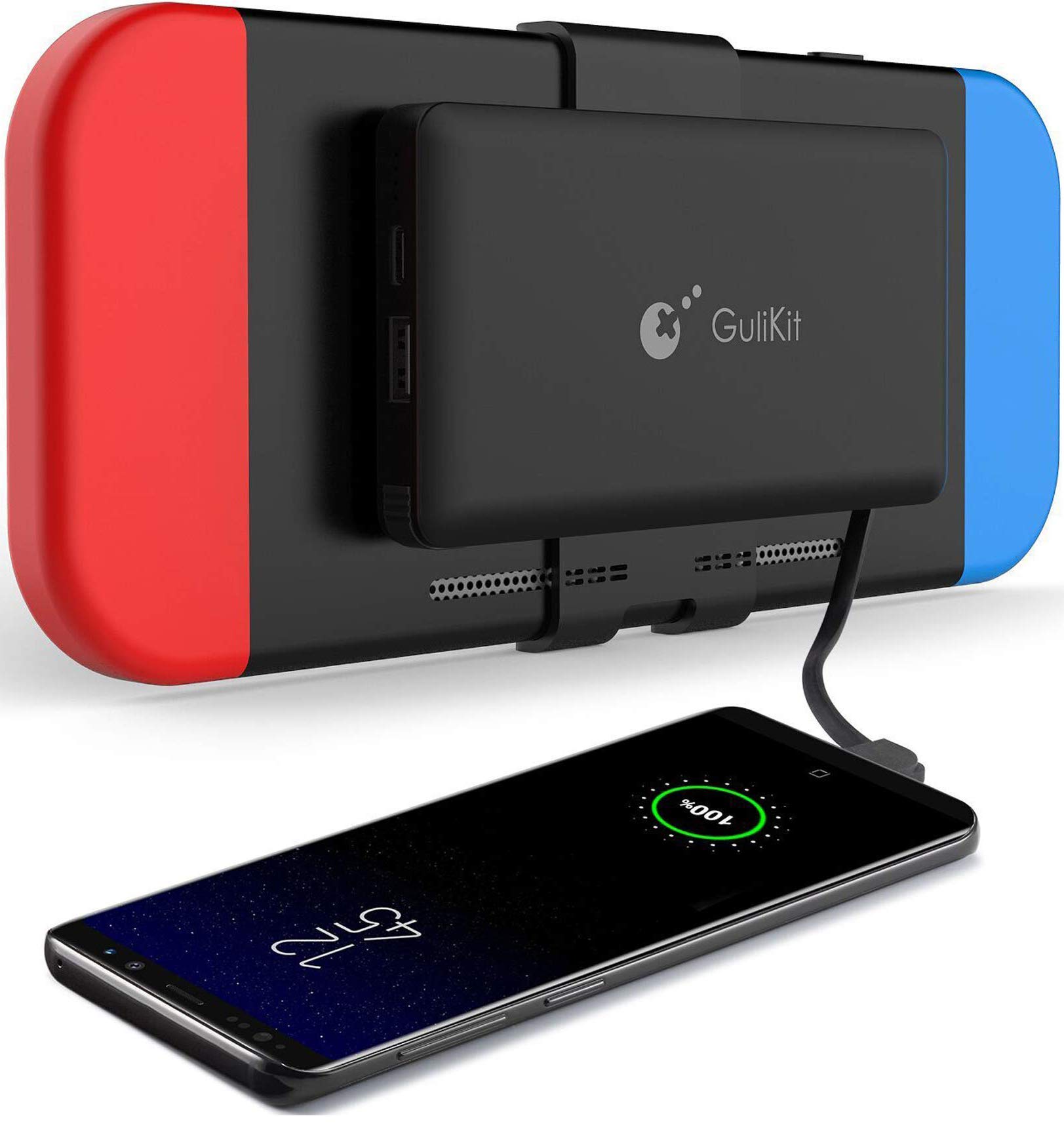
Follow these steps:
- Check the power bank. Confirm that it has a USB-C output, not only a USB-C input.
- Check the output rating. Look for USB-C PD and an output of at least 18W.
- Use a good cable. Connect the Switch with a USB-C to USB-C cable.
- Turn on the power bank. Some models start charging as soon as you connect a device. Others need a button press.
- Connect the cable to the Switch. Use the USB-C port on the bottom of the console.
- Check the battery icon. A charging symbol should appear on the Switch screen.
- Keep the vents clear. Do not cover the console or power bank during charging.
You can charge the Switch while it is asleep or turned off. You can also play while it charges. The charging speed will depend on the game, screen brightness, console temperature, cable, and power bank output.
For faster charging, close demanding games, reduce heat, and use a USB-C PD power bank. A simple puzzle game may use less power than a graphics-heavy game, so the same power bank can give different results in different situations.
How Much Power Does the Switch Use?
The Switch does not use one fixed amount of power in every situation. Charging needs vary with the model, game, battery level, temperature, and whether the console is asleep or active.
A useful guide is:
| Power bank output | What to expect |
|---|---|
| 5W to 10W | Slow charging; may not charge during demanding play |
| 18W USB-C PD | Good for handheld charging |
| 30W USB-C PD | Better for charging while playing |
| 39W or more | More suitable for some dock setups, but compatibility still matters |
These are practical targets, not a promise that every power bank will perform the same way. The Switch may charge at a lower rate than the power bank’s maximum rating.
The official Nintendo adapter supplies more power than many small phone power banks. That is why a phone charger or small battery pack may charge the Switch slowly even when the connector fits.
A USB-C connector only describes the plug shape. It does not prove that the charger supports the right power level. The charging standard and output rating matter more than the shape of the port.
How Long Will a Power Bank Charge a Switch?
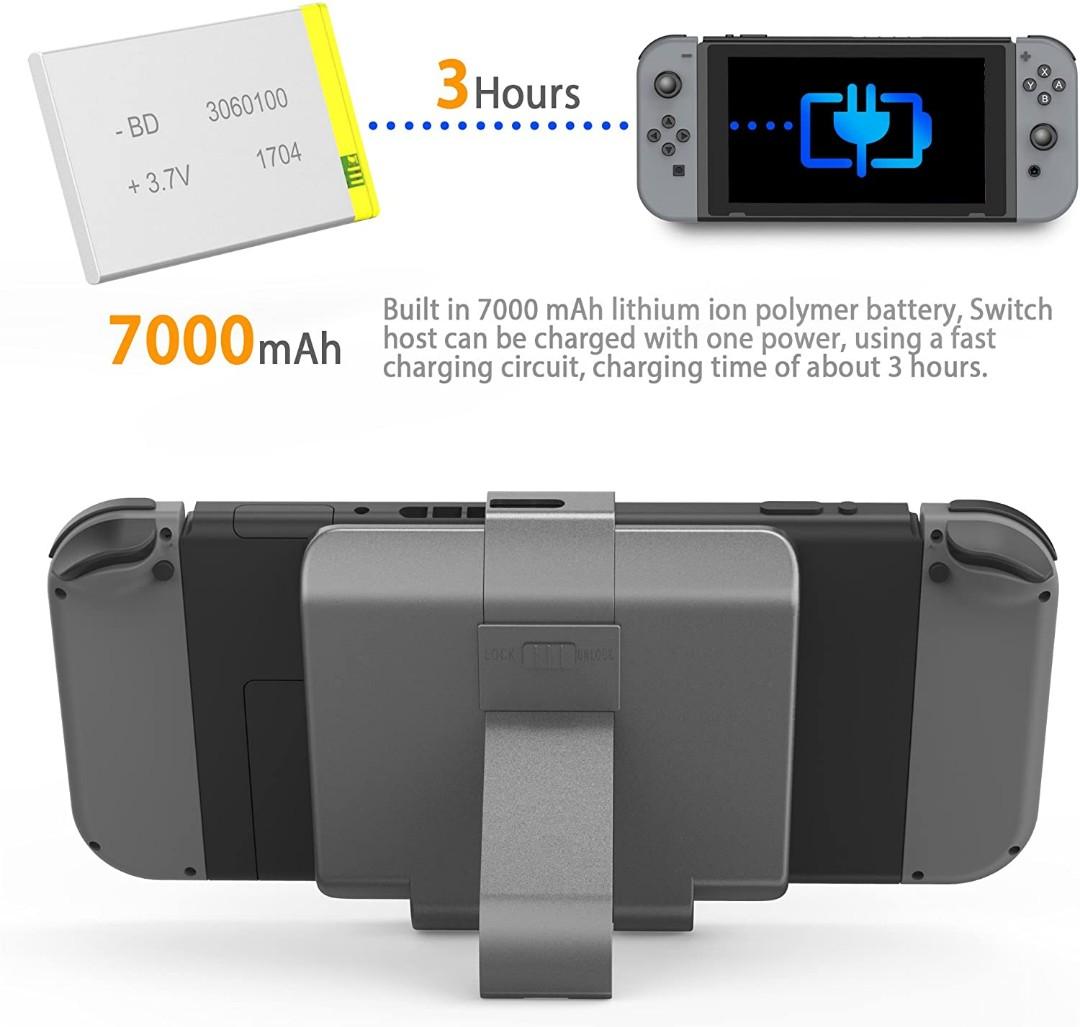
The answer depends on the power bank’s usable energy, not only its printed mAh number.
A simple estimate is:
Usable energy ≈ power bank capacity × 3.7 ÷ 5 × efficiency
Power banks usually list capacity based on their internal battery voltage of about 3.7 volts. The Switch receives power at a different voltage, and some energy is lost during conversion. Real charging also loses energy through heat and normal system use.
For example, a hypothetical 10,000 mAh power bank may contain about:
- 10,000 mAh × 3.7V = 37 watt-hours of internal energy
- After conversion losses, less energy reaches the Switch
- The actual result may be roughly one partial or near-full console charge, depending on conditions
This is only an estimate. A 20,000 mAh power bank will usually provide more charge than a 10,000 mAh model, but it will also be larger and heavier.
The Switch battery is not the only load. If you play while charging, some power runs the console immediately instead of filling the battery. Heat can also slow charging.

Can a Power Bank Charge the Switch While You Play?
Yes, but the power bank must provide enough power to cover both the game and battery charging.
If the Switch battery percentage rises during play, the power bank is supplying more power than the console is using. If the percentage stays level, the power bank may be covering only the console’s current use. If the percentage falls, the power bank is not supplying enough power or the connection is unstable.
A power bank rated at 18W may work well for sleep-mode charging and light games. A 30W USB-C PD model gives you more room for demanding games. It still may not charge as quickly as the official AC adapter.
Watch for these signs:
- Battery percentage rises: charging is working normally.
- Battery percentage stays the same: the power bank may be close to the console’s current demand.
- Battery percentage falls: output may be too low, or the cable may be faulty.
- Charging symbol disappears: the power bank may have shut off or lost the connection.

Can I Use a Power Bank to Power the Switch Dock?
Sometimes, but you should not assume that every power bank will run a Switch dock.
The dock has higher power needs than the handheld console. It must charge the Switch and may also support video output to a television. Many small power banks can charge the handheld but cannot provide stable power for docked TV play.
For dock use, you need:
- A power bank with a suitable USB-C PD output
- A compatible USB-C cable
- Enough continuous wattage
- A dock that accepts the power bank’s output correctly
Nintendo’s official dock setup is designed around the official AC adapter. Nintendo warns that unapproved power supplies and accessories can cause compatibility or performance problems. For the most reliable TV use, use the official adapter or a power supply that the dock manufacturer specifically confirms as compatible.
Do not connect the Switch dock to a random USB-A port and expect TV mode to work. A USB-A port may provide enough power for a phone but not enough for the dock and console together.

What If the Switch Does Not Charge From the Power Bank?
Check the setup in this order:
1. Confirm the power bank has USB-C output
Some power banks have a USB-C port for input only. That port can recharge the power bank but cannot charge the Switch.
Read the label beside the port. Look for terms such as Output, USB-C OUT, or PD OUT.
2. Try a different cable
A damaged or low-quality cable can interrupt charging. Use a known-good USB-C to USB-C cable. If possible, test the cable with another USB-C device.
3. Press the power bank button
Some power banks turn off when the Switch draws little power, especially when the console is asleep. Press the power button once and check whether charging starts.
4. Check the power bank’s remaining charge
A nearly empty power bank may stop supplying power. Recharge it and test again.
5. Remove extra devices
If the power bank is charging a phone, earbuds, or another device at the same time, its available output may be shared. Disconnect the other devices.
6. Let the Switch cool
The Switch can slow or pause charging if it becomes too hot. Move it out of direct sun, remove anything that blocks airflow, and let it cool before trying again.
7. Test the official charger
If the Switch also fails to charge with its normal Nintendo charger, the problem may be the console, USB-C port, or battery. Do not force the cable into the port or scrape inside the port with metal.
If the port is loose, damaged, wet, or unusually hot, stop using it and seek qualified repair help.
Is It Safe to Charge a Switch With a Power Bank?
It is generally safe when you use a sound power bank, a suitable cable, and normal charging conditions.
Use a power bank from a reputable maker with built-in protections for overcharge, overcurrent, short circuit, and excess temperature. Stop using it if the battery pack is swollen, cracked, leaking, very hot, or has a burnt smell.
Follow these safety rules:
- Do not charge under a pillow or blanket.
- Keep the power bank dry.
- Do not use damaged cables.
- Do not leave a damaged lithium-ion battery unattended.
- Do not use a loose or visibly damaged USB-C port.
- Keep the Switch and power bank away from strong heat.
- Follow the airline’s rules when traveling with a lithium battery.
For flights within the United States, spare lithium batteries and power banks generally belong in carry-on baggage, not checked baggage. Check the current rules from the airline and the Federal Aviation Administration before traveling, especially for high-capacity battery packs.

Common Mistakes to Avoid
These mistakes cause most charging problems:
- Choosing by mAh alone: Capacity does not tell you the output wattage.
- Using USB-C input instead of output: The port may recharge the bank but not the Switch.
- Assuming every USB-C charger supports PD: USB-C is a connector type, not a guarantee of fast charging.
- Using a damaged cable: A cable can fit and still fail under load.
- Expecting TV mode from a small power bank: Docking usually needs more stable power.
- Charging through the dock’s USB-A port: Those ports are not a replacement for the dock’s power input.
- Using a very cheap, unmarked battery pack: Poor quality control raises the risk of heat, failure, and unstable output.
- Playing in extreme heat: High temperature can reduce charging speed and shorten battery life over time.

Best Power Bank Specifications for a Switch
For most Switch owners, these specifications provide a sensible balance:
| Use case | Recommended specification |
|---|---|
| Emergency top-up | 10,000 mAh, USB-C output |
| Travel and regular handheld play | 10,000 to 20,000 mAh, USB-C PD, 18W or more |
| Charging while playing | USB-C PD, about 30W |
| Attempting dock use | Higher-output USB-C PD, with dock compatibility confirmed |
| Air travel | Capacity that fits current airline and FAA limits |
A 10,000 mAh model is smaller and easier to carry. A 20,000 mAh model can provide more total energy but adds weight. For most handheld use, USB-C PD and a dependable cable matter more than choosing the largest capacity.
Look for clear labeling. The power bank should list its USB-C output voltage, current, and wattage. Avoid products that only state “fast charge” without showing the actual output rating.

Key Takeaways
- You can charge a Nintendo Switch, Switch Lite, or Switch OLED with a power bank.
- Choose a power bank with USB-C output and USB-C PD.
- Aim for 18W or more for handheld charging and about 30W for better charging while playing.
- Use a reliable USB-C to USB-C cable.
- A power bank may charge the handheld but fail to power the dock or TV mode.
- Stop using any battery pack that is swollen, cracked, wet, or abnormally hot.
FAQs
Can I use a phone power bank to charge my Switch?
Yes, if the phone power bank has USB-C output and provides enough power. A low-output model may charge the Switch slowly or fail to charge it while you play.
Can I charge a Switch with a 10,000 mAh power bank?
Yes. A 10,000 mAh power bank can provide a useful charge, but the exact amount depends on conversion losses, the Switch model, battery condition, and whether you play during charging.
Can I use a USB-A to USB-C cable?
It may work with a suitable USB-A output, but charging can be slower and less reliable than with USB-C PD. A USB-C to USB-C cable connected to a USB-C PD output is the better choice.
Will a 20,000 mAh power bank damage my Switch?
Capacity alone does not damage the Switch. The important factors are the charger’s regulated output, the cable, and the power bank’s quality. Use a reputable model with standard charging protections.
Can I leave the Switch connected to a power bank overnight?
It is usually better to avoid unnecessary overnight charging with a portable battery. Use a sound charger in a clear, cool place, and stop using the setup if either device becomes unusually hot.
Conclusion
A power bank is a practical way to charge a Nintendo Switch away from an outlet. Choose a reputable USB-C PD model, use a good USB-C cable, and select at least 18W for normal handheld charging. Around 30W is a better target if you want to play while charging.
For TV mode, do not rely on a small power bank unless the dock and power source are confirmed to work together. The safest next step is to check the power bank’s USB-C output label and compare it with the charging needs of your specific Switch model.

Everett Calloway is a consumer electronics writer and technology enthusiast at ElectroDoz. He enjoys exploring the latest gadgets, electronic devices, and innovative technologies that make everyday life easier. Everett focuses on creating helpful product reviews, detailed buying guides, practical how-to articles, and troubleshooting tips. His goal is to simplify complex technical information and help readers understand product features, compare their options, and make informed purchasing decisions. When he isn’t researching new electronics, he enjoys exploring emerging technology trends and discovering useful gadgets.