

What Makes Your Phone Charge Faster: Speed Secrets
You pick up your phone and realize it’s almost out of battery. You need to charge it fast, but how can you make that happen?
Understanding what makes your phone charge faster can save you time and keep your device ready for action when you need it most. Imagine having the power to speed up your phone’s charging process with just a few simple tweaks.
Isn’t that something you’d want to know? We’ll delve into the secrets of fast charging, shedding light on the practical tips and tricks that will transform your charging experience. By the end, you’ll be equipped with the knowledge to keep your phone juiced up and ready to go in record time. Curious? Keep reading to discover the magic behind faster charging and how you can harness it.
Credit: www.hellotech.com
Fast Charging Technologies
Quick Charge is a technology by Qualcomm. It charges phones fast. Your phone battery fills up quickly. It works with some Android phones. Quick Charge is safe. It does not hurt your phone. Charging speed depends on the phone type. Not every phone has Quick Charge.
Power Delivery is a charging method. It works with USB-C cables. Power Delivery is for new devices. It charges phones, tablets, and laptops. This method is fast and efficient. Many brands use Power Delivery. It helps reduce charge time. Power Delivery is smart. It gives the right amount of power.
Some brands have their own charging tech. These are proprietary solutions. They are made by the phone maker. Examples are VOOC and SuperCharge. These charge very fast. The brand controls the technology. These solutions work only with their phones. They are not for other brands.
Charger Compatibility
There are many types of USB. USB-C is the fastest. USB-A is older and slower. USB-C can handle more power. It makes charging quick. USB micro is small. It’s not as fast. A USB-C cable is a good choice. It works with many devices. Always check your phone’s port. This helps avoid wrong cables.
Chargers have output ratings. This is measured in volts and amps. More volts and amps mean faster charging. A 5V/1A charger is slow. A 9V/2A charger is faster. Look for high output ratings. Your phone should support it too. If not, charging will stay slow. Always use a compatible charger. It keeps your phone safe.
Cable Quality
The thickness of the cable affects charging speed. Thicker cables can carry more power. Thicker cables have less resistance. This means faster charging. Always check the gauge of your cable. Choose cables with lower gauge numbers. They are thicker and better for fast charging.
Strong connectors ensure a stable connection. Weak connectors might break easily. This interrupts charging. Look for cables with metal connectors. They last longer and stay stable. A durable connector helps keep charging fast. Invest in quality to avoid frequent replacements.
Device Settings
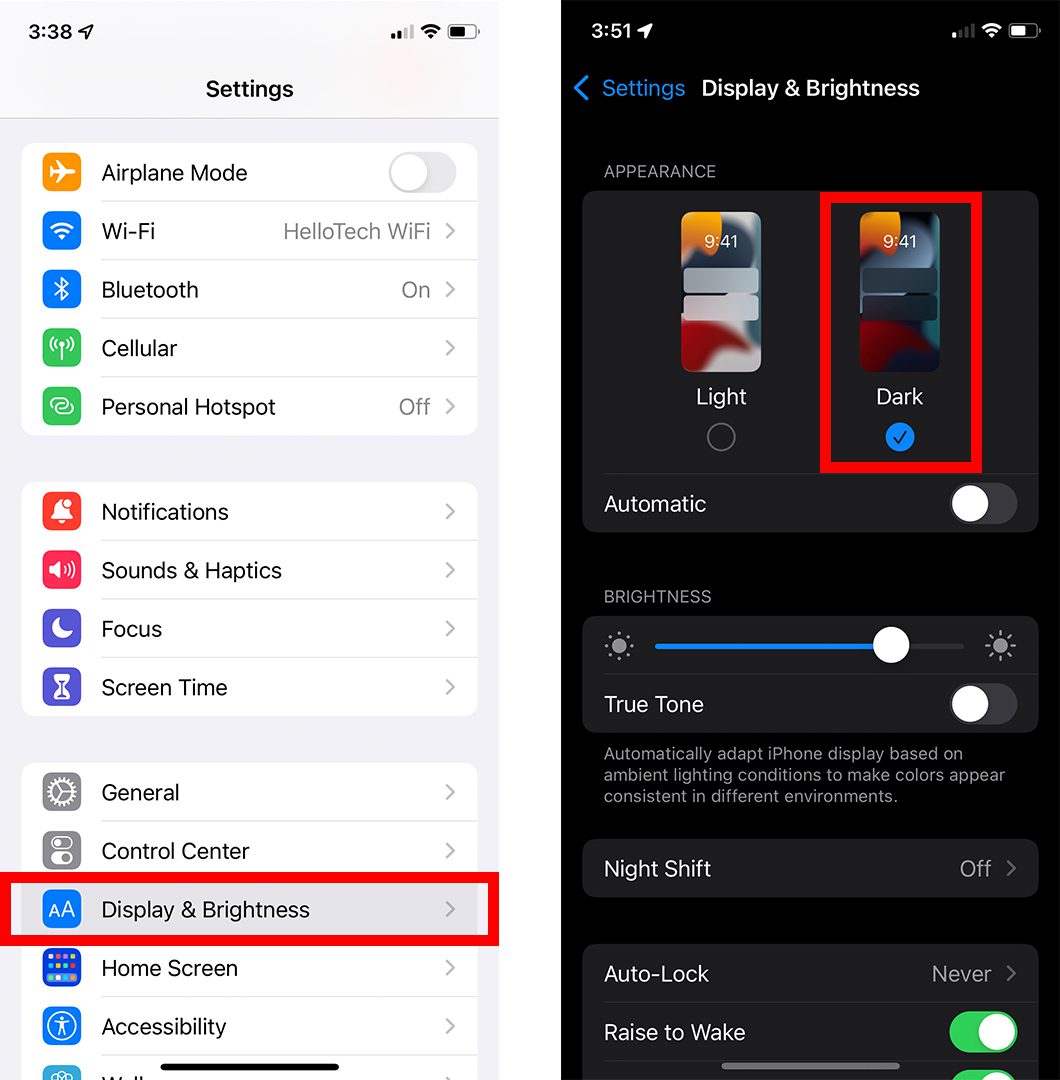
Activating Battery Saver Modecan help your phone charge faster. This mode turns off background apps. It reduces the energy your phone uses. Less energy use means quicker charging. You can find this mode in the settings app. Just tap it to turn on. It’s simple and effective.
Switching on Airplane Modespeeds up charging. This mode stops Wi-Fi and cellular connections. Your phone uses less power. This makes charging quicker. To use it, go to settings. Then tap the airplane icon. Your phone will charge faster.
Battery Health
The phone’s battery doesn’t like heat. High temperatures make charging slow. Cold temperatures aren’t good either. Extreme cold can damage the battery. Keep your phone in a cool place. This helps it charge faster.
Take care of the battery. Clean the charging port often. Dust and dirt block charging. Use a soft brush to clean it. Avoid full discharges. Charge your phone before it dies. Partial charging is better. It keeps the battery healthy.
Environmental Factors
Room temperature can affect phone charging speed. Cooler rooms help phones charge faster. Hot rooms slow down charging. Batteries like cooler temperatures. They work harder in heat. Keep your phone away from heat sources. Charging is faster in cooler environments.
Direct sunlight can slow phone charging. Sunlight heats up the phone. Heat is bad for batteries. Keep your phone in the shade. Charging is better in the shade. Avoid placing phones near windows. Sunlight can overheat the phone. Charge your phone indoors for best results.
Wireless Charging
Wireless charging is slower. Cables charge faster. Wireless pads have speed limits. They can’t send power as quick. Heat makes charging slow. Phones get warm. This slows charging. Distance matters too. Phone must be close to the pad. Far away, charging slows down. Even the case can block charging. It acts as a barrier. Direct contact is best.
Wireless chargers differ. Some are more efficient. Others are less. Brands matter. Top brands often charge better. Older pads may not be efficient. New ones work better. Power output varies. Some give 5 watts, others give 15 watts. Phone models change charging speed. New models often charge faster. Old models may charge slow. Charging standards play a role too. New standards are better.

Credit: www.youtube.com
Avoiding Charging Myths
Many people think phones must be fully discharged before charging. This idea is incorrect. Modern batteries work best with regular charging. Letting a phone battery die often can harm it. Partial charging is good for battery life. Charging when you can is smart.
Some believe overcharging can ruin a battery. This is not true for new phones. Smartphones have systems to stop charging when full. Leaving your phone plugged in overnight is safe. The phone stops charging itself. Battery health is not affected by overcharging.

Credit: www.youtube.com
Frequently Asked Questions
What Affects Phone Charging Speed?
Several factors impact charging speed, including the charger type and cable quality. Using a higher wattage charger and certified cables can enhance charging efficiency. Additionally, turning off background apps and avoiding device usage during charging can significantly speed up the process.
Always ensure the charging port is clean and free from debris.
Do Fast Chargers Harm Battery Life?
Fast chargers are generally safe for your phone’s battery. Modern smartphones have built-in mechanisms to prevent overcharging. However, consistently using a high-power fast charger can generate more heat, which may slightly affect long-term battery health. To maximize battery lifespan, balance fast charging with regular charging methods.
How Do Charging Cables Influence Speed?
Charging cables play a crucial role in charging speed. High-quality cables with thicker wires and better insulation offer less resistance, allowing more current to pass through. Opt for cables certified for fast charging to achieve optimal performance. Damaged or low-quality cables can significantly slow down the charging process.
Can Phone Settings Impact Charging Time?
Yes, phone settings can affect charging time. Enabling Airplane Mode or switching off the device can reduce power consumption, allowing faster charging. Disabling unnecessary features like Wi-Fi, Bluetooth, and background apps also helps. Regularly updating your phone’s software can ensure efficient battery management and charging optimization.
Conclusion
Fast charging depends on several factors. A good charger is crucial. Always use the charger that came with your phone. It matches your phone’s power needs. A high-quality cable also matters. Shorter cables charge faster. Keep your phone cool while charging.
Heat slows down charging speed. Turn off apps running in the background. They drain power. Charge in airplane mode for quicker results. Regularly update your phone’s software. Updates improve charging efficiency. Understanding these basics can enhance your phone’s charging speed.
Enjoy a faster-charging experience with these simple tips.

Marlowe Quinn is a technology writer at ElectroDoz, with expertise in smartphones, chargers, power banks, phone cases, selfie sticks, and other mobile accessories. Known for breaking down specs and features into easy-to-understand insights, Marlowe helps readers find the right gadgets to stay connected and powered up in their daily lives.


