How Much Data Do Security Cameras Use: Essential Insights
Imagine feeling completely at ease, knowing your home or business is protected by security cameras. But have you ever wondered how much data these cameras actually use?
This is a crucial question, especially if you rely on internet-based storage or have limited bandwidth. You might be surprised to learn that the amount of data security cameras consume can vary dramatically, impacting your internet speeds and storage capacity.
Understanding this can not only help you make more informed decisions but also prevent unexpected costs and technical hiccups. Dive in to discover the ins and outs of security camera data usage, and ensure your peace of mind doesn’t come with hidden surprises.
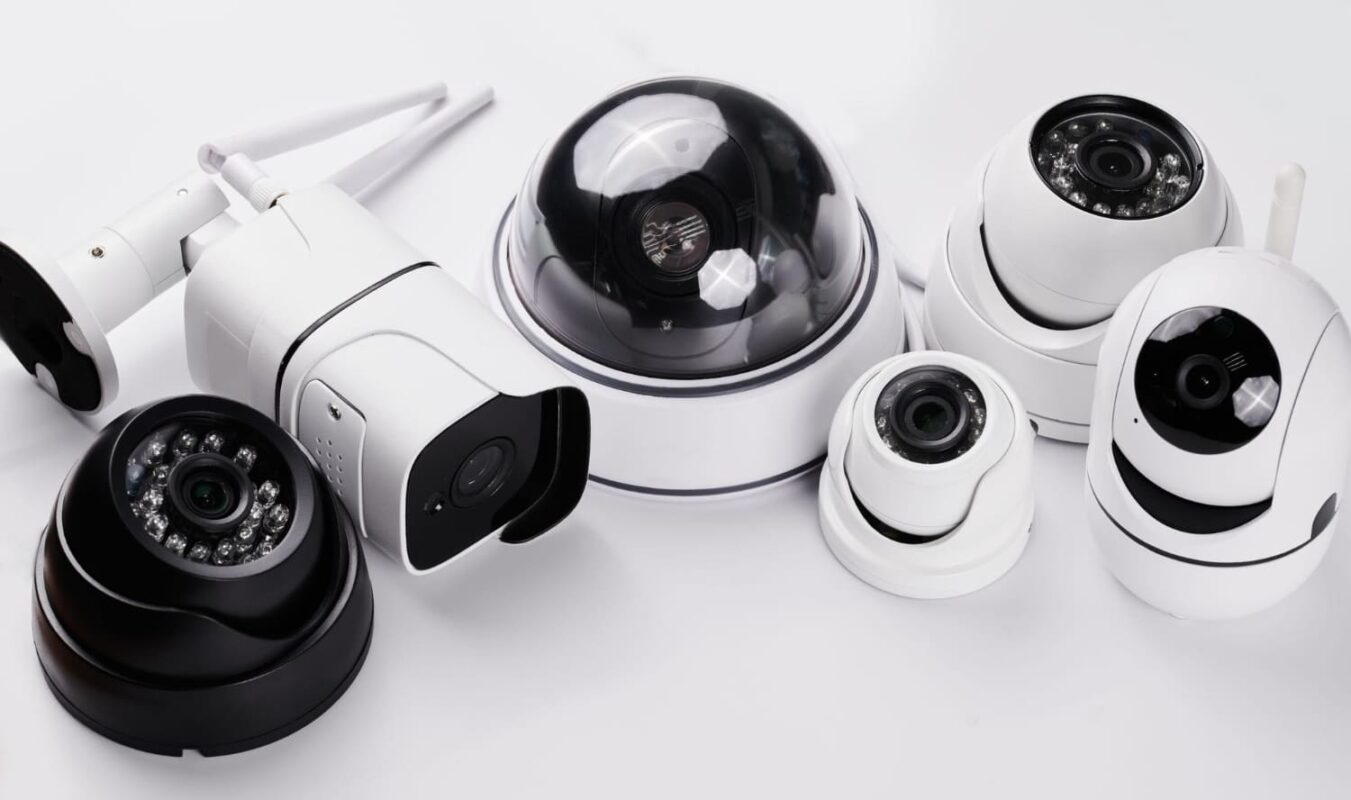
Credit: honeyoptics.com
Data Consumption Factors
Security cameras with higher resolution use more data. A 4K camera uses more data than a 720p camera. Quality settings also affect data use. High-quality settings need more data. Low-quality settings use less data.
Frame rate means how many pictures a camera takes in a second. Higher frame rates need more data. A camera with 30 frames per second uses more data than one with 15 frames. Lower frame rates save data.
Compression helps reduce data use. It makes video files smaller. The H.264 and H.265 are common compression methods. H.265 is newer and saves more data. Compression is important for saving storage space.

Credit: honeyoptics.com
Types Of Security Cameras
Wired camerasuse cables for power and data. They are stable and reliable. Wireless camerasconnect through Wi-Fi. They are easy to install. Wired cameras might offer better video quality. Wireless cameras offer flexibility in placement. Choose based on your needs and setup.
Cloud storagesaves videos online. It needs internet to upload. This option offers remote access. You can view footage from anywhere. Costs may apply for cloud services. Cloud-based systems need a strong internet connection. They might use more data than local storage.
Local storagesaves videos on-site. Examples include SD cards or hard drives. This method does not need the internet. It can be more secure as data stays local. Local storage usually costs less over time. Consider storage limits and data loss risks.
Bandwidth Requirements
Security camerasneed internet to send video. Data use depends on the camera type. High-quality camerasneed more data. HD camerasuse more data than low-resolution cameras. Bandwidth is the internet speed needed. More bandwidth means better video. Less bandwidth means blurry video. Streaming videouses lots of data.
Internet Speed Considerations
Internet speed is important for cameras. Faster speeds help cameras work better. Slow speeds make video choppy. Fast internet means smooth video. Slow internet means delays. Good speed helps cameras stream video.
Network Capacity
Network capacity means how much data your internet can handle. More capacity means more data. Less capacity means less data. Many cameras need more capacity. Few cameras need less capacity. Strong networkscan handle many cameras. Weak networks struggle with many cameras.
Estimating Data Usage
Security cameras use data to store videos. How much data depends on several factors. Resolution is a big factor. Higher resolution needs more data. Frames per second (FPS) is another. More frames mean more data. Compression helps reduce data use. Different cameras use different methods.
A 1080p camera uses about 1-2 GB per hour. A 4K camera can use 10 times more. 24-hour recording can use lots of data. Home users might not need all-day recording. Motion detection saves data by recording only when needed.
To know your needs, check your camera settings. Resolution, FPS, and compression all matter. Multiply these by hours of use. This gives an idea of daily data use. Adjust settings if you need less data. Choose the right plan with your internet provider.
Reducing Data Usage
Security cameras use a lot of data, depending on resolution and recording settings. High-definition cameras consume more data, especially with continuous recording. Adjusting settings can help reduce usage, making it manageable for most users.
Optimizing Settings
Security cameras can use a lot of data. Changing settings helps lower usage. Lower video resolution reduces data. 720p uses less data than 1080p. Adjust frame rate to save data. Fewer frames mean less data. Lowering bitrate can also help. Bitrate affects video quality and data. Choose settings wisely to balance quality and data use.
Choosing Efficient Storage Solutions
Efficient storage solutions save data. Cloud storage can be costly for high data use. Local storage, like SD cards, can save data. Network-attached storage (NAS) is a good option. NAS stores data on-site and reduces cloud costs. Use compression to save space. Compressed files take up less space. Choose storage that fits your needs and budget. Balance cost and data use for best results.

Credit: pro-vigil.com
Impact On Privacy And Security
Data encryption keeps information safe. It turns data into secret codes. Only those with a key can read it. This protects your privacy. Security cameras often use encryption. It stops hackers from stealing data. Your videos are safe. Encryption is very important for security. Without it, data is at risk. Privacy is a big concern. Encryption helps protect it. Your family and home stay secure. Always check for encryption in security cameras.
Access control lets only certain people see data. It’s like a lock on a door. Only those with a key can enter. Security cameras use access control. It keeps data safe. Not everyone can view videos. Only trusted people can access them. This adds a layer of security. It helps protect your privacy. Access control is important for security. It stops unauthorized access. Always check for access control features in cameras.
Frequently Asked Questions
How Much Data Do Security Cameras Consume?
Security camera data usage varies by resolution and frame rate. A high-resolution camera can use 400 GB per month. Lower resolutions use less data, around 30 GB monthly. Consider cloud storage and internet speed for optimal performance.
Do Security Cameras Affect Internet Speed?
Yes, security cameras can impact internet speed. High-definition cameras use more bandwidth. This can slow down other connected devices. Use a separate network or upgrade your internet plan to mitigate this effect.
What Factors Influence Camera Data Usage?
Resolution, frame rate, and compression are key factors. High-resolution and frame rates increase data usage. Efficient compression formats like H. 265 can reduce data consumption significantly. Always check these settings for balanced performance.
Can I Reduce Security Camera Data Usage?
Yes, adjust settings like resolution and frame rate. Use motion detection to record only when necessary. Compress video files with formats like H. 265 to save data without sacrificing quality.
Conclusion
Security cameras use varying data amounts. It depends on several factors. Video quality plays a big role. Higher resolution means more data. Frame rate matters too. More frames require more data. Compression settings can reduce usage. But, it might affect video quality.
Storage options differ. Cloud storage uses more data. Local storage uses less. Monitoring needs influence data use. More cameras mean more data. Choose wisely. Consider your needs. Understanding data use helps plan better. It ensures efficient storage. And keeps costs down.

Jaxon Wilder is a tech enthusiast and contributor at ElectroDoz, where he dives into the latest trends in electronics and smart gadgets. With a sharp eye for innovation and hands-on testing, Jaxon brings readers practical reviews, tips, and insights on everything from everyday tech accessories to advanced devices. His goal is to make technology simpler, smarter, and more enjoyable for everyone.