Can You Play Xbox One Games On Xbox 360 Console: Guide
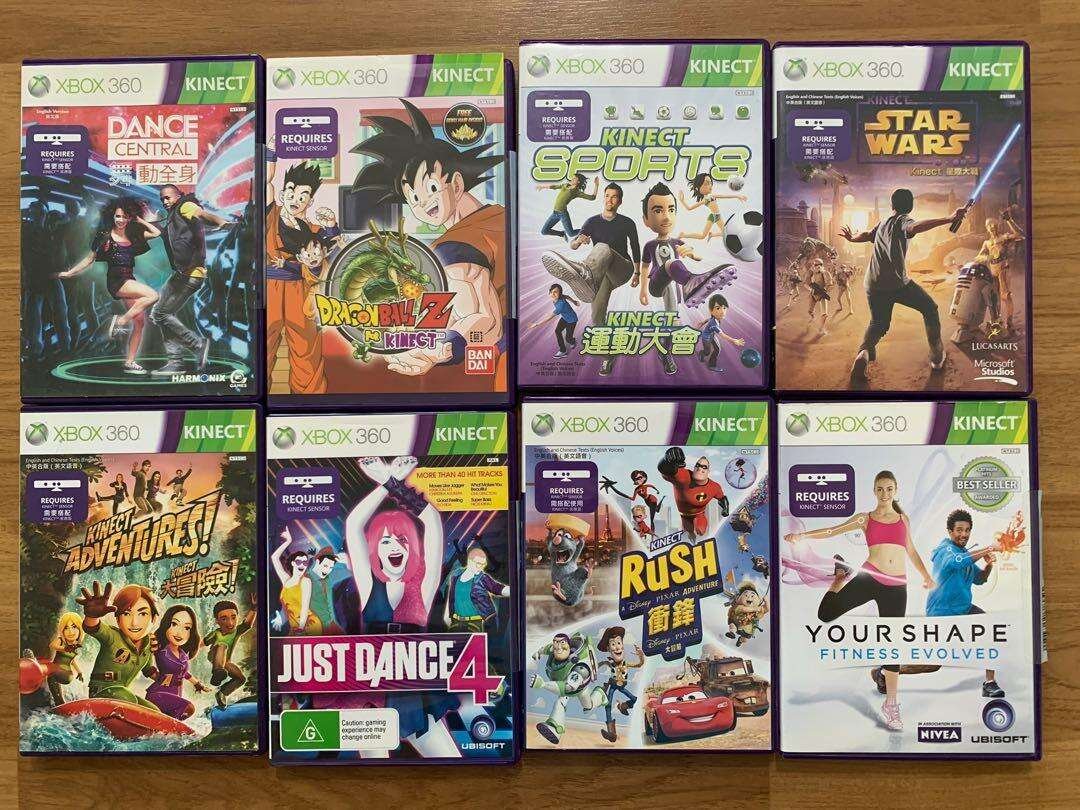
No. An Xbox 360 cannot play Xbox One games. The two consoles use different system software, hardware, and game formats. Xbox One games are not backward compatible with the Xbox 360.
For players in the United States, the rule is simple: an Xbox One game disc will not install or run on an Xbox 360. A digital Xbox One game also cannot be downloaded to an Xbox 360. However, an Xbox 360 can play many Xbox 360 games, and some original Xbox games, through Microsoft’s backward-compatibility program.

Why Xbox One games do not work on Xbox 360
Xbox One games were made for newer hardware than the Xbox 360 can support. The Xbox One has a different processor, graphics system, operating system, and security design.
This means the Xbox 360 cannot use an Xbox One disc as if it were an Xbox 360 disc. The problem is not only the disc format. The console also lacks the software and hardware needed to run the game.
Think of it like a Blu-ray player and a DVD player. A newer Blu-ray player may play DVDs, but an older DVD player cannot run a Blu-ray disc. The Xbox One and Xbox 360 have a similar one-way relationship for game compatibility.
Microsoft designed some Xbox One consoles to play selected Xbox 360 games. Microsoft did not create the same reverse support for Xbox 360 consoles.
Xbox compatibility in plain terms
| Game or console combination | Does it work? | Explanation |
|---|---|---|
| Xbox One game on Xbox 360 | No | Xbox 360 cannot run Xbox One games |
| Xbox 360 game on Xbox 360 | Yes | This is the console’s native format |
| Original Xbox game on Xbox 360 | Sometimes | Only selected titles are supported |
| Xbox 360 game on Xbox One | Sometimes | Only backward-compatible games work |
| Xbox One game on Xbox One | Yes | Designed for the Xbox One |
| Xbox One game on Xbox Series X|S | Often | Depends on the title and Microsoft’s compatibility support |
The key point is that backward compatibility does not work in both directions. A newer Xbox may run selected older games, but an older Xbox does not gain the ability to run newer games.
Can an Xbox One game disc work in an Xbox 360?
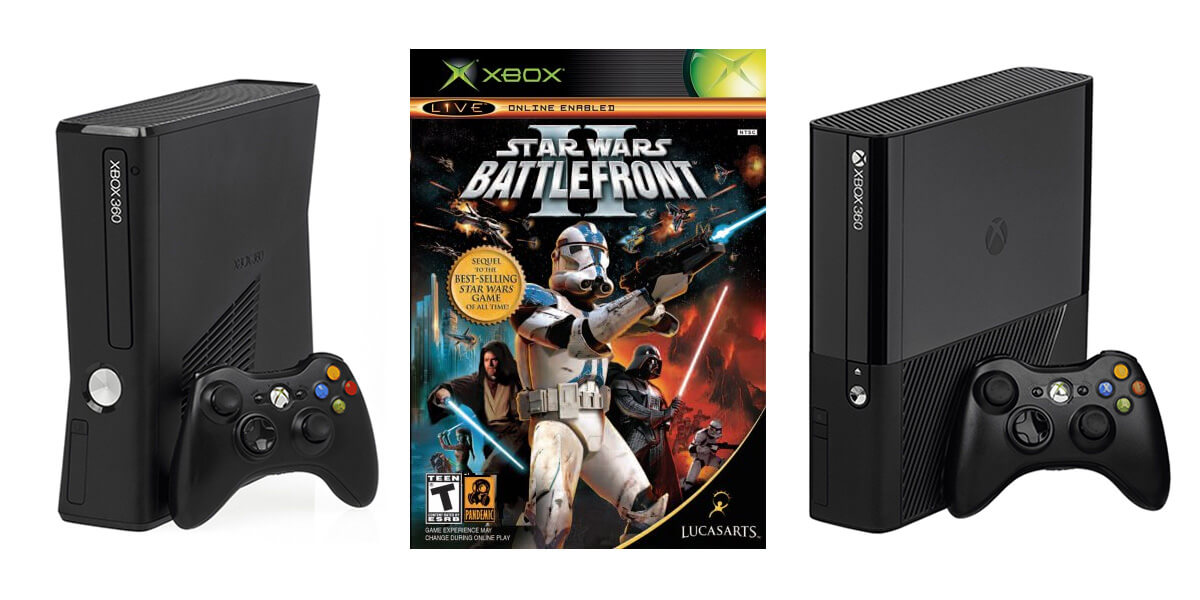
No. An Xbox One game disc will not work in an Xbox 360 console.
When you insert an Xbox One disc into an Xbox 360, the system cannot recognize it as a playable Xbox 360 title. It will not convert the game into an Xbox 360 version, unlock a matching version, or install the required Xbox One software.
Some games were released for both consoles. For example, a publisher might sell separate Xbox 360 and Xbox One versions of the same franchise. Those versions are still different products.
Cross-generation games are not the same as cross-compatible games
A game may have:
- An Xbox 360 version
- An Xbox One version
- Separate graphics and performance features
- Different save systems
- Different online support
- Different downloadable content
if you want to play that game on an Xbox 360, you must own the Xbox 360 version. Owning the Xbox One version does not normally provide the Xbox 360 version.
For example, an Xbox One copy of a game may include larger environments, improved graphics, or features that the Xbox 360 version does not have. The Xbox 360 cannot reproduce those features simply because the title has the same name.

Can you download Xbox One games onto an Xbox 360?
No. An Xbox 360 cannot download or install Xbox One games from the Microsoft Store.
The Xbox 360 marketplace was built for Xbox 360 content. It does not turn an Xbox 360 into an Xbox One, and it cannot install Xbox One game files.
You may still see Xbox-related purchases in your Microsoft account, but ownership does not always mean that every Xbox version is available on every console. Digital licenses can be tied to a specific version, platform, or entitlement.
What happens if you own a digital Xbox One game?
If you own a digital Xbox One game, you generally need one of these options:
- An Xbox One console
- An Xbox Series X or Xbox Series S, if the game is supported
- A supported cloud-gaming device and service, where available
- A PC version, if the publisher sold one separately
An Xbox 360 is not a supported replacement for those devices.
Some games support cross-buy or Xbox Play Anywhere features, but those programs do not make Xbox One games playable on Xbox 360. Check the game’s official store listing before buying a second copy.

What games can an Xbox 360 play?
An Xbox 360 can play games made for the Xbox 360. It can also play a limited selection of original Xbox games.
Original Xbox compatibility depends on the exact title. A game must be approved and supported by Microsoft before it can run through the Xbox 360 backward-compatibility system.
Xbox 360 game discs
Most standard Xbox 360 game discs are the safest choice for an Xbox 360. Insert the disc, allow any required update to install, and start the game.
Some older games may need:
- A system update
- A hard drive
- A working Xbox 360 storage device
- An internet connection for a title update
- The correct regional version
Not every disc will work on every console setup. Games can also lose online features if their publisher has closed the relevant servers.
Original Xbox games
The Xbox 360 supports only selected original Xbox games. Before buying one, check Microsoft’s official backward-compatibility information or a current game listing.
Do not assume that every original Xbox disc will work. An unsupported game may fit in the disc drive but still fail to launch.
Digital Xbox 360 games
Digital Xbox 360 games that were purchased for your account may remain available through your download history, subject to account access, licensing, storage, and Microsoft’s service rules.
Microsoft closed the Xbox 360 Store for new purchases on July 29, 2024. Previously purchased content may still be downloadable in supported cases, but new purchases on the Xbox 360 marketplace are no longer available. Game updates and online features also depend on the publisher and the service.

How to check whether you have the right version
Before buying a game for an Xbox 360, check the platform label carefully. The box or store page should say Xbox 360, not only Xbox One.
Use this process:
- Read the platform name. Confirm that the product says Xbox 360.
- Check the disc case. Xbox 360 packaging normally identifies the console on the front and spine.
- Review the game listing. Look for a specific Xbox 360 edition.
- Check backward compatibility. If it is an original Xbox title, confirm that Microsoft supports it on Xbox 360.
- Ask about the license. For used digital accounts or bundled codes, make sure the seller is not offering a non-transferable license.
- Check online requirements. Multiplayer and downloadable features may no longer work.
A quick buying guide
| What you own or want to buy | Will it work on Xbox 360? | What to do |
|---|---|---|
| Xbox One disc | No | Buy the Xbox 360 edition instead |
| Xbox One digital license | No | Use an Xbox One, Xbox Series console, PC, or supported cloud option |
| Xbox 360 disc | Usually | Confirm the disc, console, and condition |
| Xbox 360 digital purchase | Often, if already owned | Check download history and account access |
| Original Xbox disc | Sometimes | Verify the title on Microsoft’s compatibility list |
| Xbox 360 and Xbox One bundle | Only the Xbox 360 copy | Look for the disc marked Xbox 360 |
The most common mistake is seeing the same game title on both platforms and assuming one copy works on both consoles. Always check the platform label.

What should you do if an Xbox One game will not play?
If you tried to use an Xbox One game on an Xbox 360, the result is expected: the game is not compatible with that console.
Do not spend time clearing the cache, changing the video cable, or reinstalling the game. Those steps cannot add Xbox One support to Xbox 360 hardware.
Instead, choose the correct solution:
- Buy or borrow the Xbox 360 version.
- Use an Xbox One console.
- Use an Xbox Series X or Series S if the title is supported.
- Check whether a PC version is available.
- Check whether the game is available through a supported cloud-gaming service.
- Contact the retailer if the listing incorrectly described the platform.
If you bought a used game, inspect the disc and case for the platform name. A disc marked Xbox One is not the correct disc for an Xbox 360.
If an Xbox 360 game also fails
A separate problem exists when an actual Xbox 360 game will not launch. In that case, check:
- Whether the disc has deep scratches or cracks.
- Whether the console reads other Xbox 360 discs.
- Whether the console has the latest available system update.
- Whether the title needs a hard drive or compatibility update.
- Whether the game’s online servers are still active.
- Whether the disc belongs to the correct region or release.
If several known-good Xbox 360 discs fail, the disc drive may need repair. Do not open the console unless you understand the risks and have the right repair skills. A qualified repair shop may be safer than attempting an internal repair.
Frequently asked questions
Can an Xbox 360 play Xbox One games with an update?
No. A system update cannot change the Xbox 360 into an Xbox One. Updates can improve Xbox 360 functions and support selected older games, but they do not add Xbox One game compatibility.
Can you put an Xbox One hard drive in an Xbox 360?
No. Replacing storage does not provide Xbox One compatibility. The console still uses Xbox 360 hardware and software.
Can Xbox 360 and Xbox One players play together?
Sometimes, but only when a particular game supports cross-generation or cross-platform multiplayer. The ability to play together depends on the game, its servers, and the publisher’s support. It does not mean that the Xbox One version runs on Xbox 360.
Can an Xbox 360 play Xbox One games through the internet?
Not directly. Xbox 360 is not a current supported device for Xbox Cloud Gaming. Cloud gaming also requires a compatible service, account, network connection, and supported device.
Is an Xbox 360 game the same as an Xbox One game?
No. The title may be similar, but the versions can use different code, features, graphics, online systems, and downloadable content. Buy the version made for the console you plan to use.
Final answer
You cannot play Xbox One games on an Xbox 360 console. The Xbox 360 can play Xbox 360 games and selected original Xbox games, but it cannot run Xbox One discs or digital Xbox One downloads.
Before buying a game, check the exact platform label. If the game says Xbox One, use an Xbox One, a compatible Xbox Series console, a supported PC version, or another officially supported option. If you want to play on an Xbox 360, buy the edition marked Xbox 360.

Everett Calloway is a consumer electronics writer and technology enthusiast at ElectroDoz. He enjoys exploring the latest gadgets, electronic devices, and innovative technologies that make everyday life easier. Everett focuses on creating helpful product reviews, detailed buying guides, practical how-to articles, and troubleshooting tips. His goal is to simplify complex technical information and help readers understand product features, compare their options, and make informed purchasing decisions. When he isn’t researching new electronics, he enjoys exploring emerging technology trends and discovering useful gadgets.