
Can You Use A Projector On A Black Wall: Best Tips
Yes, you can use a projector on a black wall. However, the image will usually look dimmer than it would on a white or light-gray screen.
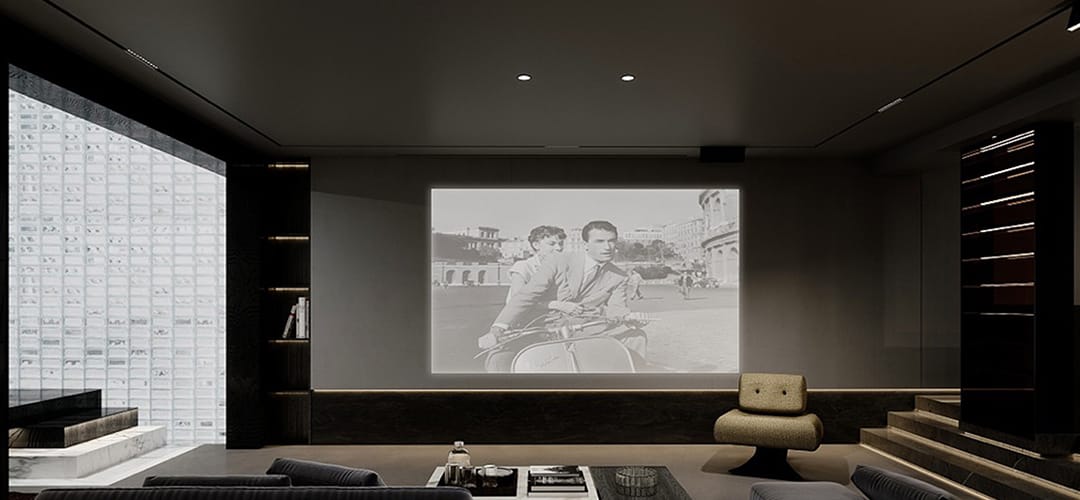
A black wall can improve perceived black levels in a dark U.S. home theater, basement, bedroom, or media room. It absorbs stray light instead of reflecting it back into the room. The trade-off is that it also absorbs much of the projector’s image, including bright colors and highlights.
For the best result, use a bright projector, a smooth matte wall, and a room with controlled lighting. If the room has lamps, windows, or overhead lights, a black wall may make the picture too dark for comfortable viewing.

How a Projector Creates an Image on a Black Wall
A projector does not project black light. It creates black areas by sending little or no light to part of the image.
On a white wall, the surface reflects most colors, including the lighter parts of the picture. On a black wall, the surface absorbs much of that light. This makes the dark parts of the image look darker, but it also reduces the brightness of the rest of the picture.
Think of the wall as part of the projector system:
- A white wall reflects more light and creates a brighter image.
- A light-gray wall reflects less light and can improve perceived contrast.
- A black wall reflects very little light and creates the darkest background.
- A dedicated screen reflects light in a more controlled and even way.
This is why a black wall can look good for movies in a dark room but poor for sports, presentations, or video games in a bright room.
Black walls and image contrast
Contrast describes the difference between the brightest and darkest parts of an image. A black wall can help the image appear more contrasty because the wall does not add much reflected room light to dark scenes.
But this is perceived contrast, not necessarily a major improvement in the projector’s native contrast. The projector still has the same hardware limits. The wall changes how much of its light reaches your eyes.
If the projector is not bright enough, the image may have:
- Weak white highlights
- Dull skin tones
- Flat colors
- Poor detail in dark scenes
- A picture that looks gray or muddy despite the dark wall
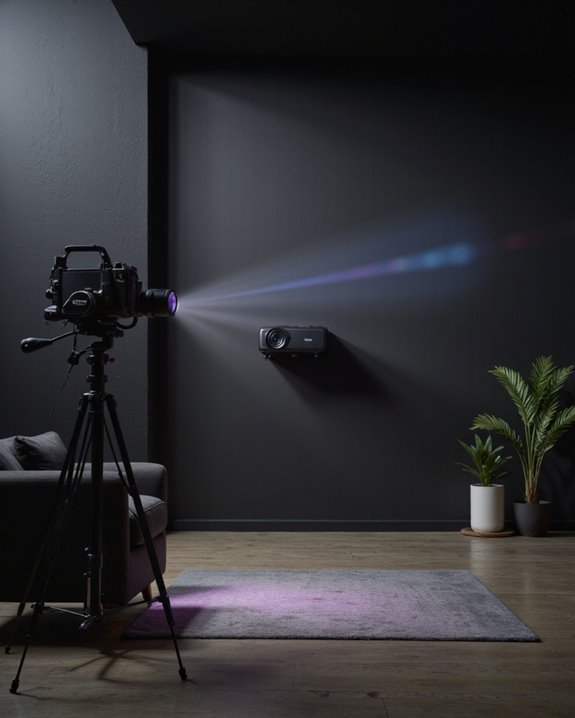
When a Black Wall Works Well
A black wall works best when the room and projector support it. The strongest setup is a dark room with a smooth, neutral surface and a projector that has enough light output for the image size.
A black wall may be a good choice in these situations:
- You watch movies at night with the lights off.
- Your room has dark walls, carpet, curtains, or furniture.
- You want a large image without installing a screen.
- You prefer deeper-looking blacks over maximum brightness.
- Your projector has a high brightness rating and good contrast control.
- The wall has a flat, matte finish.
A black wall can also help hide the unused area around the projected image. With a white wall, the whole wall may glow during bright scenes. With a black wall, the picture can appear more like a framed image, especially in a dark room.
The wall finish matters
Use a flat or matte black paint rather than glossy paint. Glossy paint can create hot spots, glare, and uneven reflections. It may also show bright reflections from ceiling lights or lamps.
The wall should be:
- Smooth
- Clean
- Free of visible texture
- Evenly painted
- Neutral in color
- Dry and free from peeling or flaking paint
A heavily textured wall will scatter the image and reduce sharpness. Small bumps may not matter for a casual movie night, but they can make text, subtitles, game interfaces, and presentations look soft.
Black is not always the same as dark gray
A dark-gray wall often gives a better balance than a pure black wall. It absorbs some unwanted room light while reflecting more projector light than black paint.
Dark gray may be the better choice when:
- You cannot fully darken the room.
- You want brighter colors.
- You watch sports or play games.
- Your projector has modest brightness.
- You want one wall to serve both as a screen and as normal room décor.
There is no universal best wall color. The right choice depends on projector brightness, image size, room light, and the type of content you watch.

When a Black Wall Is a Poor Choice
A black wall is usually a poor choice for a bright room or a low-power projector. The wall can absorb so much light that the picture becomes hard to see.
Avoid relying on a black wall when:
- Sunlight enters through uncovered windows.
- You keep overhead lights on while watching.
- The projector has a low light output.
- You want a very large image.
- You need to read small text.
- You watch daytime sports or news.
- The wall has a rough or glossy texture.
- You need accurate color for design or professional work.
Projector brightness is commonly listed in ANSI lumens or another manufacturer rating. Do not compare numbers blindly. Manufacturers may use different measurement methods, and brightness often changes between picture modes.
A brighter projector helps, but it does not solve every problem. More light cannot correct a wall with heavy texture, uneven paint, or strong glare.
Content type changes the answer
The same black wall can look good for one type of content and bad for another.
| Content | Likely result on a black wall |
|---|---|
| Dark-room movies | Often good if the projector is bright enough |
| Television shows | Acceptable in a controlled room |
| Sports | May look too dim without strong brightness |
| Video games | Fine in a dark room, but small text may lose clarity |
| Presentations | Usually a poor choice |
| Photos and design work | May reduce color accuracy |
| Subtitles | Can look dim if the image is underexposed |
Movies often contain dark scenes and are watched with the lights off. That makes a black wall more useful. Presentations and sports usually contain bright areas, fine text, and fast motion. Those uses need more reflected light.
How Bright Should a Projector Be for a Black Wall?
There is no single brightness number that works for every black wall. The needed brightness depends on screen size, viewing distance, room light, projector settings, and wall reflectance.
As a practical starting point:
- A small image in a fully dark room may work with a modest home projector.
- A medium image usually needs more light to remain clear on black paint.
- A large image needs substantially more light because the same projector output spreads over a larger area.
- Any room light increases the required brightness.
Projector light is spread across the image area. If you double the image width, the projected area becomes about four times larger. The same amount of light is then spread over roughly four times the surface area, so the image appears much dimmer.
A simple example
Suppose a projector produces a clear image on a 60-inch diagonal wall in a dark room. If you increase the image to 120 inches while using the same projector, the image area is about four times larger.
That does not mean the picture will be exactly four times darker in every real setup. Lens behavior, zoom position, image mode, and wall reflectance also matter. But the example shows why a projector that looks bright on a small black wall may struggle on a large one.
Do not rely only on the advertised lumen number
Before buying or installing a projector, check:
- The manufacturer’s stated brightness.
- Whether the rating uses ANSI lumens or another test method.
- Brightness in the picture mode you plan to use.
- The recommended image size.
- Whether the projector has an eco mode that reduces light output.
- Whether the manual warns about brightness changes over lamp or LED life.
Use the highest practical brightness setting only when the picture still has acceptable color and fan noise. Very bright modes may use more power, produce more noise, or create less accurate color.

How to Use a Projector on a Black Wall
Follow these steps before permanently mounting the projector or repainting the wall.
1. Control the room light
Close blinds or curtains and turn off nearby lamps. Light striking the wall can lift the apparent black level and reduce contrast.
If you must watch with some lights on, keep them behind the projector and away from the wall. Avoid placing a lamp near the viewer if it shines toward the image.
2. Test the wall before painting
If the wall is already black, project a test image on it. Use a movie scene with skin tones, a white subtitle, bright highlights, and dark shadows.
If you plan to paint the wall, test a sample area first. This lets you compare black, dark gray, and a screen before covering the entire wall.
3. Choose a reasonable image size
Start with a smaller image than your maximum possible size. A smaller picture will look brighter and sharper.
Move the projector closer or reduce the zoom if the image is too dim. If the projector has lens shift, use it where possible. Digital keystone correction can reduce usable resolution, especially when displaying text.
4. Set the correct image mode
Use a mode designed for the room:
- Choose a bright mode when visibility matters most.
- Choose a cinema or movie mode for better color balance in a dark room.
- Avoid extreme contrast or color settings at first.
- Turn off unnecessary eco settings during testing.
- Adjust brightness and contrast with a test pattern when available.
The “brightness” control does not simply make the whole image brighter. It changes how dark tones are displayed. Raise it too far, and blacks may turn gray. Lower it too far, and shadow detail can disappear.
5. Check focus and wall texture
Display text or a test grid. Look at the center and corners of the image.
If text looks soft across the whole wall, the projector may need focus adjustment or the wall may be too textured. If only one area is soft, the projector may not be square to the wall, or the wall may not be flat.
6. Watch real content
Test more than a bright menu. Watch a complete scene or part of a game. Check:
- Skin tones
- White subtitles
- Bright clouds
- Dark clothing
- Shadow detail
- Fast movement
- Small text
- Uniformity from edge to edge
A black wall is suitable when the image remains easy to see without forcing your eyes or using an overly bright picture mode.
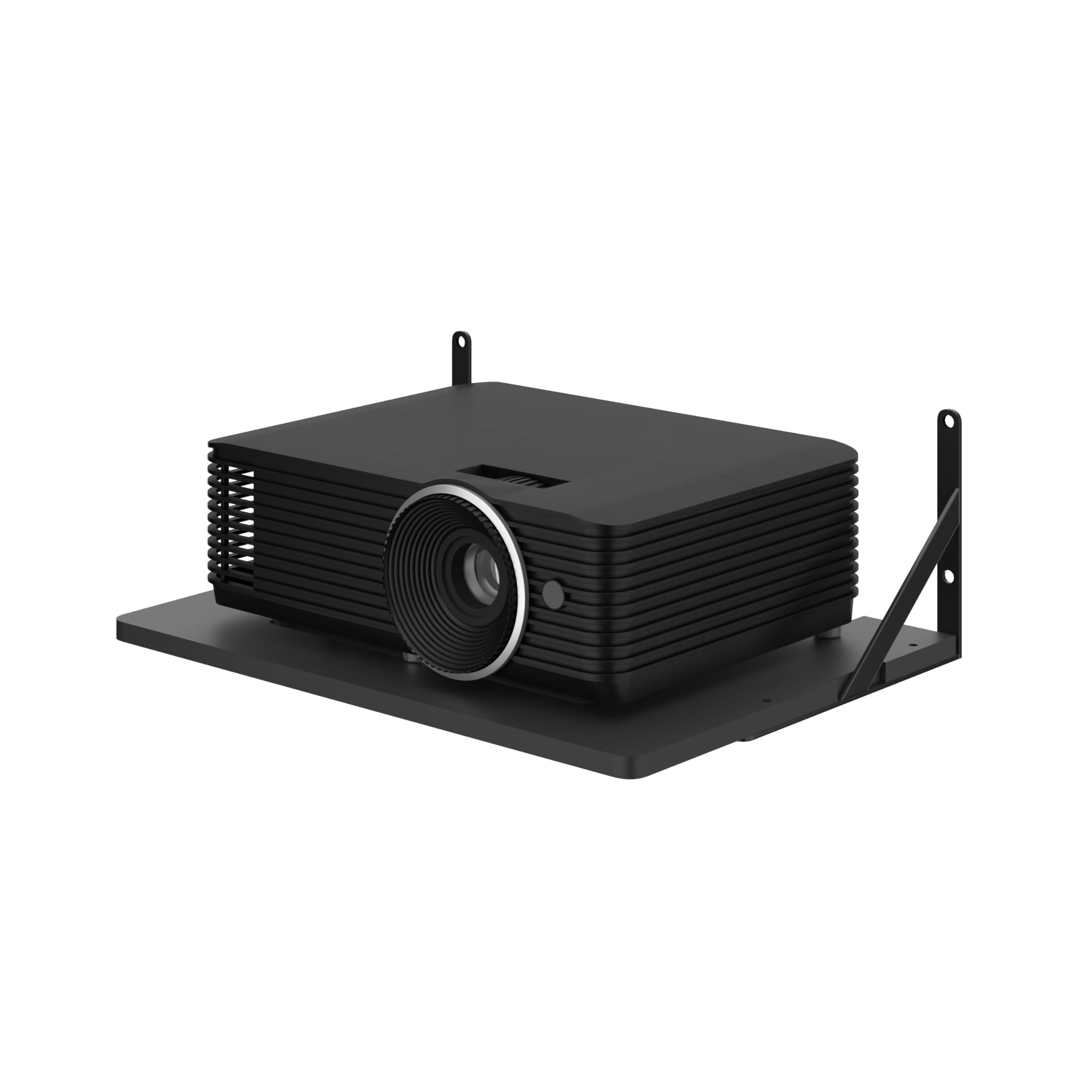
Black Wall vs. Projector Screen
A black wall is convenient, but it is not the same as a black projector screen.
A painted wall is a fixed surface with its own texture, color, and reflection pattern. A projector screen is made to control how light reflects toward viewers. Some screens use a gray or dark surface to improve contrast while preserving more brightness than ordinary black paint.
| Option | Main benefit | Main limitation |
|---|---|---|
| Black painted wall | Low cost and simple setup | Absorbs much of the image light |
| Dark-gray painted wall | Better balance of contrast and brightness | May still show wall texture |
| White matte wall | Bright image and natural color | More affected by room light |
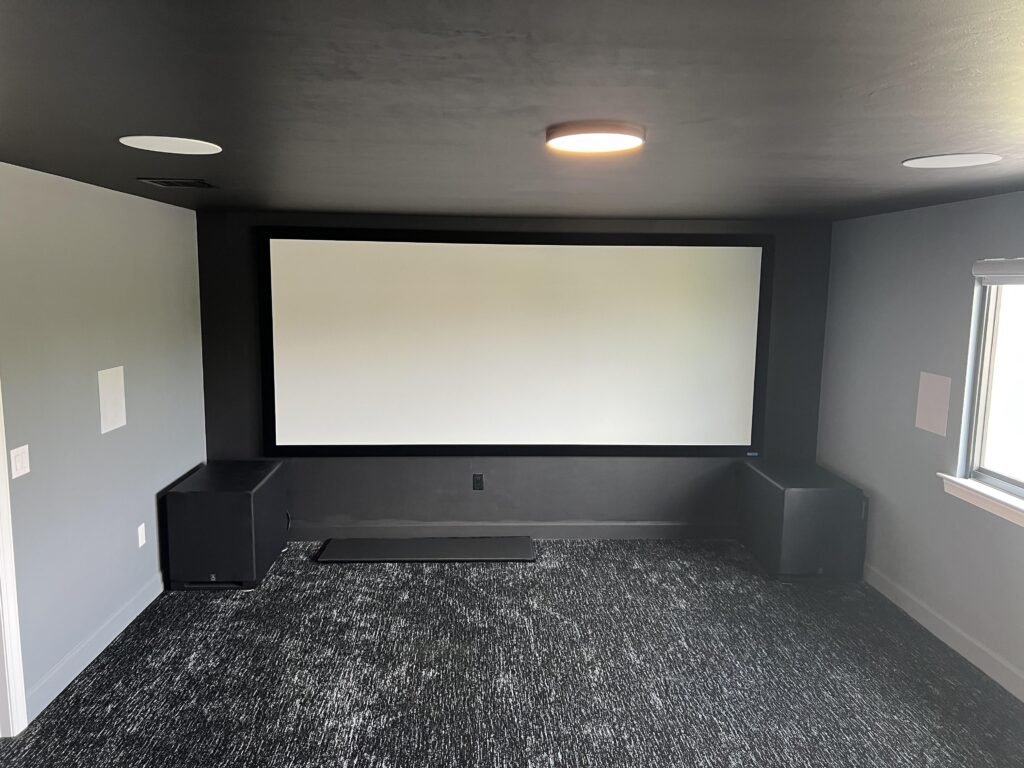
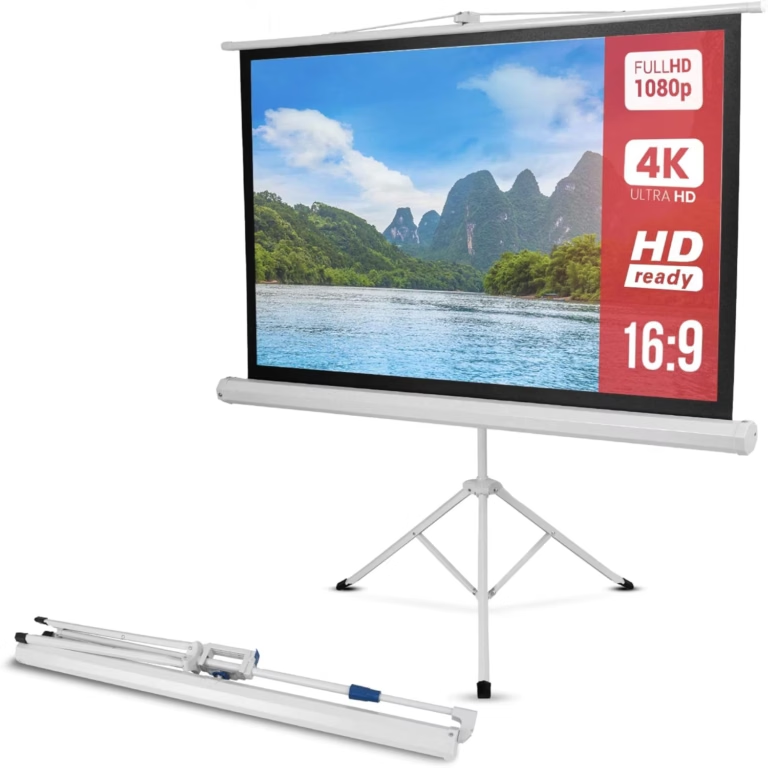
| Standard white screen | Even, bright reflection | Requires mounting space |
| Gray screen | Better perceived contrast in some rooms | May reduce brightness |
| Ambient-light-rejecting screen | Can limit light from certain directions | Must match projector placement and room layout |
An ambient-light-rejecting, or ALR, screen is not automatically better in every room. Its surface is designed to reflect light from some angles and reject it from others. A poor match between the screen and projector position can create uneven brightness or viewing-angle problems.
For a casual setup, a black wall may be enough. For regular movie viewing, a dedicated screen usually gives more predictable brightness, sharpness, and uniformity.
Common Problems and Fixes
The image looks too dark
Possible causes include a large image, low projector brightness, eco mode, strong wall absorption, or room lighting.
Try these fixes:
- Reduce the image size.
- Turn off eco mode for comparison.
- Use a brighter picture mode.
- Darken the room.
- Move the projector closer if the lens permits it.
- Test a dark-gray or neutral-gray surface.
Do not raise contrast to an extreme level. This can make bright areas lose detail without fixing overall light output.
Colors look dull
A black wall absorbs color along with white light. A projector with weak color brightness may look especially muted on a dark surface.
Try a brighter mode and compare the result with a white sheet, white wall, or neutral screen sample. If colors improve greatly on the lighter surface, the wall is likely absorbing too much light.
The image has bright or dark patches
Uneven paint, wall texture, projector angle, and lens focus can all cause nonuniformity.
Make sure the projector is aimed squarely at the wall. Use a flat, smooth surface. Avoid glossy paint and do not judge uniformity from a distorted image created by heavy keystone correction.
Text is hard to read
Text needs brightness, sharp focus, and good resolution. Reduce the image size, focus the lens carefully, and use the projector’s native resolution when possible.
A black wall may be fine for films but unsuitable for detailed presentations or work documents.
The image looks gray despite the black wall
The projector may be sending light into dark parts of the image, or room light may be reflecting from nearby surfaces. A black wall cannot create darker blacks than the projector can produce.
Darken the room, use a suitable picture mode, and check whether the projector has a dynamic contrast or black-level setting. These settings vary by model, so use the manual for exact instructions.

Should You Paint a Wall Black for a Projector?
Paint a wall black only if you mainly watch in a dark room and accept a possible loss of brightness. For many homes, dark gray is a safer compromise.
Before painting, consider:
- How often you watch during the day
- Whether you use the wall for presentations or games
- The projector’s actual brightness
- The planned image size
- The wall’s texture
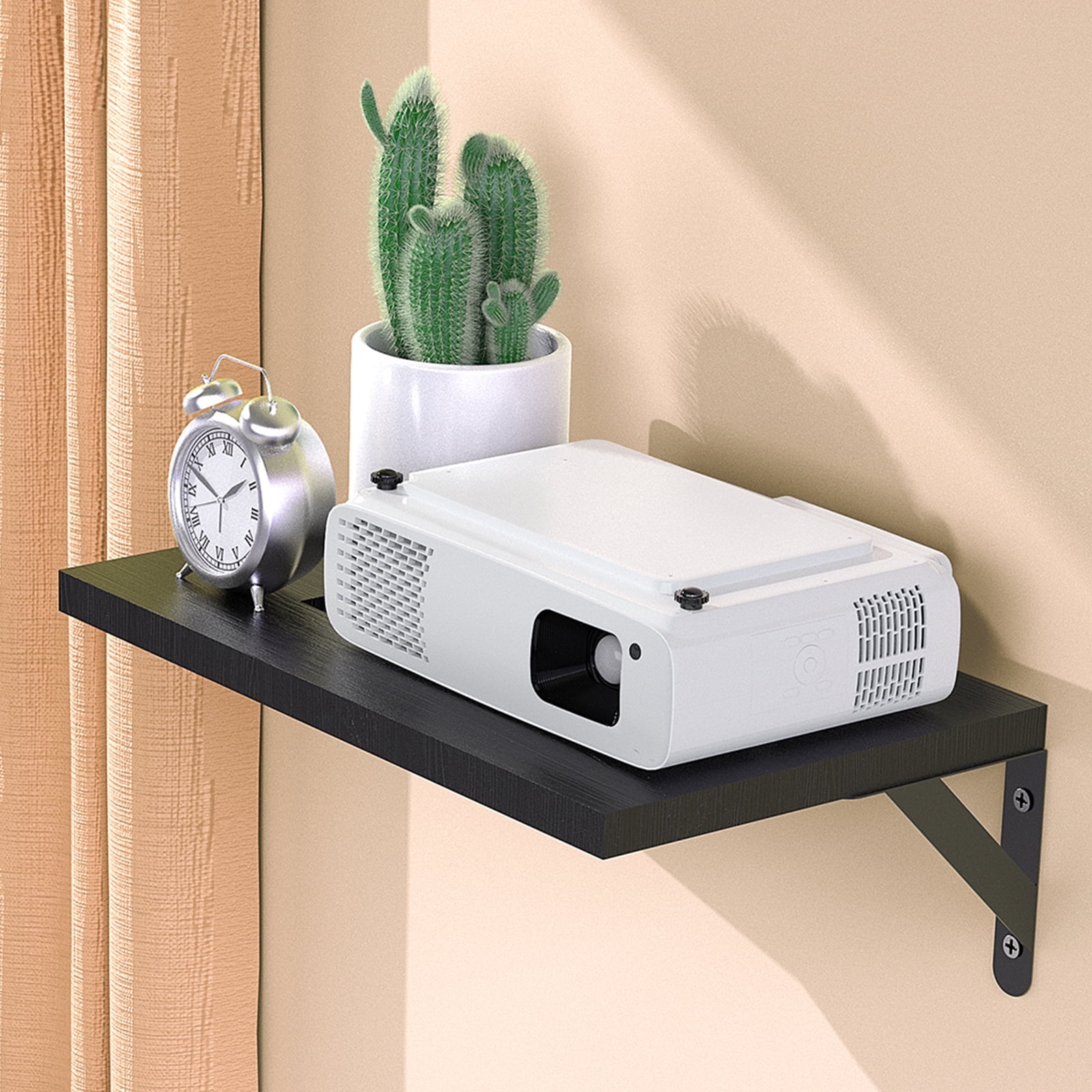
- Whether a screen could be installed
- Whether the room has windows or lights near the image
A removable screen or test surface is less risky than permanent paint. If you rent an apartment in the United States, check your lease before painting or mounting equipment. For a large fixed installation, use proper wall anchors and follow the projector manufacturer’s mounting instructions.
A practical decision guide
Choose a black wall if you want the darkest-looking background, watch mostly in a dark room, and have enough projector brightness.
Choose a dark-gray wall if you want a balance between contrast and image brightness.
Choose a white wall or white screen if you need a bright image, watch with lights on, or display text.
Choose a dedicated screen if you want consistent image quality and can install one.
Frequently Asked Questions
Can a cheap projector work on a black wall?
It can work, but the image may be dim and colors may look weak. Use a small image in a dark room first. A low-cost projector with limited light output usually performs better on a white or light-gray surface.
Is a black wall better than a white wall for a projector?
Neither is always better. A black wall can make dark scenes appear deeper, while a white wall produces a brighter image. Choose black for a controlled home theater and white for brightness, text, sports, or rooms with ambient light.
Will a black wall damage a projector?
No. A wall color does not normally damage the projector. However, a darker surface may encourage you to use a brighter picture mode, which can increase fan noise and power use. Follow the projector’s ventilation and operating instructions.
Can I use a black wall with a short-throw projector?
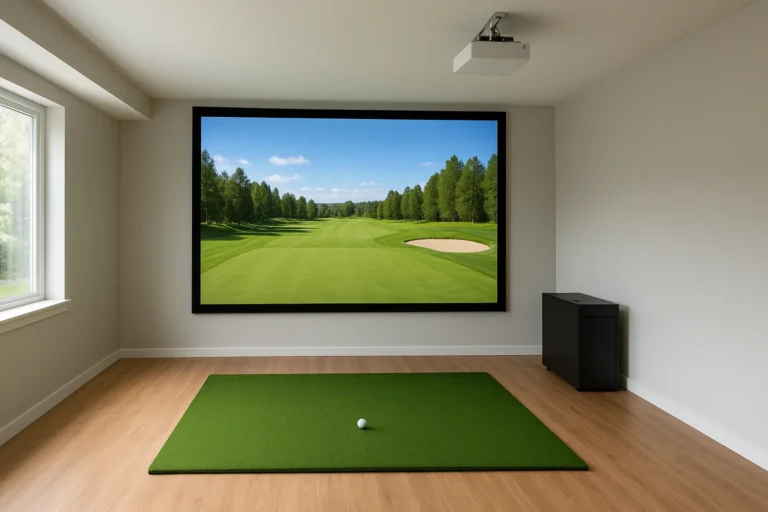
Yes, but the wall must be very smooth and flat. Short-throw projectors reveal bumps, waves, and paint flaws more clearly because they send light across the wall at a steep angle.
What is the best paint for a projector wall?
Use a smooth, flat, neutral paint made for interior walls. Avoid glossy finishes. A dedicated projection paint may provide more even reflectance, but its result depends on correct application and the projector’s brightness.
Conclusion
You can use a projector on a black wall, but the wall is not a free brightness upgrade. It can make dark scenes look deeper by absorbing stray light, yet it also absorbs bright parts of the image.
For the best outcome, darken the room, keep the image size reasonable, use a smooth matte surface, and test the projector before committing to paint. If you need a brighter picture or watch with lights on, choose a white screen or dark-gray surface instead.
The next practical step is simple: project a real movie scene onto the wall, then compare it with a white or gray test surface at the same image size. The difference will tell you more than the wall color alone.

Everett Calloway is a consumer electronics writer and technology enthusiast at ElectroDoz. He enjoys exploring the latest gadgets, electronic devices, and innovative technologies that make everyday life easier. Everett focuses on creating helpful product reviews, detailed buying guides, practical how-to articles, and troubleshooting tips. His goal is to simplify complex technical information and help readers understand product features, compare their options, and make informed purchasing decisions. When he isn’t researching new electronics, he enjoys exploring emerging technology trends and discovering useful gadgets.




One Comment