
Can You Use A Projector During The Day: Daylight Tips
Yes, you can use a projector during the day. The key is to control the light in the room and use a projector with enough brightness for your screen size.
In a typical U.S. home, a standard projector may look clear in a dark room but faint near a sunny window. A brighter projector, blackout shades, and the right screen can make daytime viewing work well. Outdoor daytime use is much harder because sunlight is far brighter than most indoor lighting.
This guide explains how to improve projector brightness, choose the right screen, and decide whether a projector will work in your room.
Why Daylight Makes a Projector Look Faint
Daylight reduces projector contrast. A projector creates an image by sending light onto a screen. Room light also hits that screen, which lifts the black parts of the image and makes the picture look gray or washed out.
The projector does not become dimmer. The room simply adds competing light.
A dark movie scene shows this problem first. Black areas may look gray, colors may lose depth, and small text may become hard to read. Bright scenes and white backgrounds usually remain easier to see.
Windows are the biggest source of trouble. Direct sun can overpower even a bright home theater projector. Diffused daylight is less severe, but it still reduces contrast.
Daytime projector performance by room
| Room condition | Expected result | What helps most |
|---|---|---|
| Dark room with shades closed | Very good | Any suitable home projector |
| Room with soft indoor light | Good to fair | Medium-bright projector |
| Bright room with indirect daylight | Fair | Brighter projector and light-control screen |
| Direct sun on the screen | Poor | Block the sun or move the screen |
| Outdoor sunlight | Usually poor | Wait until dusk or use a specialized display |

How Many Lumens Do You Need for Daytime Use?
For daytime viewing, look at the projector’s rated brightness in ANSI lumens or ISO lumens. These measurements are more useful than vague terms such as “bright” or “daylight-ready.”
A practical starting point is:
- Up to 100 inches: about 2,500 to 3,500 lumens for a room with some daylight
- 100 to 120 inches: about 3,000 to 4,500 lumens in a bright room
- Above 120 inches: often 4,000 lumens or more, depending on the room and screen
- Outdoor daytime viewing: most ordinary home projectors will struggle, even at high brightness
These are planning ranges, not guarantees. The result depends on the amount of light, screen material, image mode, projector age, and viewing distance.
Screen size changes the brightness
A larger screen spreads the same projector light over more area. This makes the image appear less bright.
For example, moving from a 100-inch screen to a 120-inch screen increases the screen area by about 44%. The same projector will therefore look noticeably dimmer at 120 inches.
A smaller image can look brighter than a much larger image from the same projector. If daytime viewing is weak, reducing the image size may help more than changing picture settings.
Use real brightness ratings
Some projectors list LED lumens, light-source lumens, or marketing brightness figures that do not match the older ANSI method. Compare products carefully.
Also remember that the brightest picture mode may have a green tint, loud fan noise, or weaker color accuracy. A projector that looks bright in “Dynamic” mode may look better but dimmer in “Cinema” mode.
What Is the Best Projector Screen for Daylight?
The best screen for daytime use depends on where the light comes from.
A standard white matte screen works well when the room is fairly dark. It produces a wide viewing angle and usually gives natural-looking colors. It is less effective when light falls directly on the screen.
An ambient-light-rejecting, or ALR, screen can improve daytime contrast. Its surface is designed to reflect projector light toward viewers while reducing some light from the room.
ALR screens work best when:
- The projector sits in the position recommended by the screen maker.
- The room light comes from the sides or above.
- The projector is compatible with the screen’s viewing angle.
- The screen is installed flat and correctly aligned.
An ALR screen is not magic. It cannot remove direct sunlight from the picture. It may also create hot spots, narrow the viewing angle, or show uneven brightness if the projector and screen are not matched.
Front projection or rear projection?
For indoor home use, front projection is the usual choice. The projector sits in front of the screen and shines toward it.
Rear projection places the projector behind a translucent screen. It can work well in a controlled space because viewers do not block the image, but it requires more room and a suitable screen. It is rarely practical for a normal living room.
For daytime outdoor events, a large commercial display or LED screen may work better than a projector. Sunlight is simply too strong for many projection setups.

How to Make a Projector Work Better During the Day
Start with the room before changing the projector settings. Light control often produces the biggest improvement.
1. Block direct sunlight
Close blinds or curtains on windows that face the screen. Blackout curtains work better than thin white shades.
If possible, place the screen on a wall that does not receive direct sun. You may get a clearer image simply by changing the room layout.
2. Reduce light near the screen
Light near the screen has a stronger effect than light behind the viewers. Turn off lamps aimed at the screen and avoid bright ceiling lights directly above it.
Use floor lamps or wall lights behind the seating area if you need some room lighting.
3. Choose a smaller image
If the image looks dull, reduce the zoom or move the projector closer, if the model allows it. A smaller image concentrates the projector’s light and usually improves brightness.
4. Select a bright picture mode
Try the projector’s Bright, Dynamic, or Presentation mode. These modes can help with daytime viewing.
Check the image for color problems. If the picture looks green, blue, or overly harsh, try a brighter custom mode or adjust the color temperature.
5. Clean the air filter and lens
Dust on the lens can soften the image. A clogged filter can also reduce cooling performance and cause the projector to dim or shut down.
Follow the projector manual. Do not spray cleaner directly onto the lens, and let the projector cool before cleaning or replacing parts.
6. Use the correct screen
A white screen may be best for a dark room. An ALR screen may be better for a bright room, but only if its design suits your projector position and the direction of the room light.

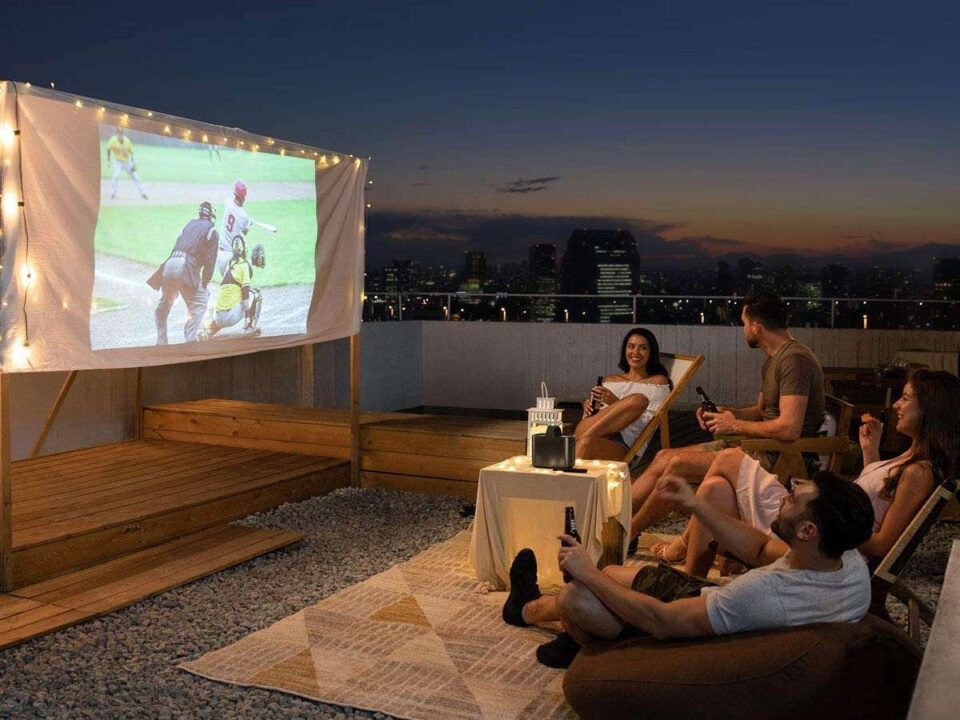
Can You Use a Projector Outside During the Day?
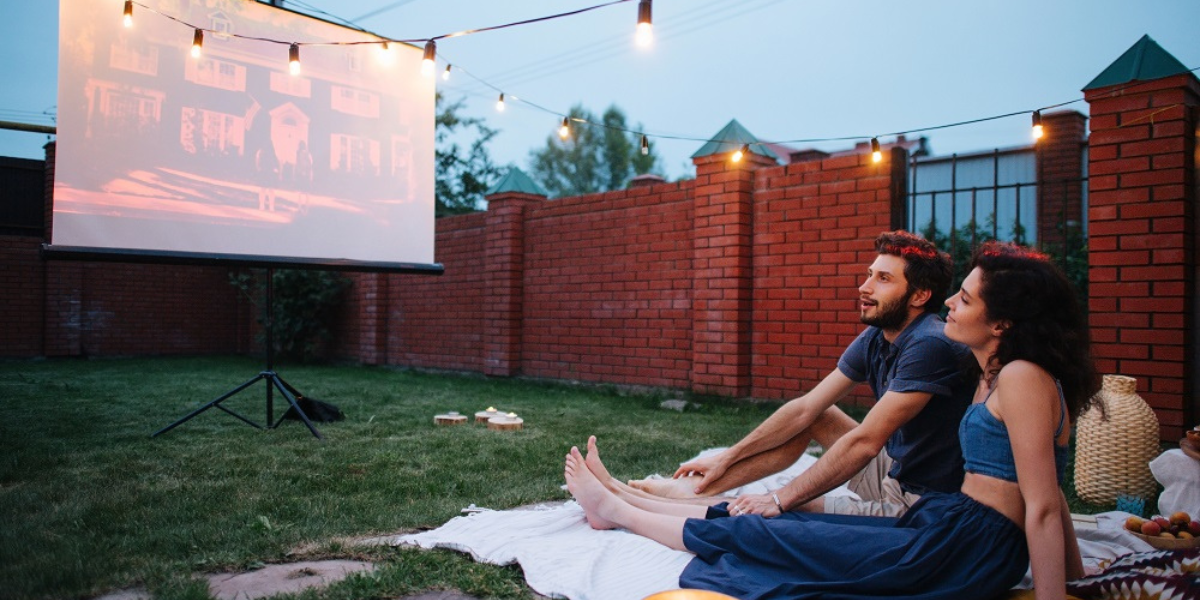
You can, but daytime outdoor projection is usually disappointing. Open-air sunlight is much brighter than typical indoor lighting, and there are no walls or curtains to help block it.
For the best outdoor result:
- Wait until sunset or use the projector after dusk.
- Place the screen in full shade.
- Use the smallest practical screen size.
- Choose a high-brightness projector.
- Keep the projector dry and protected from dust.
- Use outdoor-rated power equipment and a ground-fault circuit interrupter, or GFCI, where required.
- Secure the screen so wind cannot tip it or pull it down.
Never leave a projector outside in rain, heavy humidity, or direct heat unless the equipment is specifically designed for those conditions. A normal indoor projector is not automatically weatherproof.
For a daytime sports event, a TV, commercial monitor, or LED video wall usually gives a stronger image than a projector.

Projector vs. TV for Daytime Viewing
A TV is usually better for bright daytime rooms. Its display creates light directly, so daylight has less effect on contrast.
A projector is more useful when you want:
- A very large image
- Easy storage after use
- A theater-like setup
- A screen that can be rolled away
- A flexible image size
A TV is usually the better choice when you need:
- Strong performance beside large windows
- Clear picture quality in direct daylight
- Simple setup
- Reliable HDR performance during the day
- A display for news, sports, or text-heavy content
The main trade-off is image size versus daylight performance. Projectors make large images more practical, but TVs generally handle bright rooms with less effort.
Common Daytime Projector Problems and Fixes
The image looks washed out
Likely causes:
- Direct sunlight on the screen
- Too much room light
- A screen that is too large
- Low projector brightness
- A picture mode with poor contrast
Try this first: close nearby shades, reduce the image size, and test a brighter picture mode.
The image is bright but colors look wrong
Likely causes:
- Dynamic or Bright mode
- Incorrect color temperature
- An aging lamp
- A low-quality or damaged screen
Try this first: compare Bright, Standard, and Cinema modes. Choose the brightest mode that still keeps skin tones and white objects natural.
Text is hard to read
Likely causes:
- Too much ambient light
- Low resolution
- A screen that is too large
- Poor focus or image alignment
Try this first: reduce the image size and focus the lens. For presentations, a 1080p or higher-resolution projector is usually easier to read than a lower-resolution model.
The projector shuts down
Likely causes:
- Blocked vents
- A dirty filter
- High room temperature
- An aging lamp
- An electrical problem
Try this first: turn it off, let it cool, and check the manual for filter and ventilation requirements. Do not block the exhaust vents or place the projector in a tight cabinet while it runs.

How to Choose a Projector for Daytime Use
Use this checklist before buying or setting up a projector:
- Check the measured brightness rating, not just the word “bright.”
- Match brightness to the planned screen size.
- Choose 1080p or higher for readable text and detailed video.
- Confirm that the throw distance fits your room.
- Check whether the projector supports the input devices you plan to use.
- Consider an ALR screen if you cannot control side light.
- Check fan noise if people will sit close to the projector.
- Confirm whether the brightness rating changes by picture mode.
- Look for a usable warranty and replacement-light-source information.
- Avoid placing the projector where heat, moisture, or blocked airflow can damage it.
A brighter projector is not always the best answer. If sunlight hits the screen directly, even a powerful projector may produce a poor image. Room layout and light control should come first.

FAQs About Using a Projector During the Day
Can a 2,000-lumen projector work during the day?
It can work in a small image with curtains closed or in a room with soft, indirect light. It may look weak on a large screen in a bright living room.
Do blackout curtains help with a projector?
Yes. Blackout curtains can greatly reduce the light that reaches the screen. They are often one of the most effective and affordable upgrades for daytime projection.
Is an ALR screen worth it for daytime viewing?
It may be worth it when you cannot block side light and your projector is installed in a compatible position. It is less useful against direct sunlight on the screen.
Can you watch sports on a projector during the day?
Yes, especially with a bright projector, a smaller screen, and controlled windows. Sports video usually works better than dark films because the image contains more bright content.
Does HDR work well on a daytime projector?
HDR can look less impressive in a bright room because daylight reduces contrast. A good SDR image may look clearer than HDR when the room is not dark enough.
Final Answer
You can use a projector during the day, but the result depends on light control, screen size, projector brightness, and screen type.
For the best daytime setup, block direct sunlight, keep the image reasonably small, use a projector with enough measured brightness, and consider an ALR screen when side light cannot be controlled. If the room stays very bright or the screen will be used outdoors in full sun, a TV or commercial display is usually the more dependable option.

Everett Calloway is a consumer electronics writer and technology enthusiast at ElectroDoz. He enjoys exploring the latest gadgets, electronic devices, and innovative technologies that make everyday life easier. Everett focuses on creating helpful product reviews, detailed buying guides, practical how-to articles, and troubleshooting tips. His goal is to simplify complex technical information and help readers understand product features, compare their options, and make informed purchasing decisions. When he isn’t researching new electronics, he enjoys exploring emerging technology trends and discovering useful gadgets.