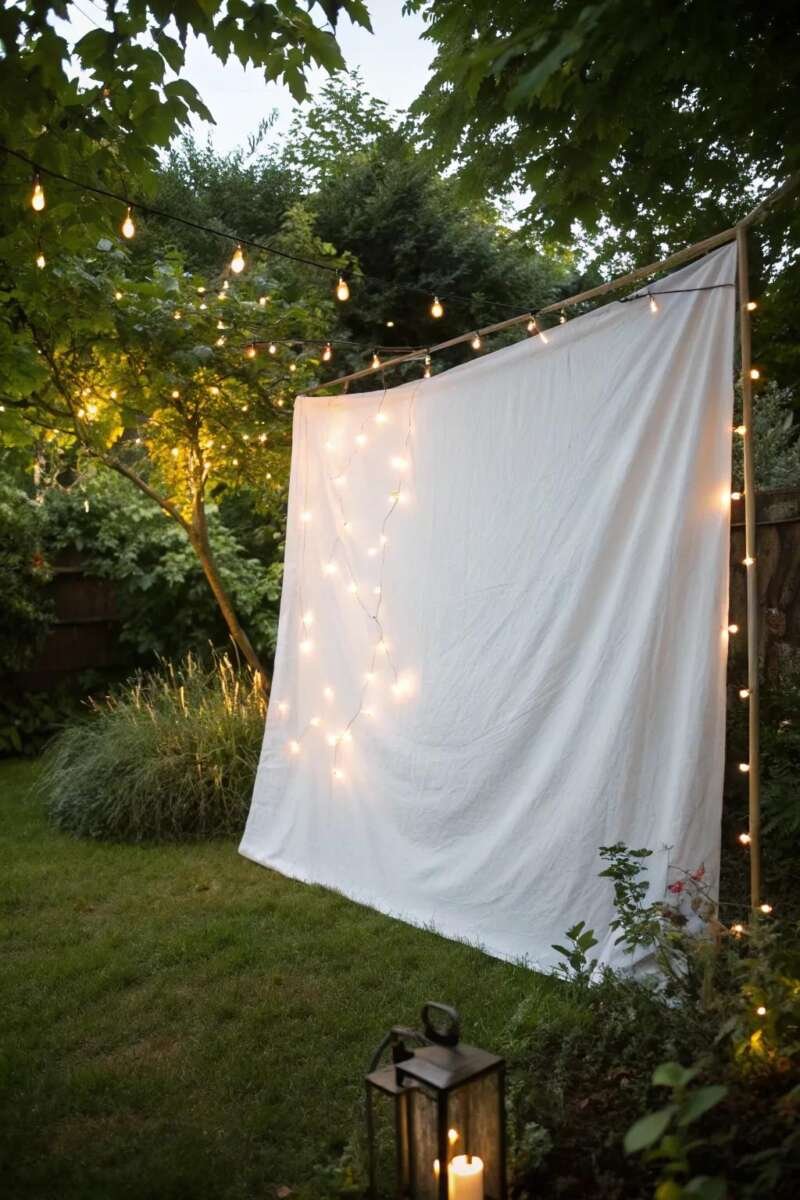
Can You Use A White Sheet As A Projector Screen: Tips
Yes, you can use a white sheet as a projector screen. It is a low-cost way to watch movies, sports, or presentations in a U.S. home, garage, backyard, or classroom.
However, a sheet will not look as clear or even as a real projector screen. Wrinkles, fabric texture, room light, and the sheet’s thickness all affect the picture. A tightly stretched, plain white sheet can work well for casual viewing, but blackout fabric or a purpose-built screen is better for regular use.
Key Takeaways
- A white sheet can display a projector image, but it is a basic solution.
- Use a clean, matte white sheet with a tight weave.
- Stretch the sheet as flat as possible to reduce wrinkles and image distortion.
- Add a dark backing if light passes through the fabric.
- Dim the room for better contrast and deeper blacks.
- A flat wall may look better than a wrinkled sheet.
- Do not place fabric over the projector or block its vents.
- For frequent use, projector screen material is usually worth the extra cost.

Why Does a White Sheet Work as a Projector Screen?
A projector screen works by reflecting light from the projector toward the viewer. A white sheet can do the same because its light-colored surface reflects much of the projected image.
The sheet does not need special electronics. It only needs to reflect enough light and remain flat enough for the image to stay watchable.
A white sheet works best when:
- The sheet has a smooth, tight weave.
- The surface is matte rather than shiny.
- The fabric is clean and free of stains.
- The sheet is pulled tight.
- The room has low light.
- The projector has enough brightness for the image size.
A sheet is not the same as a projector screen, though. A screen is made to control light, maintain a flat surface, and provide a consistent viewing area. A bedsheet is designed for bedding, so it may absorb, scatter, or transmit light in uneven ways.
What happens when the sheet is too thin?
A thin sheet may let projector light pass through the fabric. This makes the image look dim and can cause bright spots or uneven color.
Light from a lamp, window, or porch light may also shine through the sheet from behind. A darker fabric behind the white sheet can reduce this problem. Black fabric, a dark curtain, or a second dark sheet can work as a backing layer.
How to Use a White Sheet as a Projector Screen
The best setup is simple: choose the right sheet, create a flat surface, position the projector, and control the room light.
1. Choose a suitable sheet
Use a white or very light-gray sheet with a smooth surface. A flat sheet is usually easier to mount than a fitted sheet because it has no elastic corners.
Look for:
- A tight weave
- A clean surface
- Minimal texture
- No embroidery or raised patterns
- Enough size for the image you want
A cotton or cotton-blend sheet may work well if you can stretch it tightly. Very thin fabric may need a dark backing.
Avoid sheets with:
- Deep wrinkles
– Lace or open weave - Heavy patterns
- Satin-like shine
- Strong color tint
- Visible seams across the viewing area
A light-gray sheet can sometimes improve perceived black levels in a dark room, but it may also make the image dimmer. For most basic setups, matte white is the safest starting point.
2. Pick a flat mounting area
Mount the sheet against a wall, fence, frame, or other stable support. The surface behind it should be flat and free from objects that create bumps.
You can mount the sheet with:
- Spring clamps
- Curtain clips
- Hook-and-loop straps
- A temporary frame
- Rope or bungee cords
- Push pins, where appropriate
- A PVC or wood frame
Do not rely on a few points at the top corners. The center and lower edge may sag, creating wrinkles.
3. Stretch the sheet evenly
Pull the sheet from several points, not just from opposite corners. Start at the top, then secure the sides, and finish with the bottom edge.
Keep the tension even. If one side is much tighter than the other, the sheet may pull out of shape. This can make a rectangular image look slightly slanted or uneven.
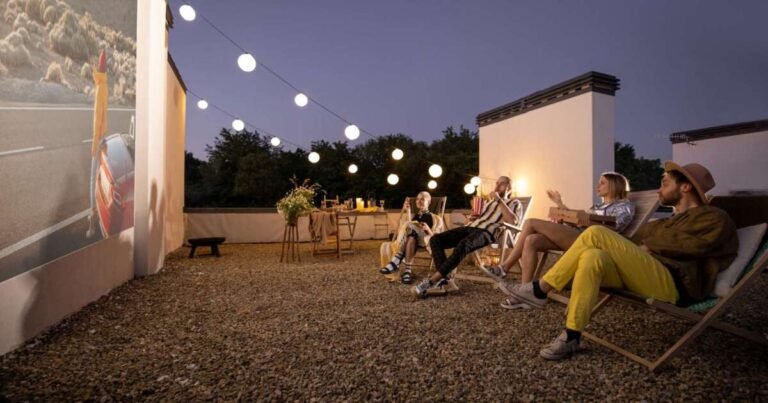
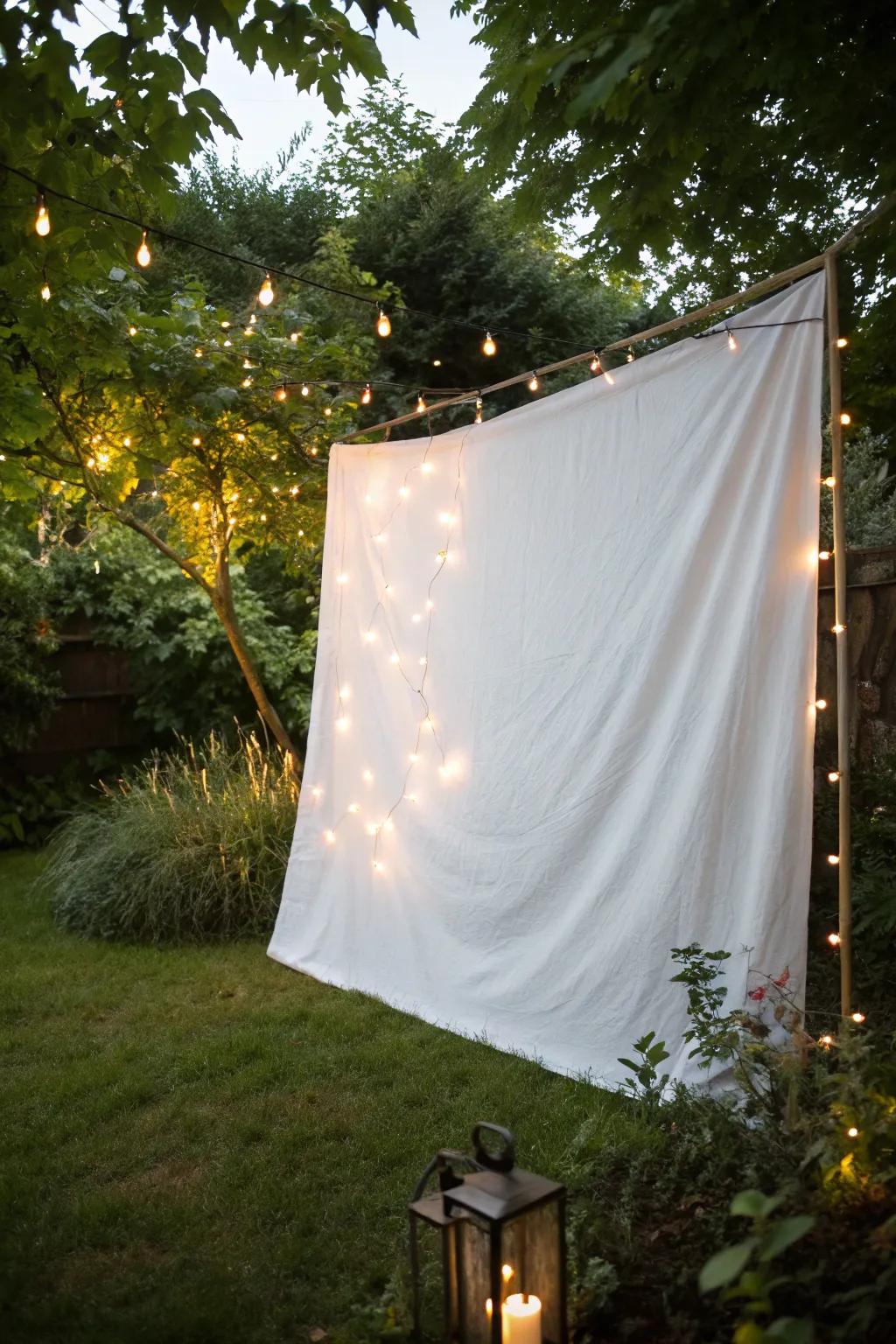
For a backyard setup, a simple frame can help. You can attach the sheet to a rectangular PVC frame with clips or elastic cords. The frame does not need to be permanent, but it should remain stable in light wind.
4. Position the projector
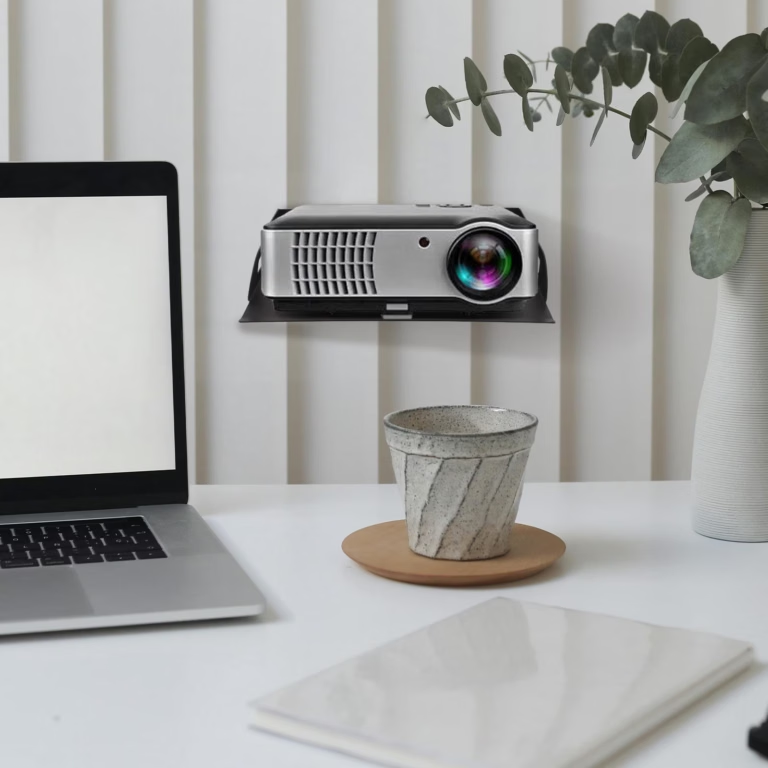
Place the projector on a steady table, shelf, tripod, or ceiling mount. Aim it at the center of the sheet.
Use the projector’s physical placement controls first:
- Move the projector left or right to center the image.
- Raise or lower it to match the screen.
- Move it closer or farther away to change image size.
- Keep the projector level when possible.
Digital keystone correction can fix some angles, but it often reduces image quality. Physical alignment usually produces a sharper image.
Check the projector manual for its throw distance and placement limits. A short-throw projector may sit close to the sheet, while a standard projector may need several feet of distance.
5. Adjust the image
Turn on the projector and display a menu or test image. Adjust:
- Focus
- Image size
- Aspect ratio
- Brightness
- Contrast
- Color mode
- Keystone correction, if needed
Focus on the center of the image first. If the center is sharp but the corners are blurry, the projector may be angled toward the sheet or positioned outside its recommended range.
6. Darken the room
Room light has a major effect on projector quality. Projectors can create bright images, but they cannot produce truly black light. Dark areas in the image are created by blocking or minimizing projected light.
For better results:
- Close blinds and curtains.
- Turn off ceiling lights.
- Move away from windows.
- Avoid placing the sheet near a bright porch light.
- Use the screen indoors after sunset when possible.
- Keep light from shining directly onto the sheet.
The darker the room, the more usable a sheet screen will be.

What Type of Sheet Is Best for a Projector?
A plain, matte, white flat sheet is usually the best household option. The best choice depends on the projector, room, and image size.
| Sheet or material | Main benefit | Main drawback | Best use |
|---|---|---|---|
| White cotton sheet | Easy to find and inexpensive | Can wrinkle and absorb light | Casual indoor viewing |
| White polyester sheet | Often smoother and less absorbent | May show texture or shine | Temporary movie nights |
| White blackout fabric | Blocks rear light well | Costs more than a sheet | Indoor or outdoor setups |
| Gray sheet | Can improve perceived contrast in dark rooms | Produces a dimmer image | Dark rooms with bright projectors |
| White shower curtain | Smooth and washable | May have sheen or texture | Temporary small screens |
| Purpose-made screen fabric | More even reflection and better control | Higher cost | Frequent viewing |
Avoid glossy fabric. A shiny surface can create hot spots, where part of the image looks much brighter than the rest. Matte fabric spreads reflected light more evenly.
For outdoor use, blackout cloth is often a better option than a single bedsheet. It blocks light from behind and may stay more opaque when the image is large.
How Big Should the Sheet Be?
The sheet must be larger than the projected image. Leave extra material around all sides so you can stretch and attach it.
For a 16:9 image, common screen sizes are approximately:
| Diagonal image size | Image width | Image height |
|---|---|---|
| 80 inches | 70 inches | 39 inches |
| 100 inches | 87 inches | 49 inches |
| 120 inches | 105 inches | 59 inches |
These are approximate dimensions for a 16:9 image. A 100-inch image is about 87 inches wide and 49 inches tall.
A standard U.S. queen flat sheet is often large enough for a 100-inch 16:9 image, but product dimensions vary. Check the actual measurements rather than relying only on the “queen” or “king” label.
Do not make the image as large as the sheet allows without checking projector brightness. As the image grows, the same light spreads over a larger area. The picture may look dimmer, especially in a room with lamps or windows.

White Sheet vs. Projector Screen
A white sheet is useful when cost and convenience matter more than perfect image quality. A real projector screen is better when you want a flat, even, repeatable image.
| Feature | White sheet | Projector screen |
|---|---|---|
| Cost | Low | Moderate to high |
| Setup | Easy but may need stretching | Usually designed for mounting |
| Surface flatness | Depends on the setup | Usually more consistent |
| Wrinkle risk | High | Low |
| Light control | Limited | Designed for projection |
| Image uniformity | May vary | Usually more even |
| Outdoor use | Convenient but can move in wind | Available in portable designs |
| Long-term use | Fabric may sag or collect dust | Built for repeated use |
A sheet can be the right choice for a temporary movie night, a school presentation, or testing a projector before buying a screen.
A dedicated screen is a better choice if you:
- Watch several times each week.
- Want a large image in a room with some light.
- Need accurate colors.
- Want a clean installation.
- Use a high-resolution projector.
- Need the same setup to work every time.
The biggest issue is not that the sheet is white. It is that the sheet may not be flat or uniform.
What Affects Picture Quality?
The sheet is only one part of the setup. The projector, room, image size, and viewing distance also matter.
Brightness
Projector brightness is often listed in ANSI lumens or another manufacturer measurement. More brightness can help overcome room light, but it does not solve every problem.
A bright projector may produce a watchable image on a sheet in a moderately dark room. A dim projector may look weak on a large sheet, even in a dark room.
Rather than focusing only on the lumen number, consider:
- Room brightness
- Screen size
- Projector distance
- Content type
- Wall and ceiling color
- Whether people sit directly in front of the sheet
A smaller image usually looks brighter than a larger image from the same projector.
Fabric texture
Fabric texture scatters light in different directions. A fine, even weave may look acceptable. A rough or patterned weave can soften text and fine detail.
This matters more for:
- Computer presentations
- Subtitles
- Small text
- High-resolution video
- Detailed game graphics
For movies viewed from a normal distance, minor texture may be less noticeable.
Wrinkles
Wrinkles create small changes in the sheet’s angle. The image may appear wavy, uneven, or distorted across the surface.
Wrinkles are especially easy to see in:
- Straight lines
- Sports score graphics
- Computer text
- Film credits
- White backgrounds
Steam or iron the sheet according to its care label before mounting it. Let it cool and dry before stretching it. Do not use heat near a running projector or electrical equipment.
Color
White reflects more projector light than dark colors. This can make the picture brighter, but white does not guarantee accurate color.
A colored wall or sheet can tint the image. Yellow, beige, blue, or gray fabric may change skin tones and other colors.
Viewing angle
A basic white sheet usually works best when viewers sit near the center of the image. At sharp side angles, the image may look less bright.
If people will sit across a wide room, a screen material with a wide viewing angle may provide a more consistent picture.

How to Make a DIY Projector Screen Frame
A frame makes a sheet screen flatter and easier to use. A simple frame can be made from PVC pipe, wood, or lightweight metal.
Basic PVC frame method
You will need:
- Four straight PVC pipes
- Four corner fittings
- A white sheet
- Clips, straps, or elastic cords
- A tape measure
- Optional black fabric for backing
Make the outside frame slightly larger than the visible image. Place the sheet over the frame and secure it from the center of each side outward. This spreads tension more evenly than starting at the corners.
Do not pull so hard that the sheet stretches out of shape. The goal is a smooth surface, not maximum force.
For outdoor use, add stable supports and weight the base. Wind can move a sheet like a sail. Never leave a temporary outdoor screen unattended in changing weather.
Improving the frame
You can improve the setup by:
- Adding black fabric behind the white sheet.
- Covering the frame edges with black material.
- Using elastic cords to maintain tension.
- Adding a black border around the viewing area.
- Using a level to keep the frame straight.
A black border can make the image appear more defined, but it is not required for the setup to work.

Troubleshooting a White Sheet Projector Screen
Start with the simplest and safest checks. Most problems come from room light, poor alignment, wrinkles, or an unsuitable sheet.
The image looks too dim
Possible causes include:
- The room is too bright.
- The image is too large.
- The sheet is too thin.
- Light is passing through the back.
- The projector is in an economy or low-power mode.
- The sheet is gray or heavily textured.
Try reducing the image size, darkening the room, adding a dark backing, or moving the projector closer if the manual allows it.
The picture looks blurry
Check the focus control first. Then make sure the projector is level and aimed straight at the sheet.
If only one corner is blurry, the projector may be angled toward the screen. If the whole image is blurry, clean the lens as directed by the manufacturer and check the source resolution.
The image looks wavy
The sheet is probably wrinkled or loose. Remove it, smooth it, and remount it with even tension on all sides.
If the sheet is mounted outdoors, wind may be causing movement. Add a rigid frame or move the setup indoors.
The image has bright spots
Bright spots can result from glossy fabric, a projector with a narrow viewing angle, or direct light reflecting toward the audience.
Try a matte sheet, move the projector and viewers, or use a screen material designed for a wider viewing angle.
The image is not rectangular
The projector may not be centered or level with the screen. Move the projector physically before relying on digital keystone correction.
Also check whether the sheet itself is hanging at an angle. A level frame or a straight reference line can help.
The sheet moves outdoors
Use a frame, strong clips, and weighted supports. A sheet can catch wind even when the air feels calm near the ground.
Do not use a temporary screen during thunderstorms or near wet electrical connections. Keep the projector and power equipment dry, and follow the projector manufacturer’s outdoor-use instructions.

Safety and Care Tips
A white sheet is generally simple to use, but it should not create a fire, trip, or electrical hazard.
Follow these precautions:
- Keep the sheet away from the projector’s vents.
- Do not drape fabric over the projector.
- Keep fabric away from hot lamps, heaters, candles, and grills.
- Use outdoor-rated extension equipment when required.
- Keep power connections away from rain and wet ground.
- Secure stands so children and pets cannot pull them down.
- Do not block exits, walkways, or stairways.
- Turn off and cool the projector before storing the sheet nearby.
- Wash the sheet according to its care label.
- Keep the sheet dry to prevent mildew.
Many modern projectors use LED or laser light sources, but they still produce heat and need airflow. A traditional lamp projector may become especially hot. The owner’s manual controls the safe clearance and operating limits for that model.

Frequently Asked Questions
Can I use a white sheet outside for a projector?
Yes. A white sheet can work outdoors after sunset or in a well-shaded area. Use a tight frame, dark backing, and secure supports. Wind, nearby lights, and moisture can quickly reduce image quality.
Is a white sheet better than a wall for a projector?
A smooth white wall may look better than a wrinkled or textured sheet. A sheet is more useful when the wall is colored, uneven, or unavailable. Test both surfaces if possible and choose the one with fewer marks and less texture.
Should I use a white or gray sheet?
Use white when you need more brightness or the room is not fully dark. Gray may improve perceived contrast in a dark room, but it reflects less light. The projector’s brightness and the room’s light level should guide the choice.
Can I use a black sheet as a projector screen?
A black sheet will absorb much of the projected light, so it is not usually a good front-projection screen by itself. Black fabric can work well behind a white sheet because it reduces light passing through the material.
Will a projector work on a bed sheet?
It can, but the sheet must be flat and stretched. A sheet lying on a bed will have folds and uneven angles, so the image will look distorted. Hang the sheet vertically for better results.
Conclusion
You can use a white sheet as a projector screen, especially for a low-cost or temporary setup in a U.S. home or backyard. Choose a smooth, matte sheet, stretch it tightly, darken the room, and keep the projector properly aligned.
If the image looks dim, add a dark backing or reduce the image size. If it looks wavy, fix the mounting tension before changing projector settings. For frequent viewing, a dedicated screen or blackout projection fabric will usually provide a flatter and more consistent picture.

Everett Calloway is a consumer electronics writer and technology enthusiast at ElectroDoz. He enjoys exploring the latest gadgets, electronic devices, and innovative technologies that make everyday life easier. Everett focuses on creating helpful product reviews, detailed buying guides, practical how-to articles, and troubleshooting tips. His goal is to simplify complex technical information and help readers understand product features, compare their options, and make informed purchasing decisions. When he isn’t researching new electronics, he enjoys exploring emerging technology trends and discovering useful gadgets.