Can You Use Any Projector For Golf Simulator: Best Guide
Introduction
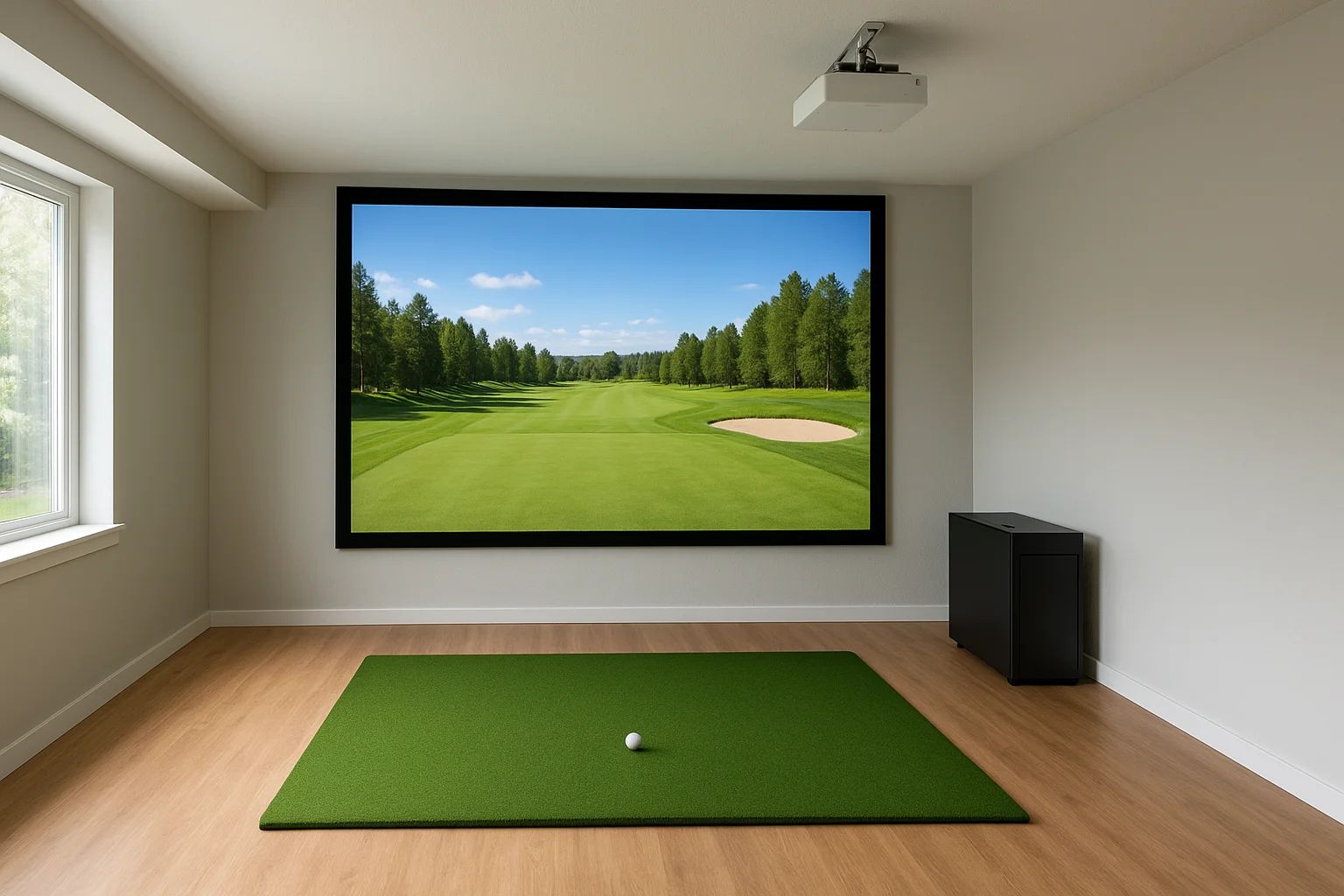
For a golf simulator in a U.S. home, garage, basement, or commercial bay, you can use many standard projectors—but not every projector will give you a good result. The projector must match your screen size, room depth, simulator software, lighting, and mounting plan.
A basic 1080p projector with HDMI may display a simulator image. However, a short-throw model with enough brightness, low input lag, and the right aspect ratio is usually a better fit. The wrong projector can create a dim image, large shadows, poor club visibility, or a setup that cannot fill the impact screen.
What Makes a Projector Suitable for a Golf Simulator?
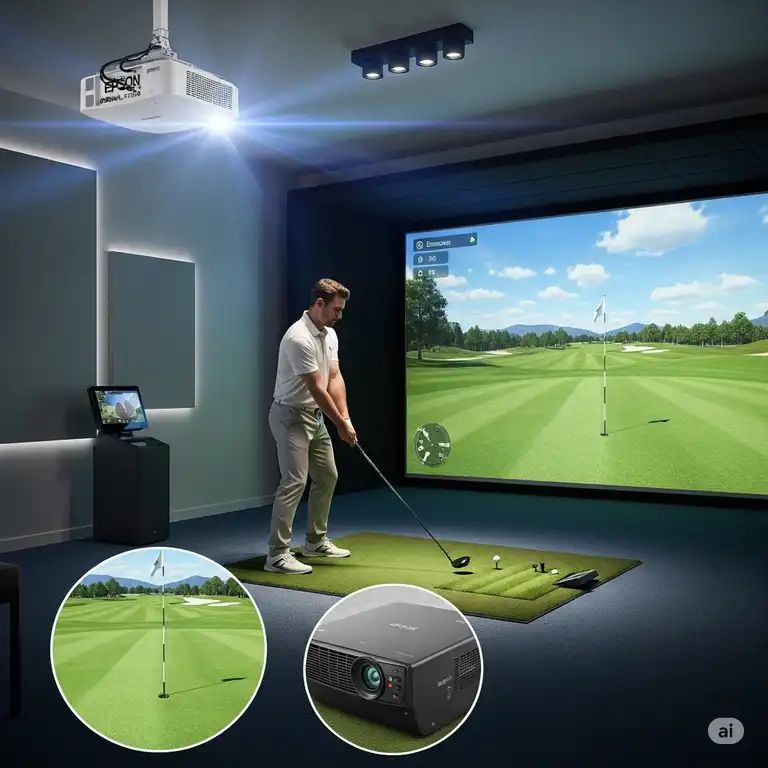
A golf simulator projector does not need a special “golf” label. It needs the right mix of image size, throw distance, brightness, resolution, and input support.
The main requirements are:
- A throw distance that fits your room
- Enough brightness for the screen and room light
- A resolution that keeps course details clear
- HDMI or another output supported by your computer, launch monitor, or device
- A wide-enough image to fill the screen
- Low enough input lag for a responsive image
- A safe mounting position outside the ball’s flight path
A normal home theater projector may work well. A small portable projector, office projector, or old classroom projector may not.
The projector does not create the simulation
The projector only displays the picture. Your simulator software and launch monitor create the golf data and course image.
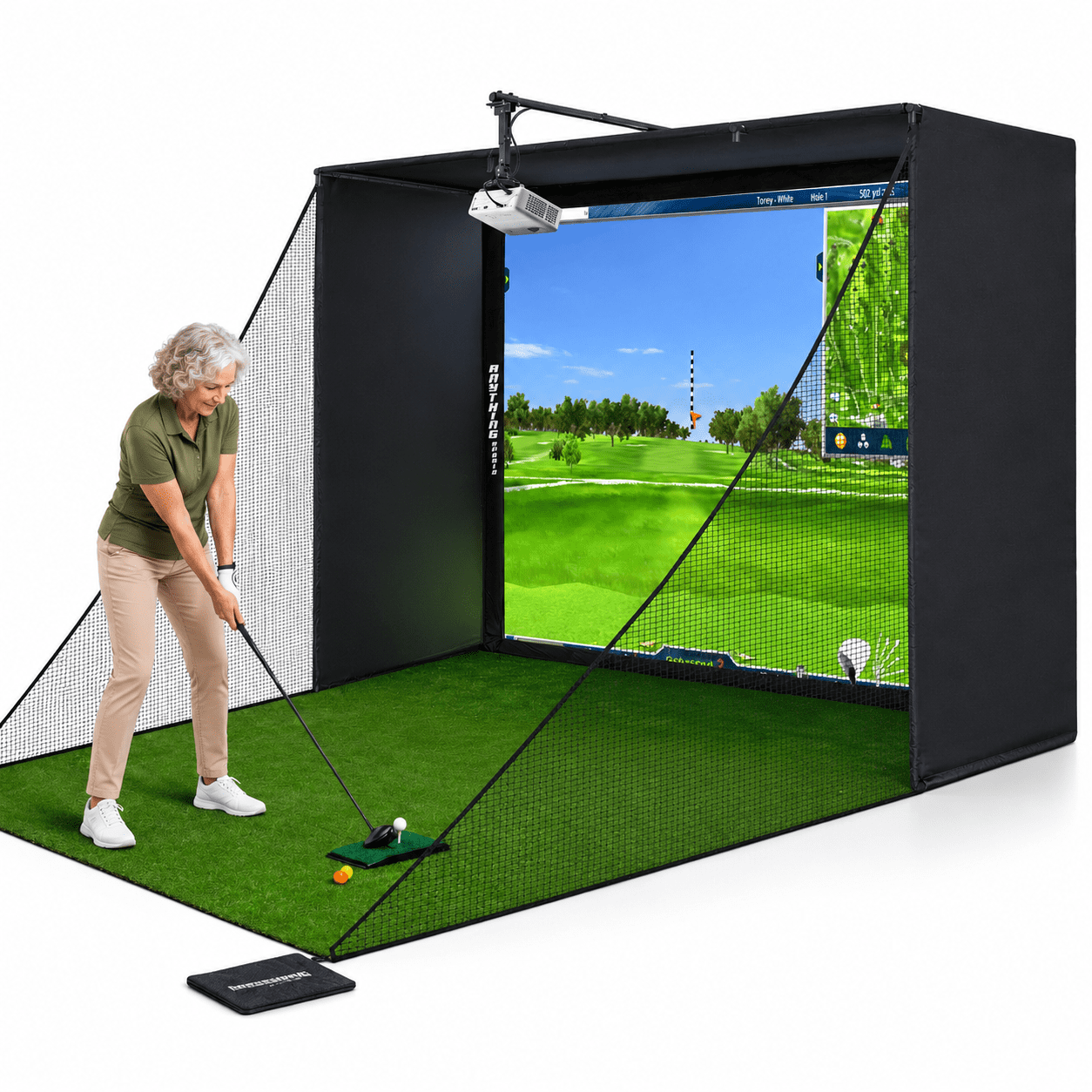
A typical setup includes:
- A launch monitor, such as a camera-based or radar-based unit
- A computer, tablet, or compatible streaming device
- Golf simulation software
- An impact screen or projection screen
- A projector
- A hitting mat and safe enclosure
The projector must accept the video signal from the device running the software. Always check the software and launch monitor maker’s supported display resolutions and connection types before buying.
Official setup guidance from companies such as Uneekor, Foresight Sports, SkyTrak, and Full Swing can vary by product and software version.
Why a regular projector may fail
A projector can turn on and still be a poor choice. Common problems include:
- The image is too small for the screen
- The projector sits too close or too far away
- The room light washes out the image
- The picture has black bars or leaves unused screen space
- The projector blocks the golfer’s view
- The image has a visible delay
- A short projector life raises replacement costs
- The projector is mounted where a golf ball or club could hit it
The key question is not “Will it show a picture?” The better question is “Will it show a clear, full-size, responsive picture in my room?”
What Projector Specs Do You Need for a Golf Simulator?
For most home golf simulators, start with the screen and room. Then choose the projector. Buying the projector first often leads to poor placement or an image that does not match the screen.
Resolution
A 1080p projector is the practical starting point for many golf simulator rooms. It gives a 1,920 × 1,080 image and can show course maps, shot data, and menus with useful detail.
A 4K projector can look sharper, especially on a large screen. It also costs more and may require a stronger computer, compatible software settings, and more graphics power.
| Resolution | Best use | Main trade-off |
|---|---|---|
| 720p | Small, low-cost practice setup | Soft text and course detail |
| 1080p | Most home simulator bays | Good balance of cost and clarity |
| 4K or enhanced 4K | Large screens and premium rooms | Higher projector and computer cost |
Resolution alone does not guarantee a sharp image. A dirty lens, poor focus, screen wrinkles, excess room light, or incorrect scaling can reduce image quality.
Brightness
Look for brightness stated in ANSI lumens or another recognized measurement. “LED lumens” and vague marketing labels may not compare directly with ANSI lumens.
The right brightness depends on:
- Screen size
- Screen gain
- Room lighting
- Projector distance
- Image mode
- Wall and ceiling color
- Whether you use the bay during the day
A dark room needs less brightness than a garage with an open door or bright overhead lights. A large screen also spreads the projector’s light over more area.
As a general starting point:
- A small, dark room may work with a lower-brightness 1080p projector.
- A medium home bay often benefits from roughly 3,000 to 4,000 ANSI lumens.
- A large screen or bright room may need more.
These are planning ranges, not universal rules. The projector maker’s measured brightness and your room conditions matter more than a generic lumen target.
Throw ratio
Throw ratio determines how far the projector must sit from the screen.
The formula is:
Throw ratio = projector distance ÷ image width
So, if a projector has a 0.5 throw ratio and your image is 10 feet wide:
0.5 × 10 feet = 5 feet
The projector would need to sit about 5 feet from the screen, subject to the model’s exact lens range and installation limits.
A short-throw projector creates a large image from a shorter distance. An ultra-short-throw projector sits very close to the screen, sometimes only inches away.
Short throw is often useful because it reduces shadows. Ultra-short throw can save space, but it may be more sensitive to screen flatness, mounting height, alignment, and distortion.
Aspect ratio
Aspect ratio is the shape of the image. Common choices include:
- 16:9 widescreen
- 16:10
- 4:3
Many golf simulator screens are wider than they are tall. A 16:9 projector may work well for a widescreen layout, while a 4:3 layout can produce a taller image with less unused space.
The best choice depends on the screen shape and software output. A projector with lens shift, zoom, or flexible image settings can make installation easier, but digital keystone correction can reduce image quality.
Input lag
Input lag is the delay between the computer sending a frame and the projector displaying it. A large delay can make menus feel slow and may make the simulator seem less responsive.
Golf simulators are not competitive television gaming systems, but low input lag still improves the experience. Check the manufacturer’s published gaming or input-lag information at the resolution and refresh rate you plan to use.
Lamp, LED, and laser light sources
Traditional lamp projectors may cost less at first. They can produce a good image, but lamps have a limited life and may become dimmer over time.
LED and laser projectors often offer:
- Longer light-source life
- Faster startup
- Less frequent lamp replacement
- More consistent brightness over time
They may cost more at purchase. A laser or LED model is not automatically brighter or better, so compare measured brightness, throw range, resolution, warranty, and price.
Should You Use a Short-Throw Projector?
A short-throw projector is often the easiest choice for a golf simulator, but it is not required.
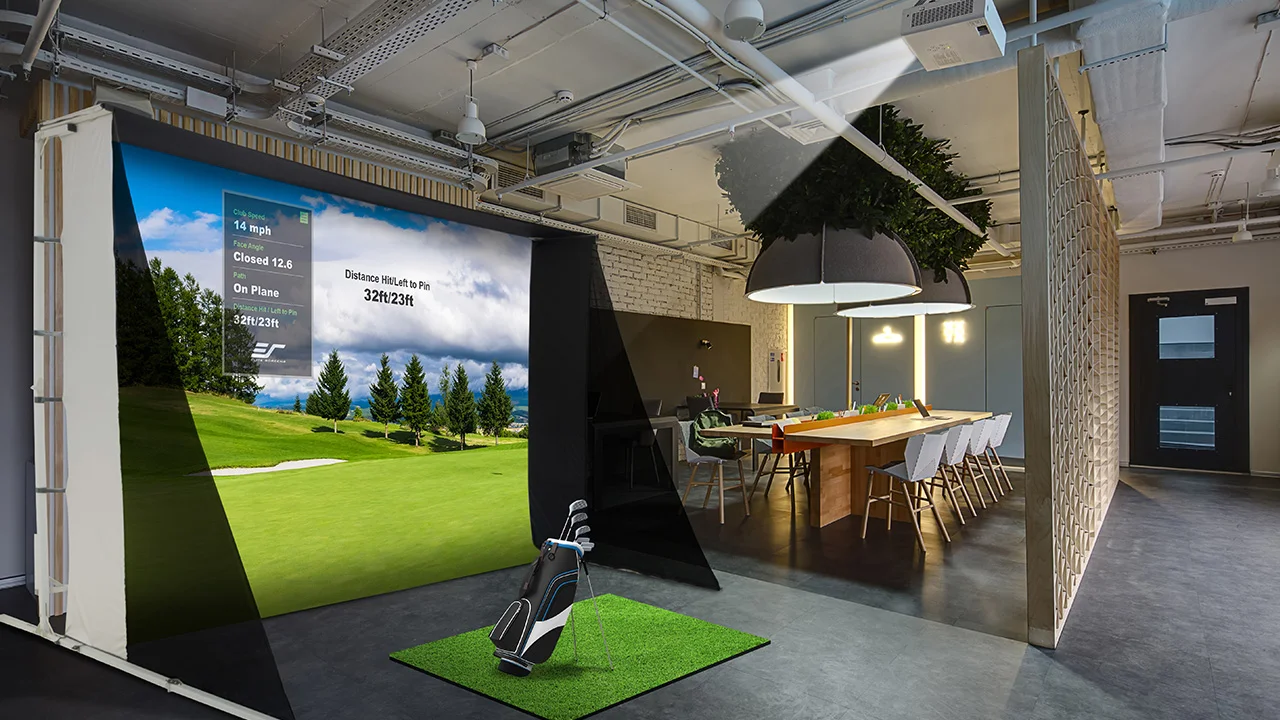
A short-throw model can create a large image while sitting closer to the screen. This helps keep the projector out of the golfer’s line of sight and reduces the chance that the golfer’s body will cast a shadow on the screen.
A standard-throw projector may work when:
- The room has enough depth
- The projector can mount behind the hitting area
- Shadows are not a major concern
- The lens can fill the screen at the planned distance
An ultra-short-throw projector can work in a compact room, but installation requires more care. Small changes in angle can create large image errors near the edges. The screen should be flat and firmly tensioned.
A simple placement example
Suppose your screen is 12 feet wide and your projector has a throw-ratio range of 0.5 to 0.7.
- Minimum distance: 12 × 0.5 = 6 feet
- Maximum distance: 12 × 0.7 = 8.4 feet
The projector must sit within roughly that range for the image to fill the screen without relying on heavy digital correction.
Use the exact throw-ratio calculator or installation guide for your projector model. Lens shift, zoom, and chassis depth can change the real mounting position.
Avoid relying on keystone correction
Keystone correction changes the image shape digitally so it appears rectangular on an angled screen. It can help with small placement errors, but heavy correction may soften the picture and reduce the usable image area.
Physical alignment is better:
- Place the projector square to the screen.
- Set the lens at the correct height.
- Use optical lens shift when available.
- Focus the image.
- Use digital correction only for minor adjustments.
Can a 4K Projector Improve a Golf Simulator?
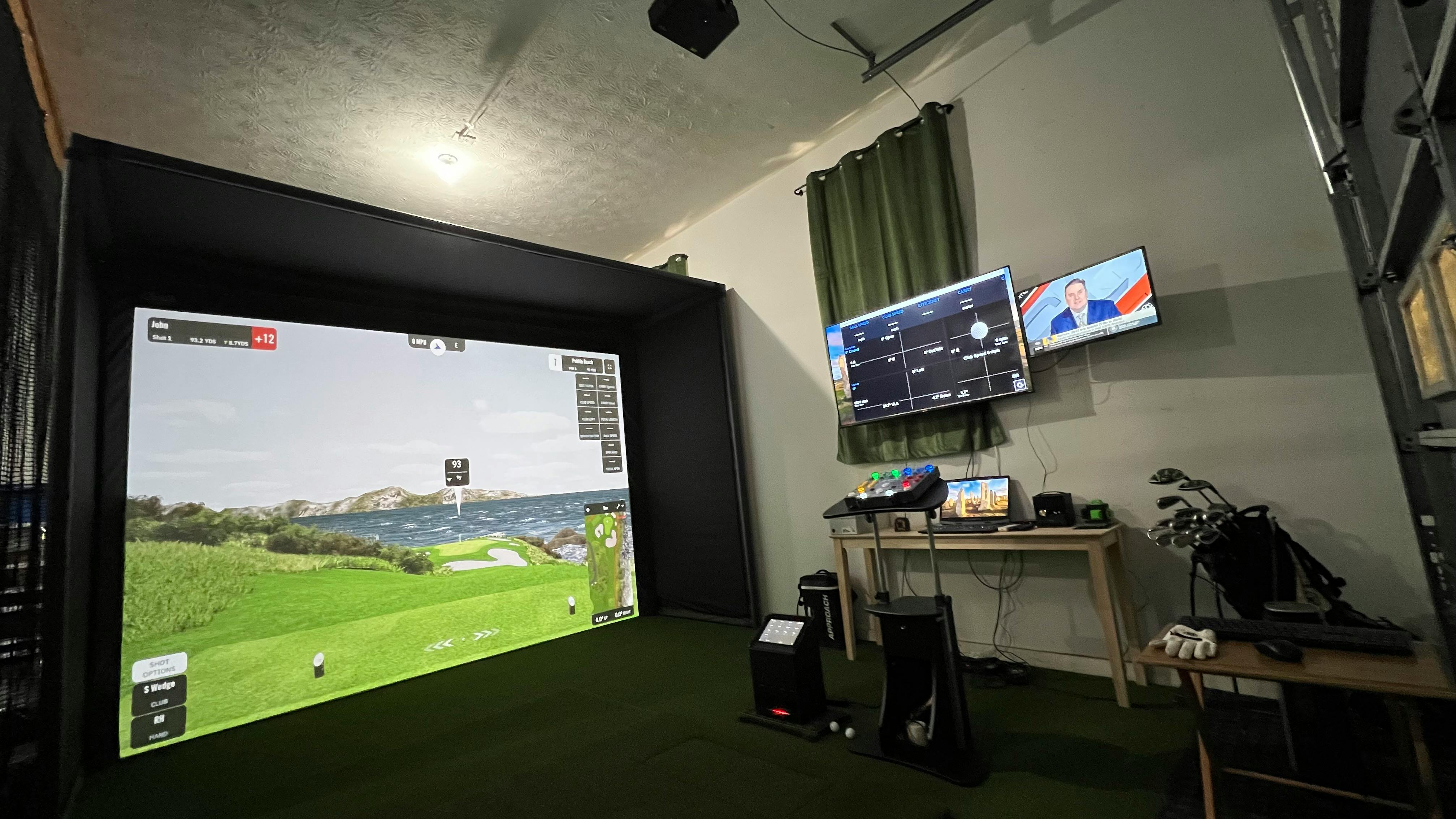
A 4K projector can improve sharpness, but it is not necessary for every golf simulator.
A 4K model is most useful when you have:
- A large impact screen
- A seating position close to the screen
- High-resolution simulator software
- A computer that can render the required resolution
- A budget that allows the extra cost
A good 1080p projector can still look clear on a smaller or medium-sized screen. The screen fabric, focus, brightness, and room lighting may affect the image more than the move from 1080p to 4K.
Do not buy a 4K projector just because the word “4K” appears on the box. Some models use pixel shifting or enhancement rather than a native 3,840 × 2,160 imaging chip. That does not make them useless, but the design should be clear before you compare prices.
How Do You Match a Projector to Your Golf Simulator Screen?
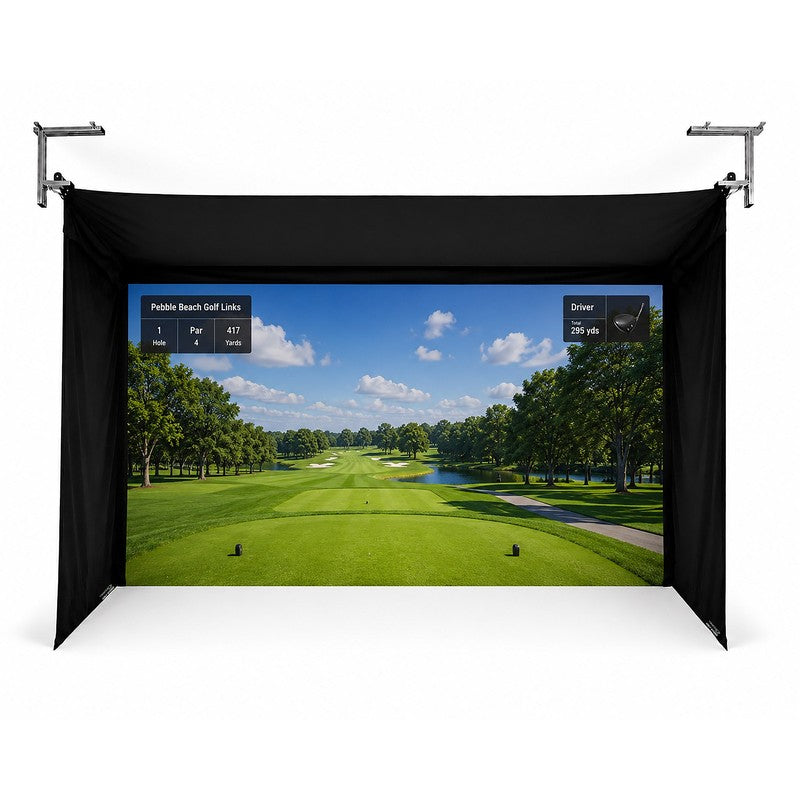
Match the projector to the screen’s visible width and height, not just the outside frame size.
Measure:
- Usable image width
- Usable image height
- Distance from the planned projector lens position to the screen
- Ceiling height
- Hitting position
- Available side and rear clearance
Then check the projector’s:
- Throw-ratio range
- Supported resolution
- Aspect-ratio options
- Brightness rating
- Lens shift
- Zoom range
- Mounting orientation
- HDMI specifications
Screen size example
Assume a 16:9 screen is 12 feet wide.
The screen height is:
12 × 9 ÷ 16 = 6.75 feet
The diagonal is about 13.8 feet, or roughly 166 inches.
That is a large image. A projector that looks bright on a 100-inch television-style image may look less bright when spread across a screen of this size.
If the screen is 4:3, the height and image shape change. Do not assume a 16:9 projector will fill a 4:3 screen efficiently.
Can You Mount Any Projector Above the Golf Hitting Area?
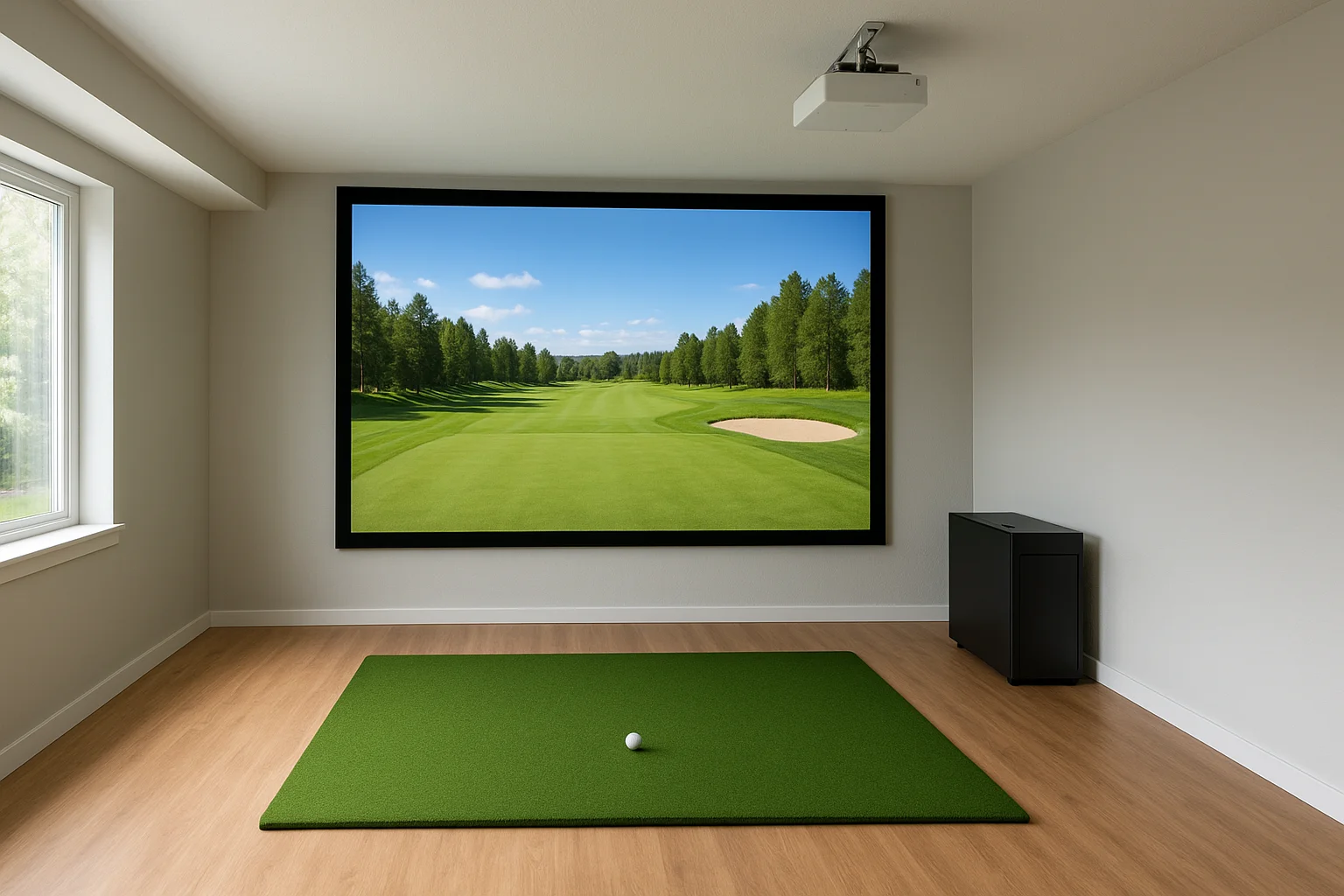
You can mount some projectors above or behind the hitting area, but the mount and projector location must be safe.
Do not place the projector where a golf ball, club, or rebound could reach it. A ceiling mount should attach to a suitable structural point and support the projector’s weight. Follow the mount and projector instructions.
Also consider:
- Securely routing power and HDMI cables
- Keeping cables away from the swing path
- Leaving room for ventilation
- Avoiding blocked air vents
- Protecting the lens from dust
- Allowing access for cleaning or service
- Using a protective enclosure only if it does not trap heat
A projector that overheats may shut down or suffer shortened component life. Never cover ventilation openings with fabric, foam, or an improvised box.
For a permanent ceiling installation, follow local electrical and building requirements. If the mount needs new wiring, a licensed electrician or qualified installer can help ensure the work is safe.

Common Projector Mistakes in Golf Simulators
The most common mistake is choosing a projector based only on price or resolution.
Buying before measuring
A projector may have the right brightness but the wrong throw distance. Measure the room first.
Ignoring ambient light
Bright garage lights, white walls, and sunlight can make a projector image look weak. Darkening the room may improve the picture more cheaply than buying a much brighter projector.
Using the wrong screen shape
A 16:9 projector does not automatically make a 4:3 screen look right. Match the image shape to the screen and software settings.
Putting the projector in the ball path
A good image is not worth risking expensive equipment or personal injury. Place the projector outside the likely impact zone.
Overusing digital correction
Large keystone adjustments can reduce sharpness. Align the projector physically when possible.
Forgetting the computer
A 4K projector cannot create 4K detail if the computer, graphics card, cable, or software only sends a lower-resolution signal.
Treating brightness claims as equal
Compare ANSI or ISO measurements carefully. Marketing terms may use different test methods and should not be treated as directly equal.
Projector Buying Checklist for a Golf Simulator
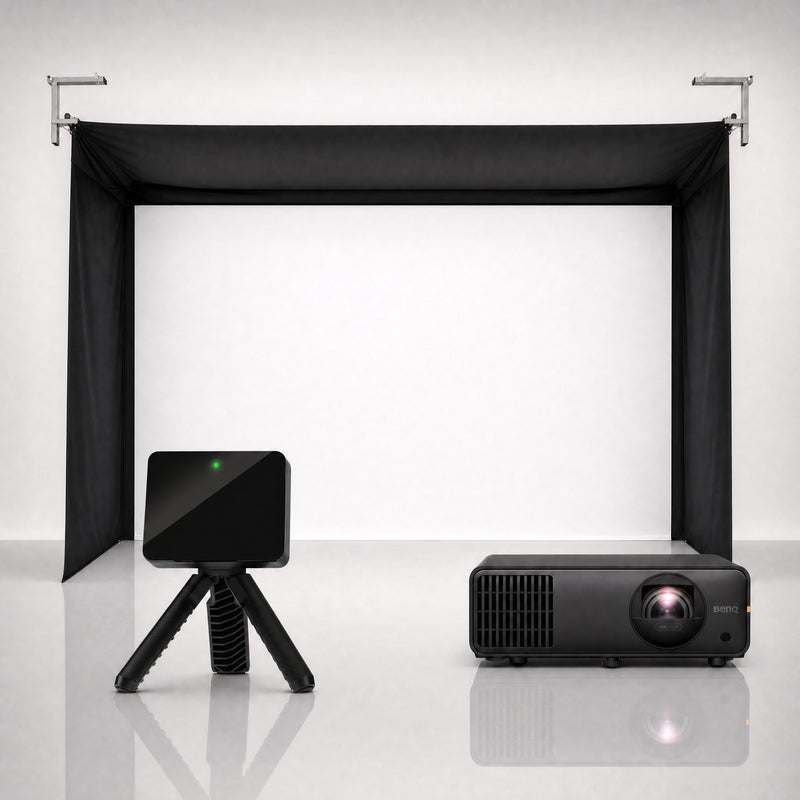
Use this checklist before you buy:
- I measured the screen’s usable width and height.
- I measured the lens-to-screen distance.
- The projector’s throw range fits that distance.
- The aspect ratio matches the screen layout.
- The projector supports the output from my simulator computer or device.
- The brightness suits the room’s light level.
- The resolution fits my screen size and budget.
- The projector has acceptable input lag.
- The mounting point keeps it away from balls and clubs.
- Ventilation and cable routing are safe.
- Replacement lamp or light-source service costs are acceptable.
- The warranty applies to my region and intended use.
A projector that passes this list is more likely to work well than one selected by brand name alone.
Frequently Asked Questions
Can I use a 1080p projector for a golf simulator?
Yes. A 1080p projector is a common and practical choice for many home golf simulator rooms. It can show course images and shot data clearly when the projector is focused, bright enough, and matched to the screen.
Is a short-throw projector required?
No. It is helpful, but not required. A standard-throw projector can work if the room has enough depth and the unit can sit far enough behind the golfer without creating shadows.
Is 3,000 lumens enough for a golf simulator?
It may be enough for a smaller screen in a controlled, darker room. It may not be enough for a large screen in a bright garage. Check the brightness measurement, screen size, and room light together.
Can I use a TV instead of a projector?
Yes, if the display is large enough and fits the simulator layout. A TV can be brighter and simpler to set up, but a projector and impact screen usually provide a much larger hitting image.
Do I need a gaming projector?
No. A gaming projector is not required. Low input lag can help, but throw distance, brightness, resolution, screen fit, and safe installation are usually more important.
Can the projector display launch-monitor data?
The projector displays whatever image the connected computer or device sends. Whether it can show launch-monitor data depends on the launch monitor, software, computer, and connection—not on the projector alone.
Final Answer: Can You Use Any Projector for a Golf Simulator?
You can use many projectors for a golf simulator, but you should not use just any projector without checking its specifications.
For most U.S. home setups, a 1080p or better projector with suitable brightness, HDMI support, low input lag, and a throw distance that fits the room is a sensible starting point. A short-throw model can reduce shadows and save space, while a 4K model may improve detail on a large screen.
Measure the room and screen first. Then confirm throw ratio, brightness, aspect ratio, resolution, connections, and safe mounting. That process matters more than choosing a projector simply because it is labeled for golf or has the highest advertised resolution.

Everett Calloway is a consumer electronics writer and technology enthusiast at ElectroDoz. He enjoys exploring the latest gadgets, electronic devices, and innovative technologies that make everyday life easier. Everett focuses on creating helpful product reviews, detailed buying guides, practical how-to articles, and troubleshooting tips. His goal is to simplify complex technical information and help readers understand product features, compare their options, and make informed purchasing decisions. When he isn’t researching new electronics, he enjoys exploring emerging technology trends and discovering useful gadgets.